

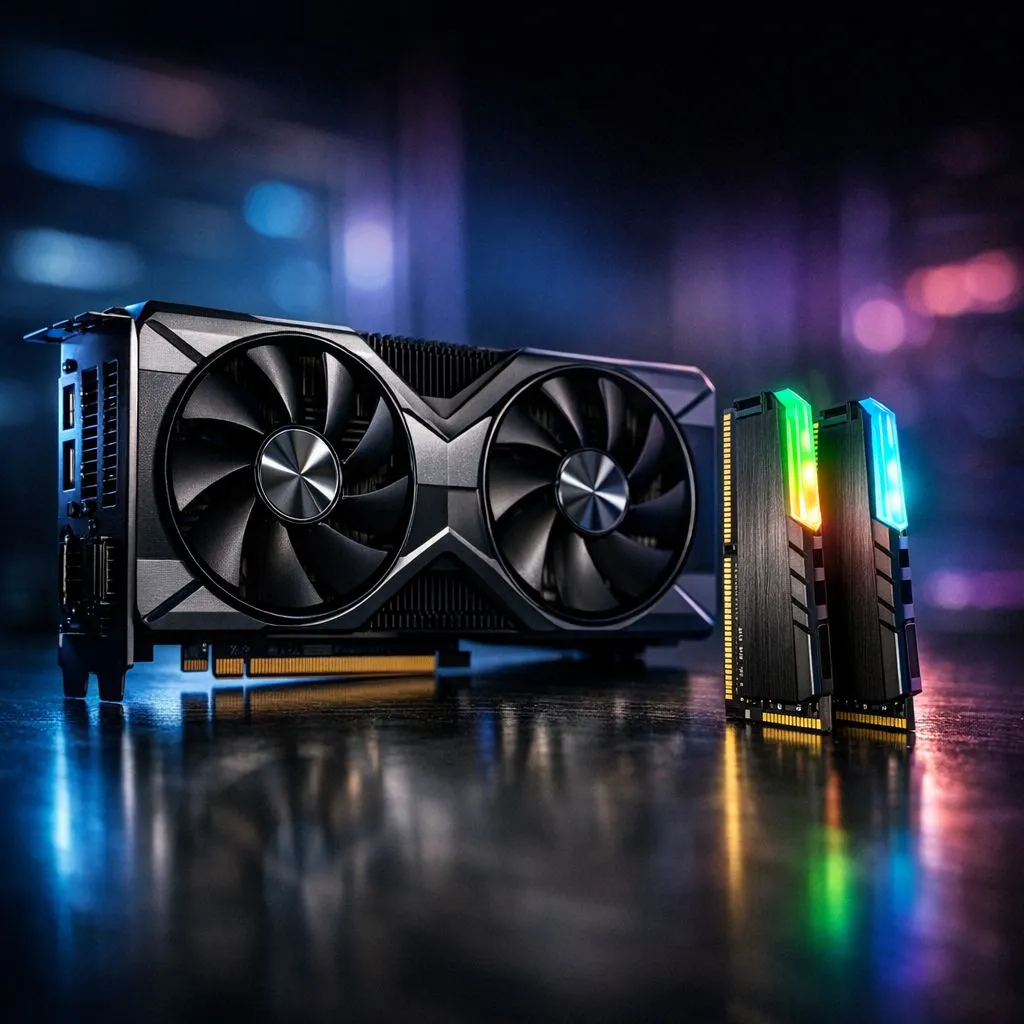
Why Your MSFS Upgrade RAM vs GPU Choice Matters
Flying over a photorealistic Cape Town at 15 FPS feels more like a slideshow than a simulation. Microsoft Flight Simulator is a notorious resource hog that pushes modern hardware to its absolute limit. If you are on a budget, deciding whether to prioritise GPU or RAM for performance determines if you soar or stall. Let's look at which component deserves your Rands first to ensure a smooth flight across the Karoo. ✈️
The Case for Prioritising Your GPU
In MSFS, the Graphics Processing Unit handles everything you see. This includes the volumetric clouds, the lighting, and the intricate cockpit textures. If you play at 1440p or 4K, your GPU is the primary bottleneck. A beefier card allows for higher graphical presets without turning your flight into a stuttering mess.
However, a GPU upgrade is often the most expensive path. If your current card has less than 8GB of VRAM, you will struggle with high-resolution textures. Upgrading here provides the most immediate visual "wow" factor... but it cannot fix everything.
When RAM Becomes the Real Bottleneck
MSFS is unique because it streams massive amounts of data from the cloud. This data needs a place to sit while the CPU processes it. If you have 16GB of RAM or less, you will likely experience "stutters" when flying into busy airports like OR Tambo.
For those on older platforms, checking out DDR3 gaming RAM modules might be necessary for legacy system stability. However, modern pilots should look at DDR4 memory as the baseline for a smooth experience. If you are building a new 13th or 14th Gen Intel or AM5 system, DDR5 memory is the way to go for maximum bandwidth. 🚀
MSFS Optimization Tip ⚡
Turn off "Rolling Cache" if you have a high-speed fibre connection. This can sometimes reduce stuttering caused by slow SSD writes during flight. Also, ensure your RAM is running at its rated XMP or EXPO speed in the BIOS to get the most out of your hardware investment.
Finding the Sweet Spot for South African Gamers
If you already have a decent mid-range GPU, adding more memory is often the more cost-effective upgrade. MSFS developers recommend 32GB for the best experience. Even if you are hunting for older 32GB DDR3 modules for a secondary simulator rig, capacity is king.
Reliable kits from brands like Teamgroup provide the stability needed for long-haul flights. If your sim keeps crashing to desktop, it is likely a memory issue rather than a GPU limitation. 🔧
Final Verdict: GPU or RAM?
If your frame rate is consistently low, upgrade your GPU. If your frame rate is high but "jerky" or stuttering, upgrade your RAM. For most South Africans looking for the best ZAR-per-frame value, moving to 32GB of high-quality RAM is the smartest first step before dropping five figures on a new graphics card. ✨
Ready to Elevate Your Flight Sim Experience? Deciding on the right MSFS upgrade RAM vs GPU path is easier with the right parts. Whether you need a powerhouse graphics card or a high-speed memory kit, we have the best deals in SA. Explore our massive range of PC components and take your simulation to new heights today.











