

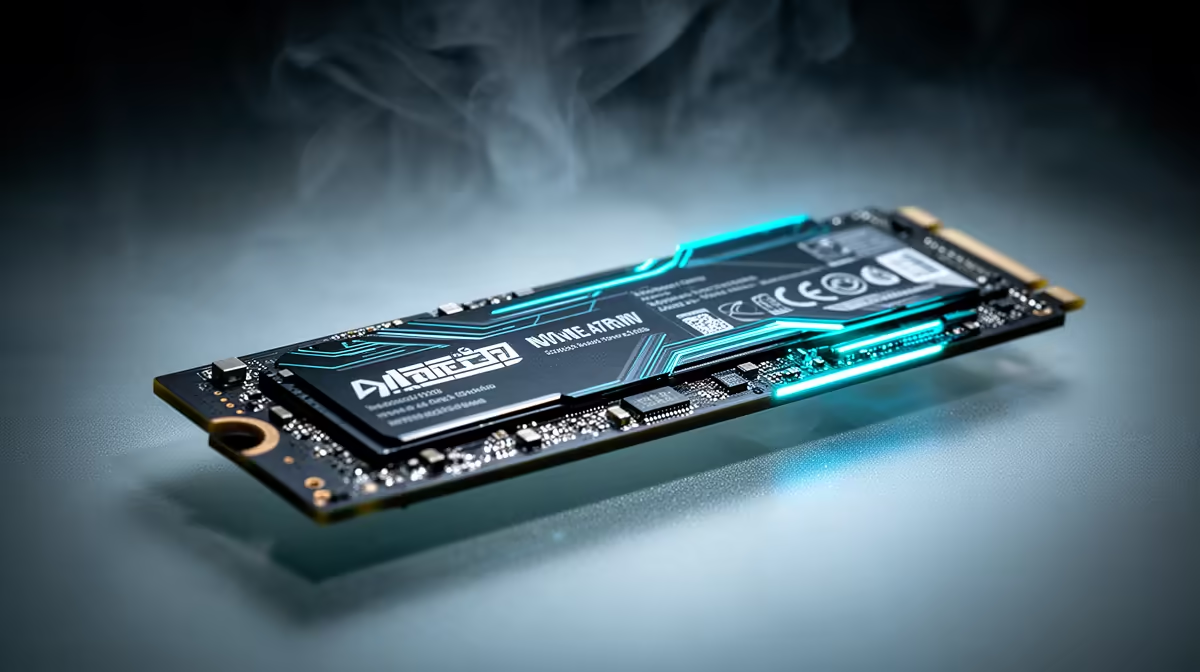
Staring at a loading screen while your mates are already dropping into the gulag? We’ve all been there. That frustrating delay, the stuttering textures… it’s enough to make you want to rage-quit before the match even starts. But what if the bottleneck isn't your GPU or CPU? For many, the answer lies in their storage. It's time to talk about the single biggest performance leap you can make: upgrading to an NVMe SSD in South Africa.
What Exactly is an NVMe SSD?
Let's cut through the jargon. Think of your old hard drive (HDD) as a library where a mechanical arm has to physically find the right book on a shelf. A traditional SATA SSD is like having a librarian who can magically teleport to the right shelf—much faster, but still limited by the library's layout.
An NVMe (Non-Volatile Memory Express) SSD, however, plugs directly into your motherboard's PCIe slot. This is the same super-fast lane your graphics card uses. It's less like a library and more like having the information beamed directly into your brain. ⚡ The speed difference is massive, turning minutes into seconds. While older 2.5-inch SATA SSDs were a great step up, NVMe is the current gold standard.
Choosing the Right NVMe SSD in South Africa
Finding the perfect drive isn't just about grabbing the one with the biggest numbers. For an NVMe SSD, South Africa's market offers a huge range, so let's focus on what truly matters for your rig and your wallet.
Performance: Gen3 vs. Gen4 vs. Gen5
- PCIe Gen3: The trusty workhorse. Still incredibly fast for most gaming and general use, offering fantastic value for money.
- PCIe Gen4: The new standard. Offers roughly double the potential speed of Gen3. Ideal for serious gamers, content creators, and anyone who wants to future-proof their build.
- PCIe Gen5: The bleeding edge. Blisteringly fast but currently comes with a premium price tag and requires the latest motherboards.
For most users, a quality Gen4 drive hits the sweet spot between price and jaw-dropping performance.
Check Your Motherboard! 🔧
Before you buy, check your motherboard's manual or product page for "M.2 slots." Confirm which PCIe generation it supports (e.g., PCIe 4.0 x4) and the physical key type (usually 'M-Key' for NVMe) to ensure full compatibility and speed.
Capacity: How Much Do You Need?
With games like Call of Duty and Baldur's Gate 3 easily topping 150GB, storage space vanishes quickly.
- 500GB: A great starting point for your operating system and a few favourite games.
- 1TB: The sweet spot for most gamers. Plenty of room for your OS, key applications, and a healthy library of current titles.
- 2TB+: For the enthusiast who wants everything installed at once or works with large video files.
Don't forget you can browse a wide variety of SSDs and other components to find the perfect capacity for your needs.
The Real-World Speed You Can Feel 🚀
Benchmarks are one thing, but how does an NVMe upgrade actually feel? It’s the snappy, instant response you get from your PC.
- Booting Windows: Goes from a coffee break to a 5-second affair.
- Game Loading: Fast-travel in an open-world game becomes almost instant. You'll be the first person loaded into the lobby, every time.
- Productivity: Large files, video timelines, and complex projects load and save in a flash.
It’s a quality-of-life upgrade that removes the small waits and frustrations that add up throughout the day. If you're hunting for a deal, Evetech always has some of the best SSD deals in South Africa, making this powerful upgrade more accessible than ever. An NVMe drive truly makes your entire system feel more responsive and modern.
Ready for an Instant-Speed Upgrade? Stop waiting and start playing. Explore our massive range of NVMe SSDs and find the perfect drive to supercharge your PC today. Shop NVMe SSDs now at Evetech for performance that leaves lag in the dust.











