

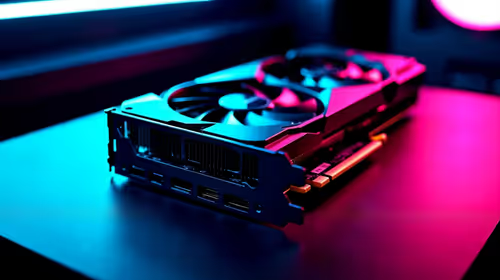
Should You Upgrade to the RX 7600 from a RTX 4090?
Should You Upgrade to the RX 7600 from a RTX 4090 Detailed answer with SA data, expert analysis & practical recommendations for local buyers.
Read moreOffice PC upgrade made simple: learn low-cost component swaps, software tweaks, and peripheral picks that boost productivity without breaking the bank. ⚙️💡
Is your office computer moving at the speed of a Telkom landline installation? That frustrating lag when you switch between spreadsheets, your email client, and a dozen Chrome tabs... it’s the productivity equivalent of high ping. Before you consider dropping a fortune on a whole new machine, know this: a simple and affordable office PC upgrade can completely transform your workday. We’ll show you where to spend your money for the biggest impact. 🚀
Think of RAM (Random Access Memory) as your computer's short-term memory or its available workspace. The more tabs, applications, and documents you have open, the more workspace you need. When you run out, your PC starts using your much slower storage drive as temporary memory, causing that familiar, infuriating slowdown.
For most modern office work, 8GB is the absolute minimum. But the real sweet spot for smooth multitasking is 16GB. This simple office PC upgrade ensures you can jump between tasks without a stutter.
Before you buy, you need to know what type of RAM your computer's motherboard supports. It's usually printed right on the board or can be found using a simple tool like CPU-Z.
While RAM is a fantastic starting point for any office PC upgrade on a budget, another component offers a massive perceived speed boost: the storage drive.
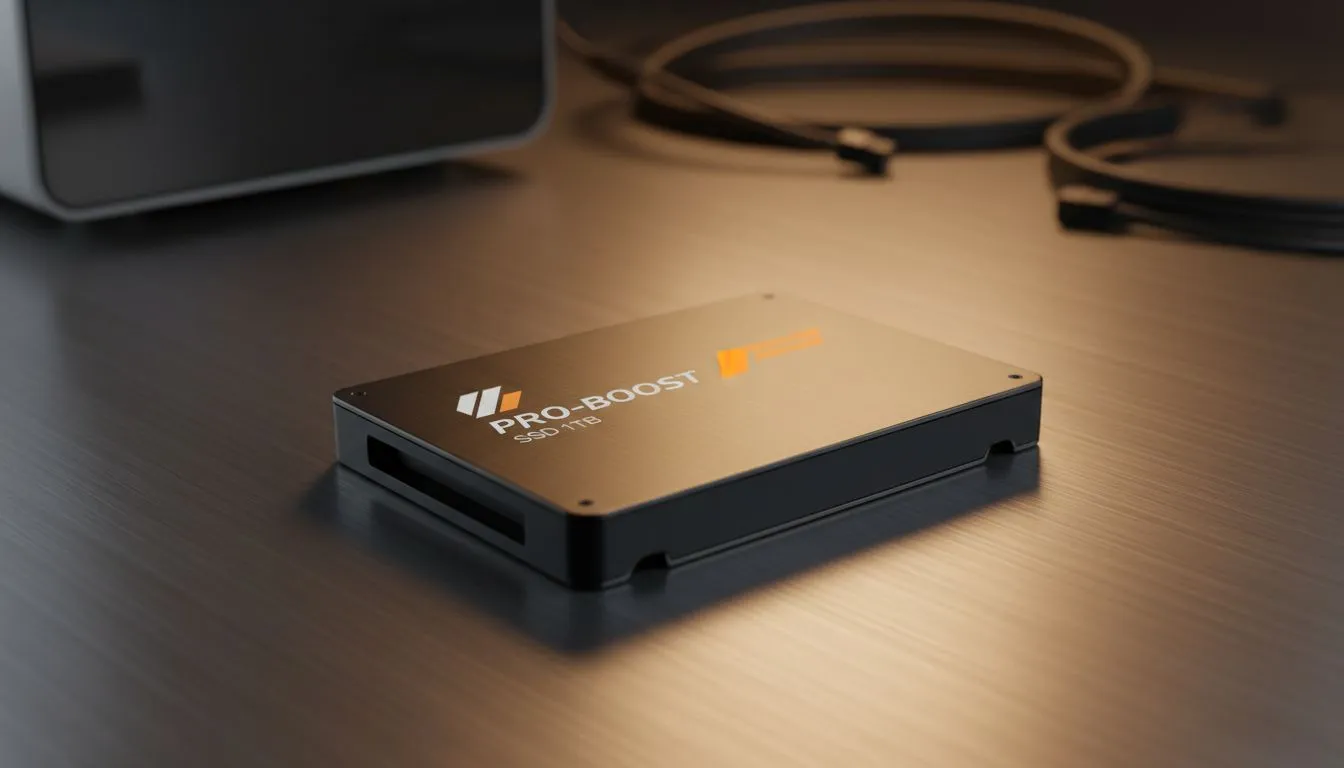
If your computer still runs on a traditional Hard Disk Drive (HDD), upgrading to a Solid-State Drive (SSD) is the single most noticeable improvement you can make. Your PC will boot up in seconds, applications will launch instantly, and searching for files will be a breeze. It truly makes an old PC feel brand new. Combining a RAM upgrade with a new SSD is the ultimate one-two punch for productivity.
Before purchasing any new components, double-check your motherboard's specifications. Ensure you're buying the correct type of RAM (e.g., DDR4, not DDR5) and that you have the right connection for your new SSD (e.g., SATA or NVMe M.2). A quick search for your motherboard model online will save you a massive headache.
When you're ready to make the jump, especially with the newest tech, sticking with reputable brands ensures stability and performance. For example, kits from top-tier Kingston DDR5 are known for their rock-solid reliability. Likewise, choosing performance-focused ADATA DDR5 can give you incredible speed for a great price, making your investment in upgrading an office PC go even further.
You don't need a massive budget to escape the agony of a slow work computer. A targeted office PC upgrade focused on RAM and storage delivers the best bang-for-your-buck, turning your sluggish machine into a productivity beast. ✨
Ready to Banish Lag for Good? A strategic office PC upgrade doesn't have to break the bank. For a few hundred Rand, you can transform a sluggish machine into a productivity powerhouse. Explore our massive range of PC components and find the perfect parts to conquer your workday.
Adding an SSD and more RAM are the fastest, cost-effective upgrades to improve boot, app load times, and multitasking.
Expect to spend $80–$250 for SSD, RAM, and a quality mouse/keyboard—enough for noticeable productivity gains.
Yes. Check your motherboard's max RAM and free slots, then add compatible modules to upgrade office PC RAM on a budget.
Absolutely. Replacing an HDD with a budget SSD dramatically speeds boot and app launch times, improving daily productivity.
Checklist: backup data, confirm compatibility, upgrade SSD/RAM, update drivers, optimize software, and test performance.
Most office workloads don’t need a powerful GPU. A basic integrated or low-cost discrete GPU suffices unless you do heavy graphics work.
Optimize OS settings, uninstall bloatware, use lighter apps, add dual monitors or ergonomic peripherals for big productivity wins cheaply.
Should You Upgrade to the RX 7600 from a RTX 4090 Detailed answer with SA data, expert analysis & practical recommendations for local buyers.
Read more
When Will the RTX 6090 Launch in South Africa Detailed answer with SA data, expert analysis & practical recommendations for local buyers.

Top Valorant Settings for RTX 5070: FPS Optimisation picks evaluated on performance, value & SA availability with current Rand pricing from Evetech.

RDNA 3.5 Graphics in Ryzen AI 400? Can You Game. Plain-English explanation of what it means, why it matters & how it affects your buying decisions in SA.

GPU Price Index : December Report. Current stock data & price tracking for SA buyers. See what is available and where prices are heading.

Core i5-14600K + B760 + RTX 5060 Build Under. Full parts list, Rand pricing & expected performance. Build confidently with SA-available components.

RX 7600 Apex Legends at 4K: FPS Benchmark. Real-world benchmark data, FPS numbers & performance analysis. What SA gamers can actually expect.

RX 7900 XTX GTA 6 at 4K: FPS Benchmark & Optimal. Real-world benchmark data, FPS numbers & performance analysis. What SA gamers can actually expect.

Head-to-head comparison of RTX 5070 vs RX 9070 XT: Gaming Performance for SA gamers. Performance benchmarks, Rand pricing & which delivers better value.

GPU Setup Guide Gamers. Clear setup instructions with SA-specific considerations, troubleshooting tips & recommended components.

Top RTX 5090 Under R12000 picks evaluated on performance, value & SA availability with current Rand pricing from Evetech.

Call of Duty Warzone 2 Settings on RX 7600. Real-world benchmark data, FPS numbers & performance analysis. What SA gamers can actually expect.

GTA 6 Settings on RTX 5070 Ti: Performance. Real-world benchmark data, FPS numbers & performance analysis. What SA gamers can actually expect.