

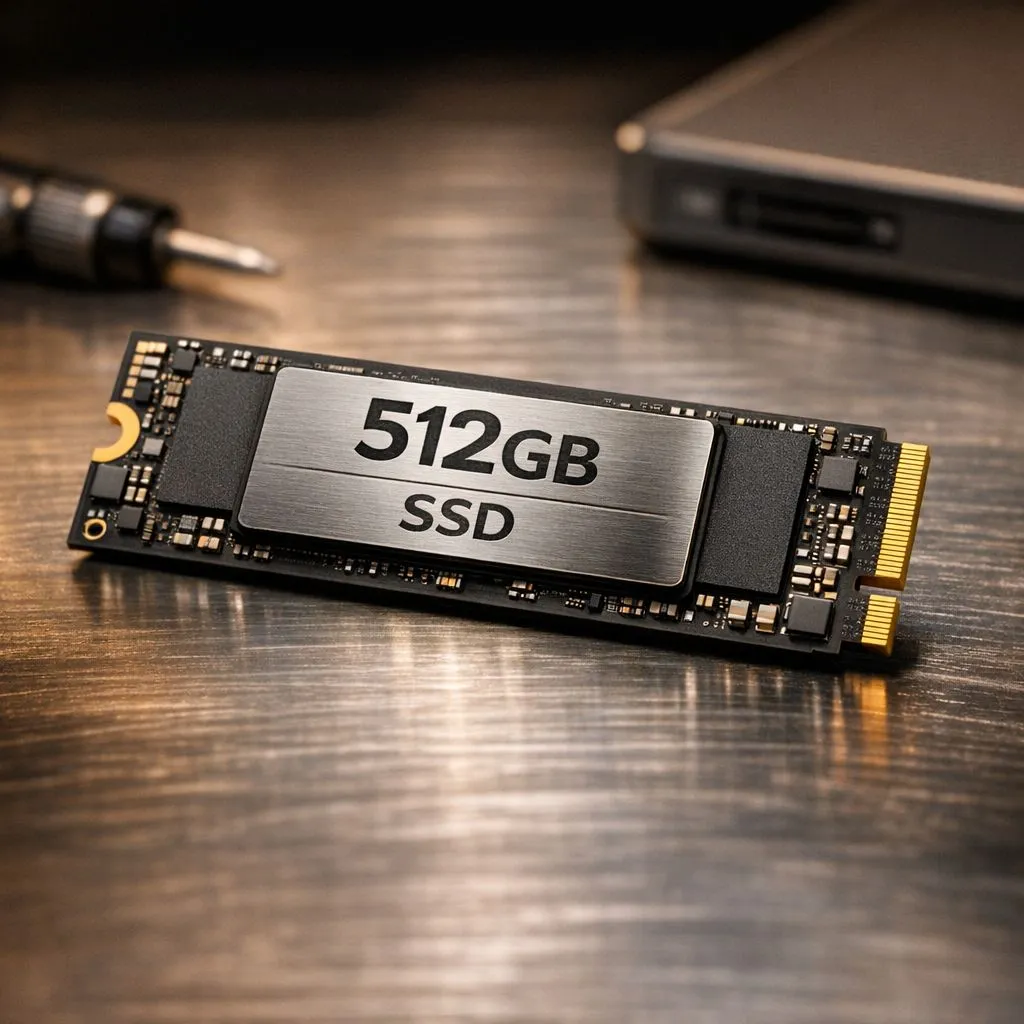
Setting up a new PC in South Africa often starts with a crucial storage choice. A 512GB drive is the sweet spot for budget-conscious gamers and professionals. But to keep it fast, you need a plan. If you don't partition 512GB SSD storage correctly, your Windows updates might eventually choke your game library. Here is how to organise your digital life for maximum efficiency. 🔧
Why You Should Partition Your 512GB SSD
When you first buy solid state drives for a new build, the temptation is to leave the drive as one giant "C:" volume. This is rarely the best approach. By creating a dedicated partition for your Operating System... usually around 120GB... you separate your critical system files from your personal data.
If Windows ever encounters a "Blue Screen of Death" or requires a fresh install, your partitioned data remains safe on the other volume. This setup saves you hours of downloading heavy game files or hunting for lost work documents. It is a simple way to optimise your workflow without spending an extra cent.
Choosing the Right Hardware for the Job
Not all drives are created equal. If you are looking for top-tier performance to match your partitioning strategy, exploring Gen 5 (NVME) technology is the way to go. These drives offer speeds that make traditional storage feel like a relic of the past.
For those who value long-term reliability, Western Digital NVMe drives are a staple in the South African gaming community. They handle the heat and heavy read/write cycles of modern gaming perfectly. Alternatively, ADATA storage solutions provide incredible value for money, allowing you to get high-capacity performance at a price that leaves more room in your budget for a better GPU. ⚡
Storage Management Tip ⚡
Always leave at least 10% to 15% of your SSD partition empty. SSDs use a process called 'wear leveling' to distribute data across cells. If the drive is completely full, it can drastically reduce write speeds and shorten the lifespan of your hardware.
Managing Mobility and Backups
Even with a perfectly organised internal drive, space can run out quickly. This is where high-quality external SSD options become essential. Whether you are moving school projects or backing up your Steam library, having a portable secondary drive is a lifesaver.
If you choose a drive with a compact External form factor, you gain the flexibility to work from anywhere. It is the perfect companion for a laptop user who needs more than the standard 512GB but isn't ready to open up their chassis and void a warranty. 🚀
Final Thoughts on Digital Organisation
Partitioning is about control. It allows you to manage your backups efficiently and ensures that your PC remains snappy even as the drive fills up. By spending ten minutes during your Windows installation to partition 512GB SSD volumes, you are setting yourself up for years of hassle-free computing. ✨
Ready to Organise Your Digital Life? Whether you need the blistering speed of an internal NVMe or the convenience of portable storage, we have the best deals in South Africa. Explore our massive range of SSD specials and find the perfect drive to power your setup today.











