


Understanding the PCI-E vs Onboard Ethernet Debate
You are mid-clutch in a heated match... your ping spikes... and suddenly you are staring at a respawn screen. Most South African gamers rely on the port soldered onto their motherboard. But as local fibre speeds climb past 500Mbps, that basic chip might struggle. Understanding PCI-E vs Onboard Ethernet is the first step to a stable, lag-free experience. Sometimes, your motherboard needs a little help to reach its full potential. ⚡
Why Onboard Isn’t Always Enough
Most modern motherboards come with a built-in Ethernet port. For general browsing or streaming Netflix in 4K, these are perfectly adequate. However, these onboard chips share resources with your CPU and other components. Under heavy load... like downloading a 100GB update while streaming on Discord... the onboard controller can become a bottleneck.
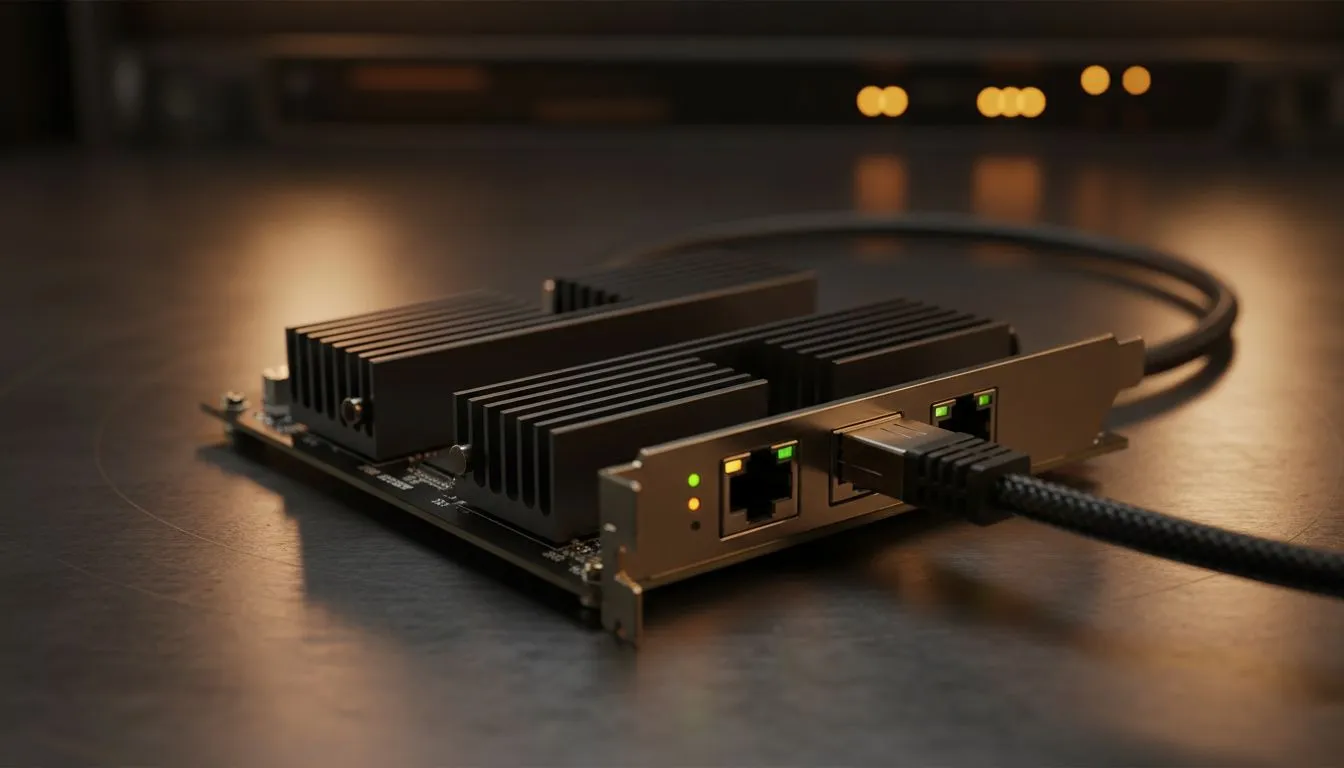
If you are looking to offload that processing work, you might want to buy network adapters that feature dedicated controllers. These expansion cards have their own processors to handle data packets. This reduces the strain on your system and often results in more consistent frame times in CPU-bound games.
Ping Stability Pro Tip ⚡
If you notice erratic ping spikes during local gaming sessions, disable 'Energy Efficient Ethernet' in your Windows Device Manager settings. This prevents your network card from entering a low-power state during micro-pauses in data transmission, keeping your connection snappy and responsive when it matters most.
The Benefits of a Dedicated Network Card
A dedicated PCI-E card offers better shielding against electrical interference. Inside a PC case, there is a lot of "noise" from the GPU and power supply. Onboard chips are often poorly shielded, which can lead to packet loss. A dedicated card sits further away from the noise, providing a cleaner signal.
For those who demand absolute reliability, TP-Link network cards are a popular choice in South Africa. They offer robust driver support and are built to handle the heat of long gaming marathons. Whether you are upgrading an older machine or building a new rig, a dedicated card ensures your hardware isn't the weak link in your fibre setup. 🔧
Scaling Up for High-Speed Fibre and NAS
Are you lucky enough to have a 1Gbps or even a 10Gbps fibre line? Many older motherboards are capped at 1Gbps. If you want to future-proof your setup or connect to a high-speed Network Attached Storage (NAS) device, a PCI-E card is the only way to go.
Brands like Cudy Ethernet adapters provide affordable entry points into high-speed networking. These cards allow you to move massive files across your home network in seconds rather than minutes. It is a simple upgrade that makes a massive difference for content creators and power users alike. 🚀
Final Verdict: When to Make the Move
If your current connection feels "jittery" or you are losing packets during competitive play, it is time to look at the PCI-E vs Onboard Ethernet comparison seriously. While onboard is fine for the average user, the enthusiast deserves better stability and lower overhead. Investing a few hundred Rand into a dedicated card can often solve networking headaches that software tweaks simply cannot fix. ✨
Ready to Optimise Your Connection? Don't let a basic onboard chip hold back your high-speed fibre. Whether you need professional-grade stability or raw speed for your home lab, we have the right hardware for you. Explore our range of network adapters and take control of your latency today.











