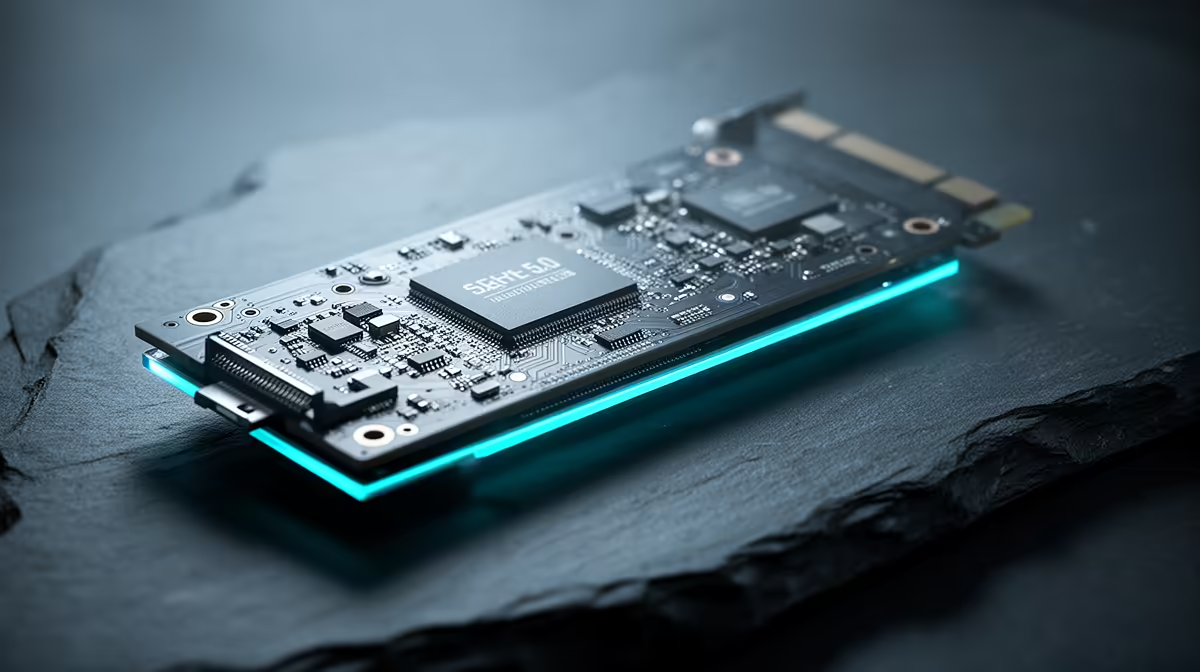
So, you’re speccing out a new PC build, and a question pops up that can add thousands of Rands to your budget: do you go for a motherboard with PCIe 5.0? It’s the latest, greatest, and fastest… but in the real world of gaming and daily use in South Africa, is it actually worth the extra cash over the tried-and-tested PCIe 4.0? Let’s break it down, no jargon allowed. 🚀
Understanding the PCIe 5.0 vs 4.0 Speed Difference
Think of Peripheral Component Interconnect Express (PCIe) as the multi-lane highway inside your computer. It connects your most important, high-speed components—like your graphics card and NVMe SSD—to your CPU. The version number simply tells you how fast and wide that highway is.
- PCIe 4.0: Offers a bandwidth of up to ~64 GB/s on the main x16 slot for your graphics card.
- PCIe 5.0: Doubles that, pushing the theoretical maximum to a staggering ~128 GB/s.
On paper, that’s a massive leap. But the real question is whether your components can even use all that extra speed.
Where PCIe 5.0 Actually Matters (and Where It Doesn't)
For South African PC builders, the practical debate over PCIe 5.0 vs 4.0 boils down to two key components: your graphics card and your storage.
For Your Graphics Card 🎮
This is the big one for gamers. Here’s the simple truth: as of right now, no consumer graphics card, not even the mighty NVIDIA GeForce RTX 4090, comes close to maxing out a PCIe 4.0 x16 slot. It has more than enough bandwidth to handle any game you throw at it.
Upgrading to a PCIe 5.0 motherboard for gaming today will give you virtually zero extra frames per second. The performance difference is negligible. Your money is far better spent on a faster GPU, a better CPU, or more RAM. When choosing a platform, you can find excellent value in both the latest AMD motherboards and Intel's lineup, many of which are still focused on the mature PCIe 4.0 standard.
For Your NVMe SSD ⚡
This is where PCIe 5.0 flexes its muscles. A PCIe 5.0 NVMe SSD can achieve mind-blowing read and write speeds of over 12,000 MB/s, effectively halving the file transfer times of their PCIe 4.0 counterparts.
But who needs this power?
- Video Editors & 3D Artists: If you work with massive 4K or 8K video files or complex 3D renders, these drives are a revelation.
- Data Scientists: Moving enormous datasets? PCIe 5.0 will save you serious time.
For gamers, while a PCIe 5.0 SSD might shave a fraction of a second off loading screens, the difference from an already-fast PCIe 4.0 drive is barely noticeable.
Check The Specs! 🔧
Not all motherboards are created equal. Some might offer a PCIe 5.0 slot for the GPU but only have PCIe 4.0 M.2 slots for SSDs. Always double-check the detailed spec sheet on the product page to ensure you're getting the connectivity you're paying for before you buy.
The Verdict: Is a PCIe 5.0 Upgrade Worth It in South Africa?
So, should you invest in the PCIe 5.0 vs 4.0 upgrade path? It depends entirely on who you are.
- For the Value-Focused Gamer: Absolutely not. Stick with PCIe 4.0. It delivers all the performance you need for modern gaming and saves you a significant amount of money. You can build a powerful, balanced rig by checking out a wide range of affordable motherboard options that provide the perfect foundation without the "early adopter" tax.
- For the Future-Proofer or Pro Creator: Maybe. If you're building a top-of-the-line machine with a flagship CPU from Intel's motherboard lineup and you want it to be ready for whatever graphics cards and SSDs arrive in the next three to five years, then investing in PCIe 5.0 makes sense. It’s about building a platform with the maximum possible lifespan. ✨
For the vast majority of South African builders, PCIe 4.0 remains the undisputed king of value and performance in today's market.
Ready to Find Your Perfect Motherboard?
The PCIe 5.0 vs 4.0 debate comes down to your needs and budget. Whether you're future-proofing with the latest tech or building a value-packed gaming beast, the right motherboard is key. Explore our massive range of motherboards and find the perfect foundation for your PC.