

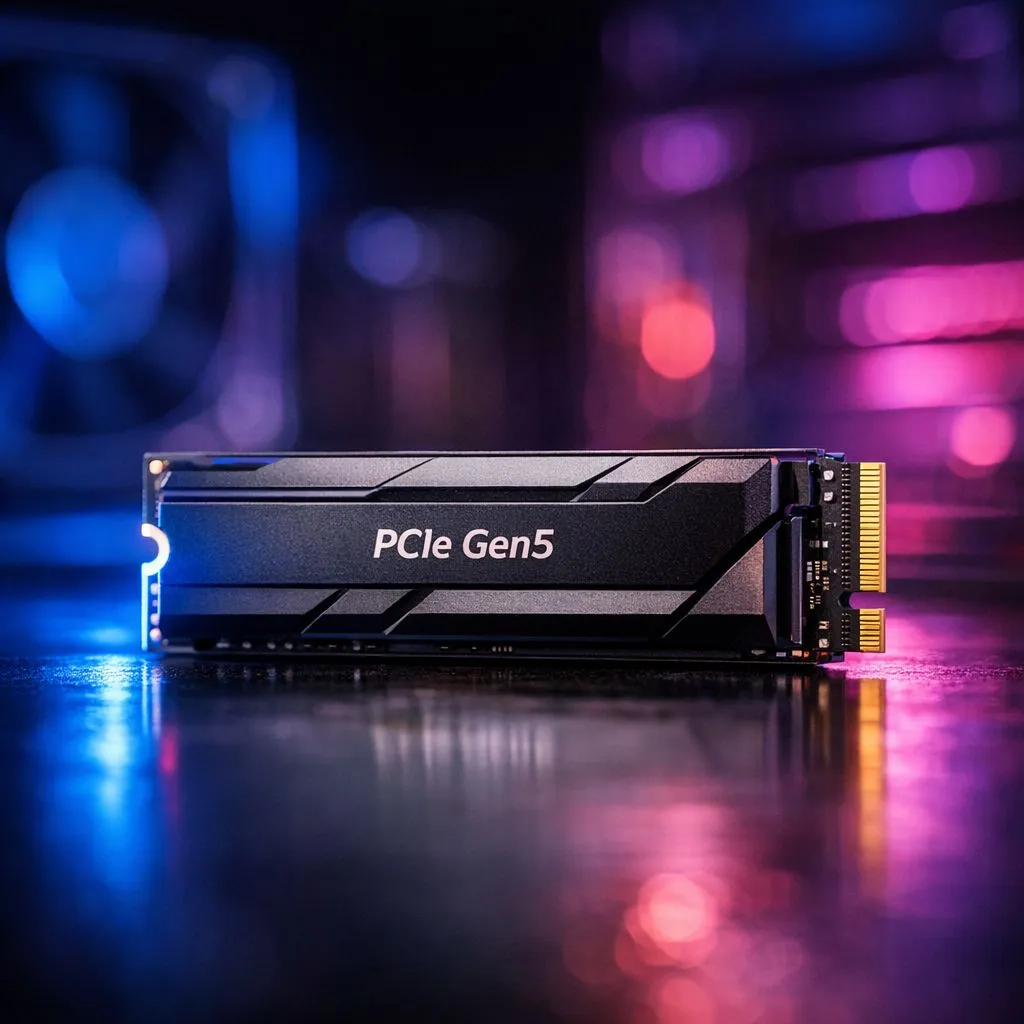
The Reality of PCIe Gen5 Performance
You have likely seen the benchmarks showing transfer speeds hitting 10,000MB/s or more. For South African gamers and creative professionals, PCIe Gen5 SSDs represent the absolute cutting edge of storage technology. But do you actually need that much bandwidth? While it is tempting to chase the fastest numbers on the box, the real-world difference between Gen4 and Gen5 is often felt more in specific professional workloads than in your average gaming session. 🚀
If you are currently running a Gen3 drive, the jump to a high-performance NVMe SSD will feel like a massive upgrade. However, for most users, a top-tier Gen4 drive remains the sweet spot for price-to-performance ratio.
When Should You Invest in Gen5?
If you are a video editor working with 8K raw footage or a developer compiling massive codebases, the sequential read/write speeds of Gen 5 (NVMe) drives are genuinely transformative. These drives allow you to scrub through timelines without a stutter. If you are strictly gaming, current titles do not yet fully saturate the bandwidth of Gen4, let alone Gen5. 🔧
For those who need portable power, checking out the latest external SSD options is a great way to manage your library. Whether you choose an external drive for your console or a high-capacity ADATA storage solution, always consider your heat management. Gen5 drives run hot, so ensure your motherboard has an M.2 heatsink.
Thermal Management Pro Tip ⚡
PCIe Gen5 SSDs generate significantly more heat than their predecessors. If your motherboard lacks a dedicated heatsink, consider investing in an aftermarket M.2 cooler to prevent thermal throttling during long rendering sessions or heavy file transfers.
Finding the Right Storage for Your Build
When choosing your next drive, brand reliability matters. We see excellent consistency from industry leaders like Western Digital who offer drives suitable for both budget builds and enthusiast rigs. ✨
If you are still unsure about which interface matches your motherboard, remember that PCIe is backwards compatible. You can plug a Gen5 drive into a Gen4 slot, though you will be limited to Gen4 speeds. Plan your upgrade path carefully to ensure you aren't overspending on hardware your current CPU or motherboard cannot fully leverage.
Ready to Find Your Perfect Match? The storage debate is complex, but for maximum speed, reliability, and value in South Africa, our range of drives is hard to beat. Explore our massive range of SSDs and storage solutions and find the perfect component to supercharge your rig today.











