

Identifying the CPU Bottleneck in Modern Action Titles
Tired of your frame rate tanking just as you are about to land a perfect parry? In South Africa, we deal with enough lag from our connections... we do not need our hardware betraying us too. A Phantom Blade CPU upgrade is the most effective way to eliminate those annoying micro-stutters and finally see what your high-refresh monitor is truly capable of doing. ⚡
When your processor cannot keep up with the draw calls from the GPU, you experience frame time spikes. This manifests as that jagged, "stuttery" feeling during intense combat sequences. If you are looking to smoothen out your experience, browsing the latest CPU processors online is the first step toward a fluid, 144Hz-ready gaming rig. Modern titles demand more than just raw clock speed; they require efficient multi-core processing to handle physics and AI simultaneously.
Choosing Your Side: Intel vs AMD for Phantom Blade
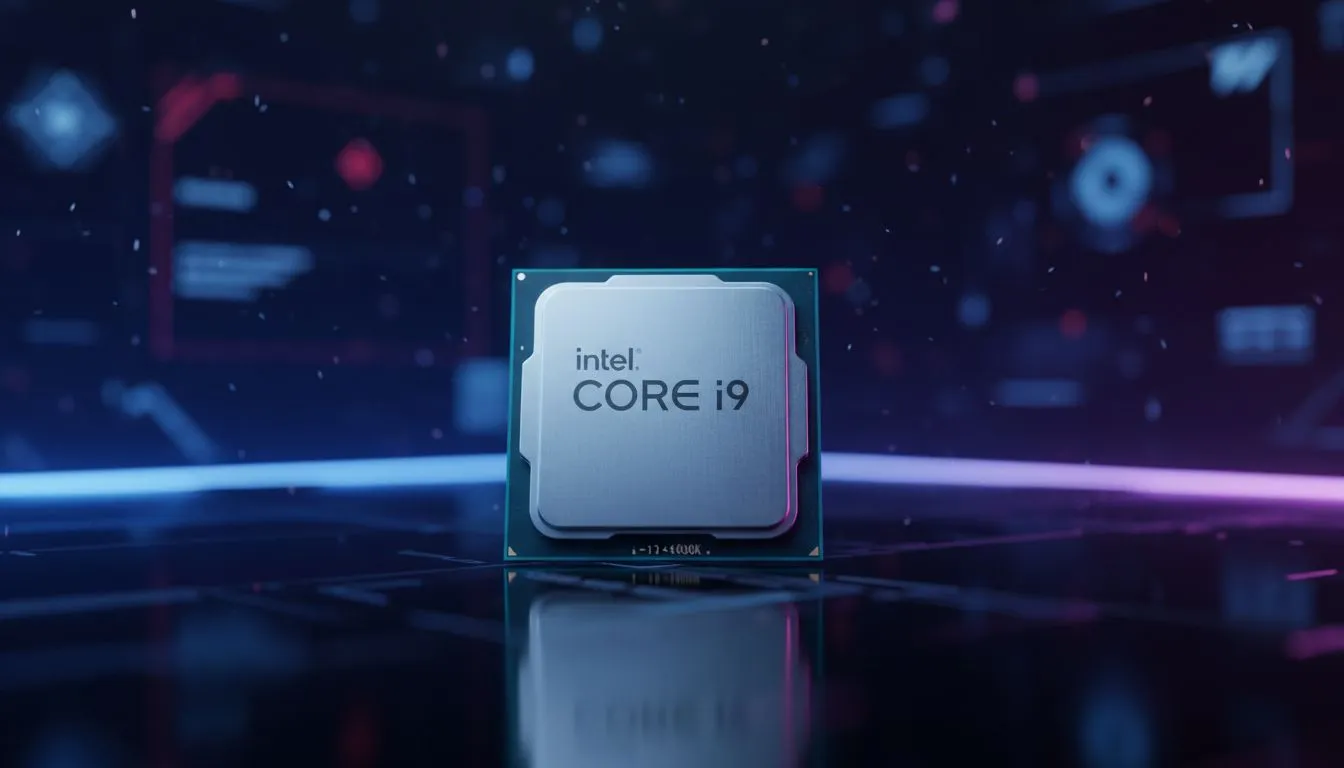
The eternal debate continues, but for South African gamers, the choice often comes down to specific performance targets. If you prefer raw single-core speed to push every possible frame in high-octane action games, you might want to buy an Intel CPU to take advantage of their high boost clocks. Intel's latest architecture excels at keeping minimum frame rates stable, which is exactly what you need to stop stuttering during boss fights.
On the other hand, AMD has made massive strides with their 3D V-Cache technology. This extra L3 cache is a "cheat code" for open-world stability and complex animation systems. Many local enthusiasts choose to buy an AMD CPU because of the platform longevity and incredible power efficiency... which is a massive plus when you are trying to keep your PC running on a smaller UPS during load shedding. 🔧
Thermal Management Pro Tip ⚡
When installing your new processor, avoid the temptation to reuse old thermal paste. Clean your cooler base thoroughly with isopropyl alcohol and apply a high-quality non-conductive paste. In our warm South African climate, keeping your CPU temps below 80°C under load is vital for maintaining those high boost clocks without thermal throttling.
Maximising FPS and Stability
A Phantom Blade CPU upgrade is not just about the "average FPS" number on a benchmark. It is about the 1% lows. When your 1% lows are close to your average frame rate, the game feels buttery smooth. If your CPU is outdated, those lows might drop into the 30s while your average sits at 90... that 60-frame gap is exactly where the stuttering happens. 🚀
By moving to a modern chip with at least six or eight high-performance cores, you ensure that background tasks do not interrupt your gaming thread. This results in a consistent delivery of frames to your graphics card, allowing you to enjoy the dark, stylish aesthetic of the game without a single hiccup. ✨
Ready to Stop the Stutter? Don't let an old processor hold back your high-end GPU. Whether you are looking for the raw speed of Intel or the efficiency of AMD, we have the perfect chip for your next build. Explore our massive range of CPU specials and find the perfect machine to conquer your world.








