

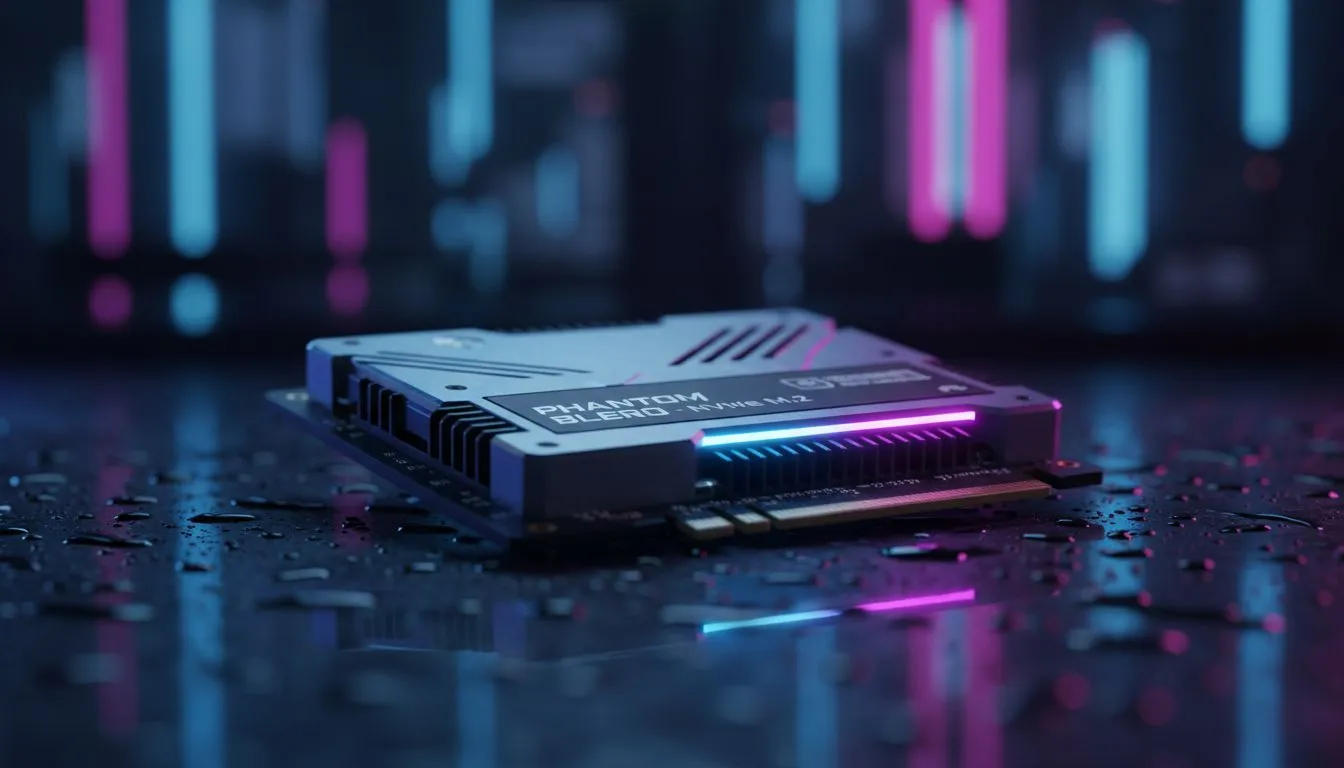
Why your Phantom Blade Zero download size: SSD prep guide starts now
You’ve seen the trailers. The swordplay is fluid... the visuals are breathtaking... and your local fibre line is ready for the "Kung-fupunk" chaos. But before you step into the shoes of the Dark Raider, there is one boss you need to defeat: your storage space. Getting your Phantom Blade Zero download size: SSD prep guide sorted now means no waiting on launch day. ⚡
Estimating the total storage footprint
While S-Game hasn't confirmed the final numbers... modern AAA titles usually demand between 80GB and 120GB. High-resolution textures and complex environments eat up space fast. If you are running low, it might be time to buy solid state drives that can handle the sheer volume of data required for this level of fidelity.
In South Africa, where large downloads can take time even on decent lines, having that space ready is vital. You don't want to spend launch evening deleting your favourite games just to make room. 🔧
Storage Pro Tip ⚡
Always leave about 10% to 15% of your SSD capacity empty. This allows the drive's controller to perform "wear leveling" and background maintenance effectively. If you fill an SSD to the absolute brim, you might notice a significant drop in write speeds and overall system responsiveness.
Speed matters for soul-like combat
This isn't just about capacity... it is about throughput. Phantom Blade Zero features fast-paced combat that relies on quick asset streaming. If you are still running an older system, you might experience stuttering during intense boss fights. Upgrading to the latest NVMe SSDs ensures that you don't drop frames when the action heats up.
The transition between exploration and combat in these semi-open world maps requires high IOPS (Input/Output Operations Per Second). A standard SATA drive might struggle, but a Gen4 or Gen5 M.2 drive will keep the experience buttery smooth.
Preparing your rig for the Dark Raider
Check your current capacity today. If you have less than 150GB free, you are in the "danger zone" for upcoming patches and DLC. For those who need a portable solution for their library, you can buy external SSD options to offload older titles while keeping your primary drive clear for new releases. 🚀
Optimising your installation path
- Clear your temporary files and shader caches.
- Move smaller indie titles to a secondary drive.
- Ensure your OS is on a separate partition if possible.
Finding the best value in South Africa
We know that tech prices in South Africa can fluctuate. That is why we constantly update our list of the best SSD deals to help you save a few Rands. Whether you need a 1TB budget boot drive or a 4TB monster, our general SSDs category has something for every build and budget. ✨
Getting your hardware ready today means you can focus on mastering the blade tomorrow. Don't let a "Disk Space Full" error be the reason you lose your first duel.
Ready to Gear Up for Phantom Blade Zero? Don't let slow load times or lack of space hold you back from the ultimate action experience. Explore our massive range of SSD specials and find the perfect storage solution to conquer your next challenge.











