

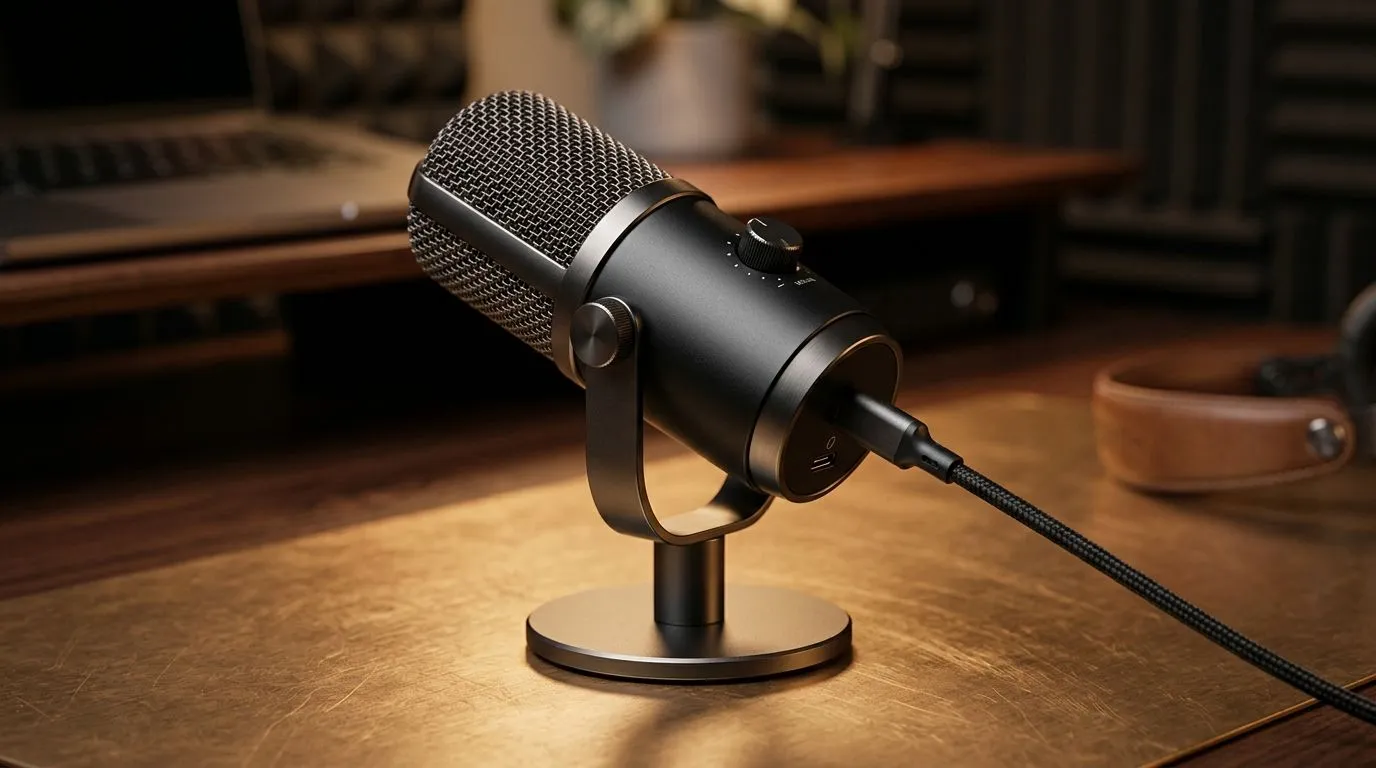
Plug-and-Play USB-C Mics for Work-from-Home Audio Upgrades: the “no-drama” switch 🎧
WFH calls in SA are already chaotic enough… load shedding schedules, laggy Wi‑Fi, and then your mic sounds like it’s in a tunnel. The good news? Plug-and-Play USB‑C mics for work-from-home audio upgrades let you skip the fiddly setup and focus on sounding clear from day one. You can upgrade your audio for meetings, streams, or even Discord with just a USB‑C connection and a few smart settings. Let’s make your voice sound like you mean it. ✨
Plug-and-Play USB-C Mics for Work-from-Home Audio Upgrades: what “plug-and-play” really means 🔧
Most USB‑C microphones are designed to work with modern laptops and desktops without extra drivers. In practice, you still need to:
- Select the mic in your OS’s sound input settings
- Set the correct recording level (so you avoid clipping)
- Place the mic at a consistent distance
If your device supports USB Audio Class, it usually handles the audio stack automatically. That’s why USB‑C is popular for quick upgrades: fewer cables, fewer settings, less waiting.
Quick setup checklist (works for gaming + calls) ⚡
- Plug the mic into USB‑C (or USB‑A using a proper adapter).
- Open your Sound settings and choose the mic under Input.
- Do a 10‑second test recording. Speak at your normal volume.
- Lower gain if your waveform peaks hard or sounds distorted.
- Turn off “enhancements” if they add an odd tinny or watery tone.
Productivity Pro Tip ⚡
On Windows, open Settings → Sound → choose your USB-C mic under Input, then right-click the mic device in the Sound Control Panel and disable any “audio enhancements” that cause echo or unnatural brightness. This keeps your voice consistent for meetings and streaming.
Plug-and-Play USB-C Mics for Work-from-Home Audio Upgrades: match your mic to your space
In a quiet home office, a simple USB‑C mic can sound excellent. In a shared room, you may need better positioning to reduce background noise. Try:
- Distance control: 10–15 cm from your mouth usually balances clarity and bass.
- Angle: aim the mic slightly off-axis to reduce plosives (like “P” and “B”).
- Desk isolation: avoid placing the mic directly on a resonant surface.
- Basic room treatment: even a soft curtain near the mic can tame reflections.
For South African buyers, it’s also about total setup cost. If you’re building a WFH setup, it often makes sense to get audio essentials alongside your video gear, then refine after you test.
If you’re also refreshing your streaming setup, browse Evetech’s streaming essentials here:
- Streaming essentials for your WFH audio upgrade: https://www.evetech.co.za/PC-Components/buy-streaming-essentials-369.aspx
Prefer a specific brand lineup? You can narrow your search like this:
- CORSAIR streaming essentials: https://www.evetech.co.za/PC-Components/buy-streaming-essentials-369.aspx?brands=CORSAIR
And if you want lighting and visual polish to match your audio upgrade, consider:
- Cololight options: https://www.evetech.co.za/PC-Components/buy-streaming-essentials-369.aspx?brands=Cololight
Need to pair your mic with a better on-cam look too? Start here:
Plug-and-Play USB-C Mics for Work-from-Home Audio Upgrades: settings that impress on the first call
Want instant “wow, you sound clearer” results? Use these practical settings habits:
- Input volume: set it so normal speech sits in the middle range. If you hear clipping, drop input.
- Noise control: avoid over-aggressive noise suppression. Too much filtering can make your voice robotic.
- Consistency beats perfection: the best audio is repeatable. Keep mic distance the same every call.
Even gamers notice. When your Discord and teammates can understand you instantly, fights feel smoother… and work meetings feel less stressful. No one wants to be “mute-and-unmute” person.
Plug-and-Play USB-C Mics for Work-from-Home Audio Upgrades: your next step 🚀
Once you’ve chosen your mic, your upgrade path is simple: plug in, set input, test for 10 seconds, then lock it in. If you want help matching the right mic to your laptop or desktop, shop with confidence and build the whole WFH kit in one go.
Ready to Find Your Perfect Match? The Mac vs Windows debate is complex, but for maximum power, choice, and value in South Africa, Windows is hard to beat. Explore our massive range of laptop specials and find the perfect machine to conquer your world.











