

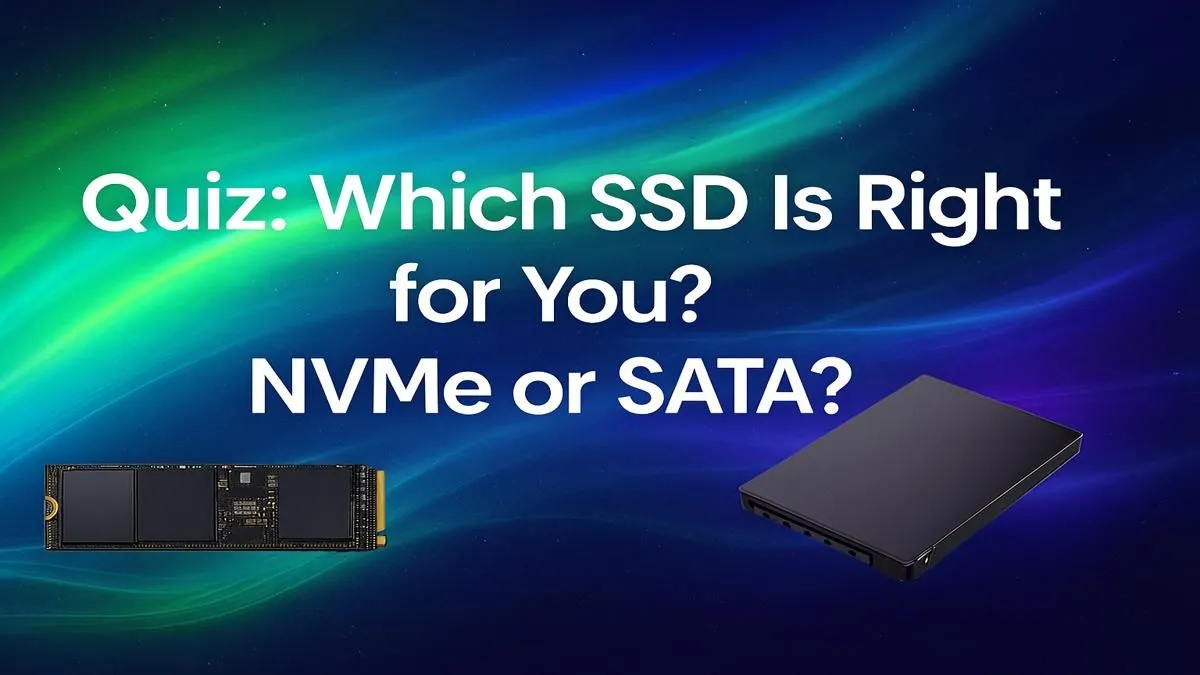
Staring at another loading screen in Elden Ring or waiting for your PC to boot? It’s probably your storage. The NVMe vs SATA debate can feel complicated, but choosing the right Solid State Drive is one of the most impactful upgrades you can make. It's not just about raw speed; it's about finding the perfect balance of performance and price for your rig. Let's break it down and find your ideal match right here in South Africa.
Understanding the Core Difference: NVMe vs SATA
At its heart, the NVMe vs SATA comparison is about connection. Think of it like a highway. SATA (Serial ATA) is the reliable, paved road that’s been around for years. It connects to your motherboard via a SATA cable and gets the job done for most tasks. It's a massive leap from old mechanical hard drives.
NVMe (Non-Volatile Memory Express), on the other hand, is the German Autobahn. 🚀 It plugs directly into your motherboard's M.2 slot, using the high-speed PCIe bus to communicate with your CPU. This direct line means ridiculously fast speeds, lower latency, and a much smaller physical footprint. To see the full spectrum, you can explore Evetech's complete range of SSDs for every build.
When a SATA SSD Still Makes Perfect Sense
Don't write off SATA just yet! In the SATA vs NVMe showdown, the older tech still has a solid place, especially when budget is a key factor. A SATA SSD is your go-to choice if:
- You're on a tight budget: You can often get double the storage for the same price as an entry-level NVMe drive.
- You need a secondary games drive: Load your main OS and favourite game on an NVMe, and use a large, affordable SATA drive for the rest of your Steam library.
- You're upgrading an older PC or laptop: Many older motherboards don't have an M.2 slot, making a 2.5-inch SATA SSD your best and only upgrade path.
For everyday use and most gaming, the real-world difference in loading times can be surprisingly small, making SATA a smart, cost-effective choice.
Why Go Full Throttle with an NVMe SSD? ⚡
If you're building a new rig or demand the absolute best performance, NVMe is the clear winner. The benefits are impossible to ignore. An NVMe drive is essential when:
- You want instant boot times: Your Windows login screen will appear almost instantly.
- You're a content creator: Editing 4K video, rendering 3D models, or working with massive project files? The incredible throughput of an NVMe SSD will save you hours of waiting.
- You want to future-proof your system: With technologies like Microsoft's DirectStorage becoming more common, having a fast NVMe will be crucial for next-gen gaming experiences.
Check Your M.2 Slot!
Before you buy an NVMe drive, check your motherboard's manual! Ensure you have a free M.2 slot and confirm whether it supports PCIe NVMe drives (some older ones only support SATA M.2). Also, check the 'key' type (usually 'M' key for NVMe).
The NVMe vs SATA Quiz: Which Drive is for You? 🤔
Answer these simple questions to find your perfect storage match.
1. What is your main use case?
- A) General Use & Light Gaming: A quality SATA SSD will feel incredibly snappy and save you some cash.
- B) Hardcore Gaming & Streaming: An NVMe for your OS and main games is ideal for the fastest loading.
- C) Professional Content Creation: NVMe is non-negotiable. The speed will directly impact your workflow.
2. What's your budget looking like?
- A) As little as possible, just make it faster! A 500GB or 1TB SATA SSD offers the best value in ZAR.
- B) I've got a decent budget for what matters. A 1TB or 2TB NVMe Gen3 or Gen4 drive is the sweet spot for performance and price.
- C) I want the fastest drive, period. Go for a top-tier PCIe 4.0 or even a new PCIe 5.0 NVMe drive.
Finding the right balance often comes down to timing. Always keep an eye on the best SSD deals in South Africa to snag premium performance at a great price.
3. What hardware are you working with?
- A) An older desktop or laptop (3+ years): Check for an M.2 slot. If it doesn't have one, a SATA SSD is your answer.
- B) A modern gaming PC: Your motherboard almost certainly has at least one NVMe-ready M.2 slot. Use it!
Ultimately, the NVMe vs SATA decision isn't about one being "bad" and one being "good." It's about choosing the right tool for your specific needs and budget.
Ready to Banish Loading Screens? Whether you've landed on a budget-friendly SATA or a lightning-fast NVMe, the right drive is waiting. Shop our unbeatable SSD deals for performance that leaves lag in the dust.








