

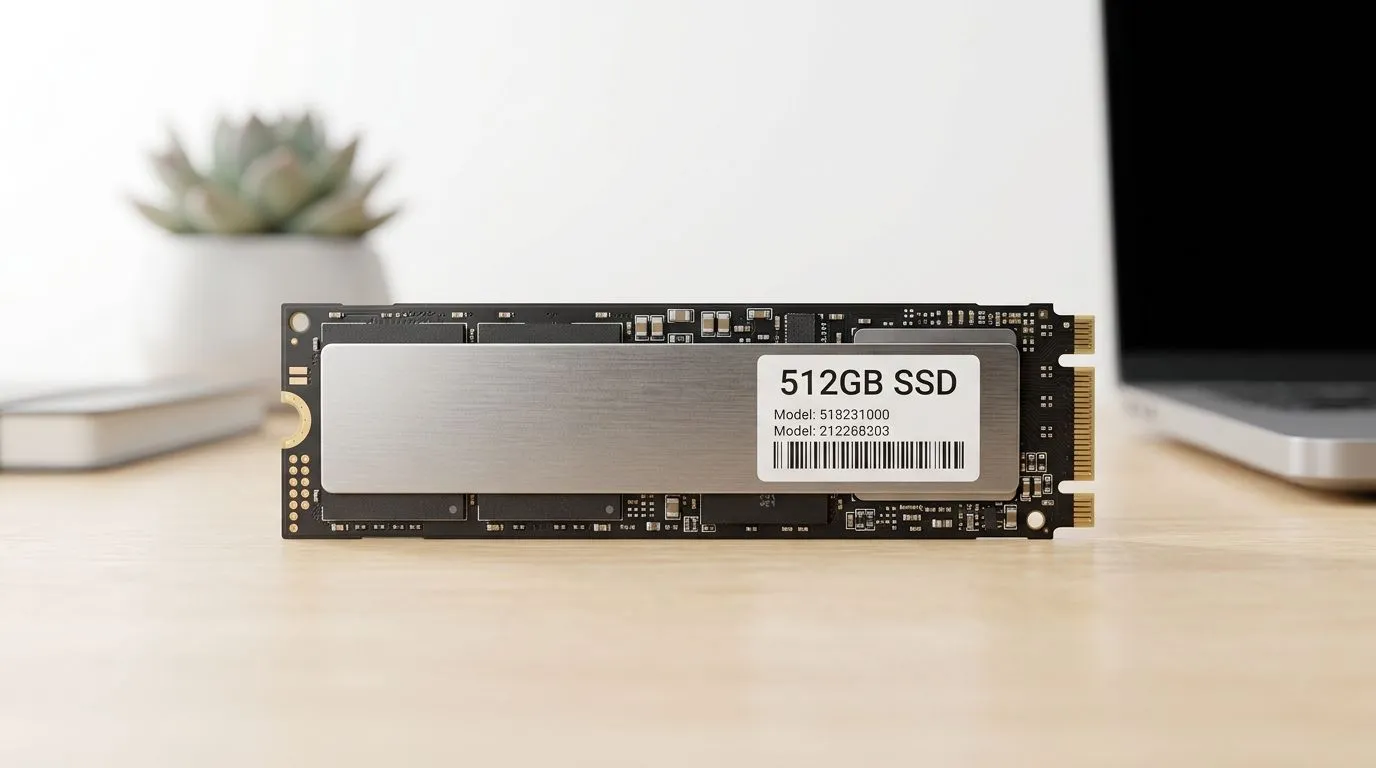
How Much to Spend on a 512GB SSD in South Africa (and Not Overpay) 💾
Buying a SSD is one of the fastest upgrades you can do… especially if your PC still feels sluggish after booting. But the question South African gamers and builders keep asking is simple: how much to spend on a 512GB SSD in South Africa? 🚀
The tricky part? Brands, form factors, and generation speeds can change the value a lot. This guide helps you choose the right 512GB SSD for real-world gaming, installs, and daily use… without burning your budget.
How Much to Spend on a 512GB SSD in South Africa (Value ranges that make sense) 💸
In a typical upgrade path, 512GB is the sweet spot for “serious use” without going straight to 1TB. It’s enough for a few big games plus your OS and utilities.
At Evetech, you can compare options directly in their solid-state drive selection, including brand filters and form factor matches:
- Start here for a broad look at SSD options: buy solid state drives (Evetech).
- If you’re leaning toward budget-friendly picks, use brand filters like ADATA SSDs in the 83 category.
- For build-quality and reliability-focused choices, check Kingston SSDs.
What about price differences? Usually it comes down to:
- Interface and performance class (SATA vs NVMe)
- Controller and NAND quality
- Form factor compatibility (M.2 vs 2.5-inch)
- Whether the SSD meets your workload (gaming installs, large downloads, Windows usage)
Evetech’s category pages make it easy to compare what’s currently available in South Africa, which is what matters when you’re spending Rands, not theory.
Pick the Right 512GB SSD: Form Factor and Interface Matter 🔧
Most “wrong purchase” stories start the same way: the SSD looks great… but it doesn’t fit.
If your PC has an M.2 slot, you’ll often want to prioritise M.2 drives. Evetech can help you narrow the search:
- Match the form factor here: M.2 2280 SSDs.
Then check the interface generation. A faster NVMe generation can matter for heavy installs and loading, even if your games are not always maxing out storage throughput:
- Filter by interface generation here: Gen 5 (NVMe) interface SSD options.
What to choose for gaming in 2026-ish PC builds? ⚡
If you’re on a modern motherboard with an M.2 slot, NVMe is usually the better “feel” upgrade. If you’re upgrading an older system without NVMe support, SATA 2.5-inch can still be a huge improvement over a HDD. Either way, 512GB is a practical starting point for today’s game sizes.
Productivity Pro Tip ⚡
On Windows, after installing your new 512GB SSD, use Windows Disk Management to confirm the drive is initialised and shows the expected capacity. Then run a quick health check with a reputable SSD tool so you can spot issues early, before your next big game download.
Upgrade Path: 512GB SSD planning for less regret ✨
Here’s a quick mental model for South African buyers:
- OS + 1–2 big games: 512GB is comfy.
- More AAA libraries: consider budgeting for 1TB next time, but 512GB can still start the upgrade now.
- If you already have an HDD: keep it for bulk storage and move “active” games to the SSD.
A common micro-story: you swap the drive, you reboot… and the whole PC “feels” different. Game launch times improve, texture streaming becomes smoother, and Windows stops acting like it’s thinking about life choices.
That’s the real value you’re paying for, not just a number on a spec sheet.
Ready to Find Your Perfect Match?
Ready to Find Your Perfect Match? The Mac vs Windows debate is complex, but for maximum power, choice, and value in South Africa, Windows is hard to beat. Explore our massive range of laptop specials and find the perfect machine to conquer your world.











