

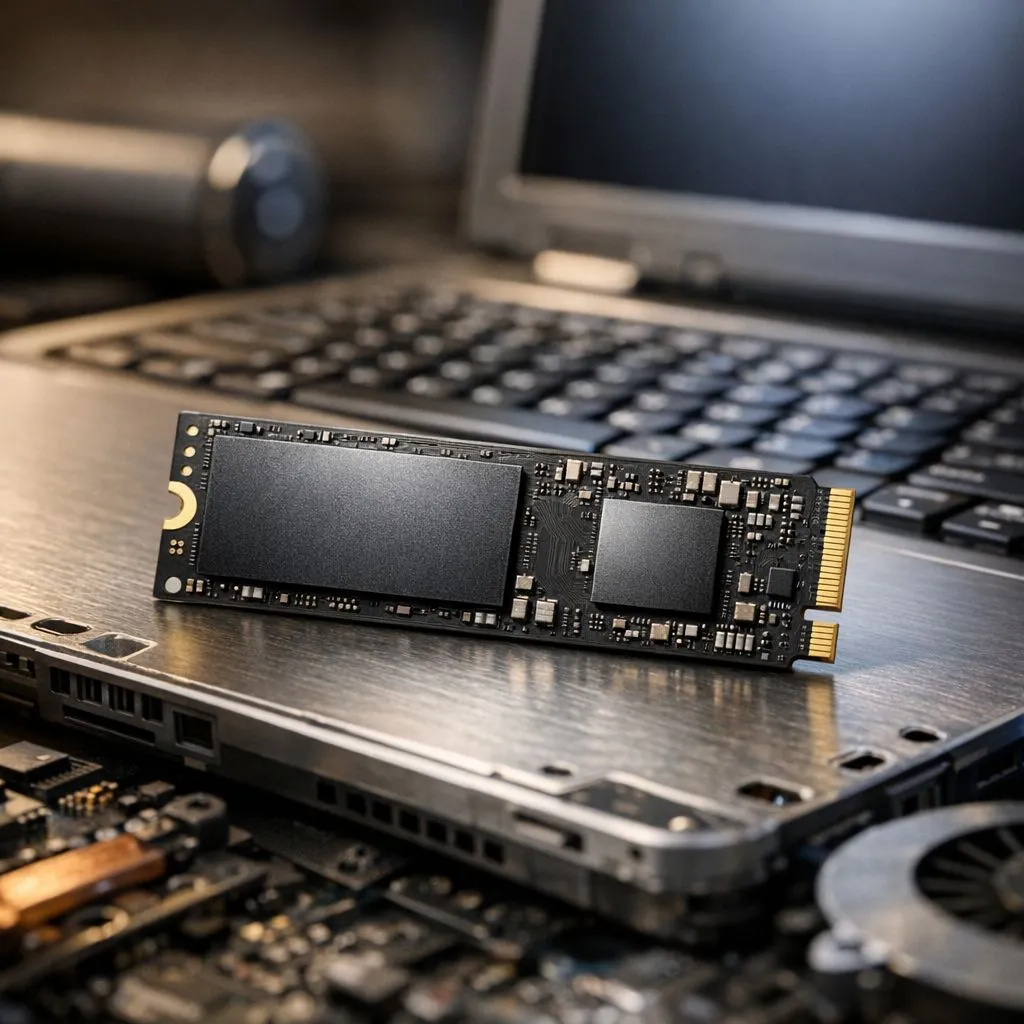
Is your old laptop struggling to survive a two-hour loadshedding block? We have all been there. You are working on a project, and the battery percentage drops faster than a Proteas wicket. While many think they need a new battery, the real solution is often a storage upgrade. Understanding SSD Battery Life: How SSDs Help Older Laptops Last Longer is the smartest way to save your tech ⚡.
Why Mechanical Hard Drives Drain Your Power
Old school Hard Disk Drives (HDDs) are mechanical. They rely on physical platters that spin at thousands of revolutions per minute. This process requires a constant flow of electricity to power the motor. It also creates heat and friction... two things that are enemies of battery efficiency. When you choose to buy solid state drives, you are removing those moving parts entirely.
An SSD uses flash memory to store data. Because there are no spinning disks, the drive consumes significantly less power when reading or writing files. This efficiency means your laptop battery does not have to work nearly as hard to keep the system running.
Battery Health Pro Tip ⚡
When you install a new SSD, perform a fresh Windows installation. This removes background bloatware and unnecessary processes. It helps your CPU stay in an idle state for longer, which directly extends your battery life during those long South African power cuts.
The Impact of NVMe and Modern Interfaces
If your older laptop supports modern slots, the gains are even more impressive. Using PCI Express (NVME) technology allows for much faster data transfer speeds. Why does speed matter for battery? It is about the "race to sleep" principle. The faster your drive finishes a task, the sooner it can return to a low-power state.
For those pushing the absolute limits of modern hardware, Gen 5 (NVME) drives offer incredible throughput. While these are usually found in newer high-end machines, the efficiency lessons apply across the board. The less time your drive spends "active," the more minutes you get away from the plug 🔧.
Reliable Brands for Your Upgrade Path
Not all drives are created equal. In the South African market, we see great results from specific manufacturers. We often recommend ADATA for users looking for a balance of price and performance. Their drives are known for being power-efficient in mobile setups.
If you need maximum durability for a work laptop, Western Digital provides excellent software tools to monitor your drive's health. Another reliable favourite is Kingston, which has helped thousands of South Africans breathe new life into ageing hardware 🚀.
Portability Without the Power Drain
Sometimes you need extra space but do not want to replace your internal drive. An external SSD is a far better choice than an external HDD. A traditional portable hard drive needs to spin up every time you access a file... drawing a massive spike of current from your USB port.
Modern drives in an External form factor are much kinder to your battery. They are silent, vibration-free, and much more resilient if you happen to bump your laptop while working at a coffee shop ✨.
Ready to Find Your Perfect Match? The Mac vs Windows debate is complex, but for maximum power, choice, and value in South Africa, Windows is hard to beat. Explore our massive range of laptop specials and find the perfect machine to conquer your world.











