

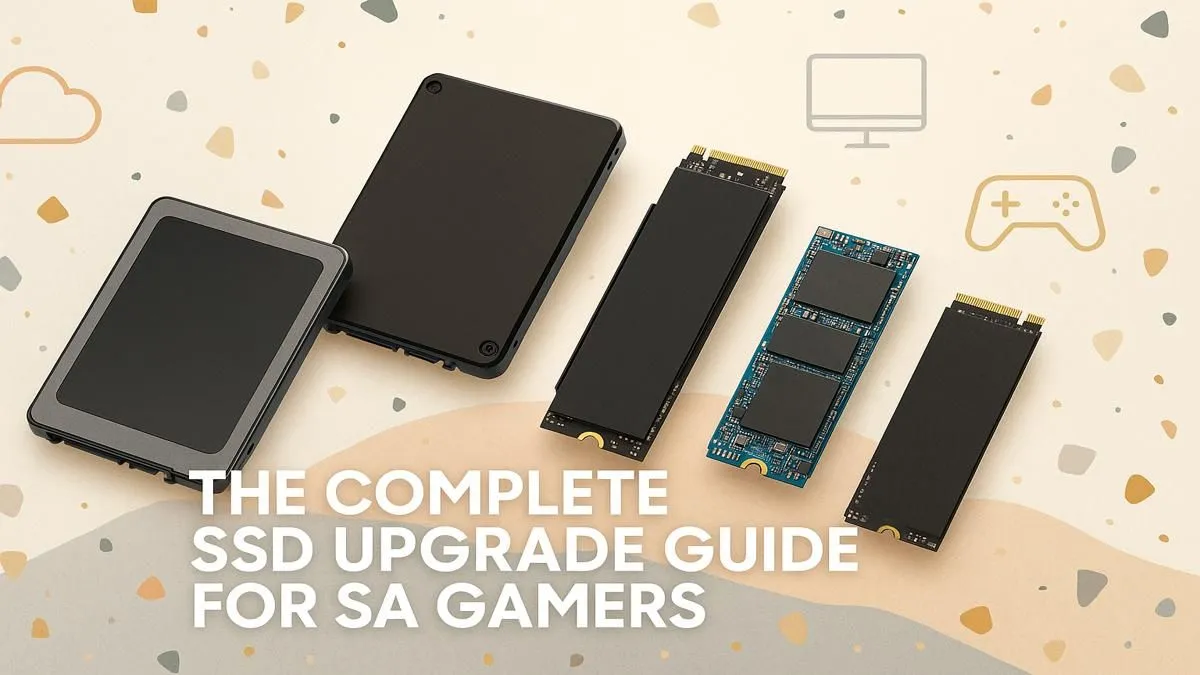
Staring at another loading screen, watching that little bar crawl across your monitor while your mates are already dropping into the action? We’ve all been there. That painful wait is often the last stand of an old, slow hard drive. For South African gamers, a simple SSD upgrade for gaming isn't just a nice-to-have… it's the single most effective way to slash load times, eliminate in-game stuttering, and make your entire PC feel brand new. 🚀
Why an SSD Upgrade for Gaming is Essential
Let's cut to the chase. The difference between a traditional Hard Disk Drive (HDD) and a Solid-State Drive (SSD) is night and day. An HDD is mechanical, with a spinning platter and a physical arm that reads data. Think of it like a vinyl record player. An SSD, on the other hand, uses flash memory, accessing data instantly.
The result?
- Drastically Faster Load Times: Games that took minutes to load now launch in seconds.
- Smoother Gameplay: Assets and textures load instantly, reducing stutter and pop-in, especially in open-world games like Cyberpunk 2077 or Starfield.
- A Snappier System: Your PC will boot up faster, and applications will open in a blink. An SSD upgrade for gaming benefits your entire user experience.
Exploring the various types of SSDs available is the first step towards leaving those loading screens in the dust.
Decoding the Tech: NVMe vs. SATA SSDs
When you start looking, you'll see two main types: SATA and NVMe. What's the difference, and which one is the right gaming SSD upgrade for you?
SATA SSDs
Think of a SATA SSD as a massive upgrade from your old HDD. It uses the same rectangular 2.5-inch form factor and connects via a SATA cable. It’s reliable, affordable, and delivers a huge performance boost, making it a perfect, budget-friendly choice for storing your game library.
NVMe M.2 SSDs
NVMe (Non-Volatile Memory Express) SSDs are the Formula 1 cars of storage. ⚡ They are small sticks of memory that plug directly into your motherboard's M.2 slot, offering mind-blowing speeds that are several times faster than even the best SATA drives. For your operating system and your most-played games, nothing beats the responsiveness of dedicated NVMe SSDs.
Pro Tip: Check Your Specs Twice
Before you buy a super-fast NVMe drive, double-check your PC’s motherboard manual or specifications online to ensure you have a compatible M.2 slot. Most modern boards do, but it always pays to confirm.
What Size SSD Do You Need?
With modern games easily topping 100GB, capacity is a key consideration for your upgrade.
- 512GB: A solid starting point for your operating system and a few favourite titles. You might find yourself juggling installs, though.
- 1TB: This is the sweet spot for most gamers in 2024. It provides enough space for your OS, essential apps, and a healthy rotation of big games without constant stress.
- 2TB and Beyond: For the serious enthusiast with a massive library, a 2TB or even 4TB drive means you can have everything installed at once.
If your internal space is full but you still need more room, a high-speed external SSD is a fantastic plug-and-play solution for expanding your library without opening your case.
Getting the Best Value for Your Rand
An SSD upgrade for gaming is one of the most cost-effective performance boosts you can make. You don't need the most expensive model to see incredible results. The key is finding a reliable drive from a top brand that fits your budget and capacity needs. Prices have become incredibly competitive, making this the perfect time to make the switch.
To get the most performance for your money, it's always worth keeping an eye on the best SSD deals in South Africa, where you can often find top-tier drives at a fantastic price.
Ready for an Instant Performance Boost? Stop waiting and start playing. An SSD upgrade is the key to unlocking your PC's true potential, and with our massive selection, you're sure to find the perfect fit for your rig and budget. Shop our Solid State Drives at Evetech for performance that leaves lag in the dust.











