

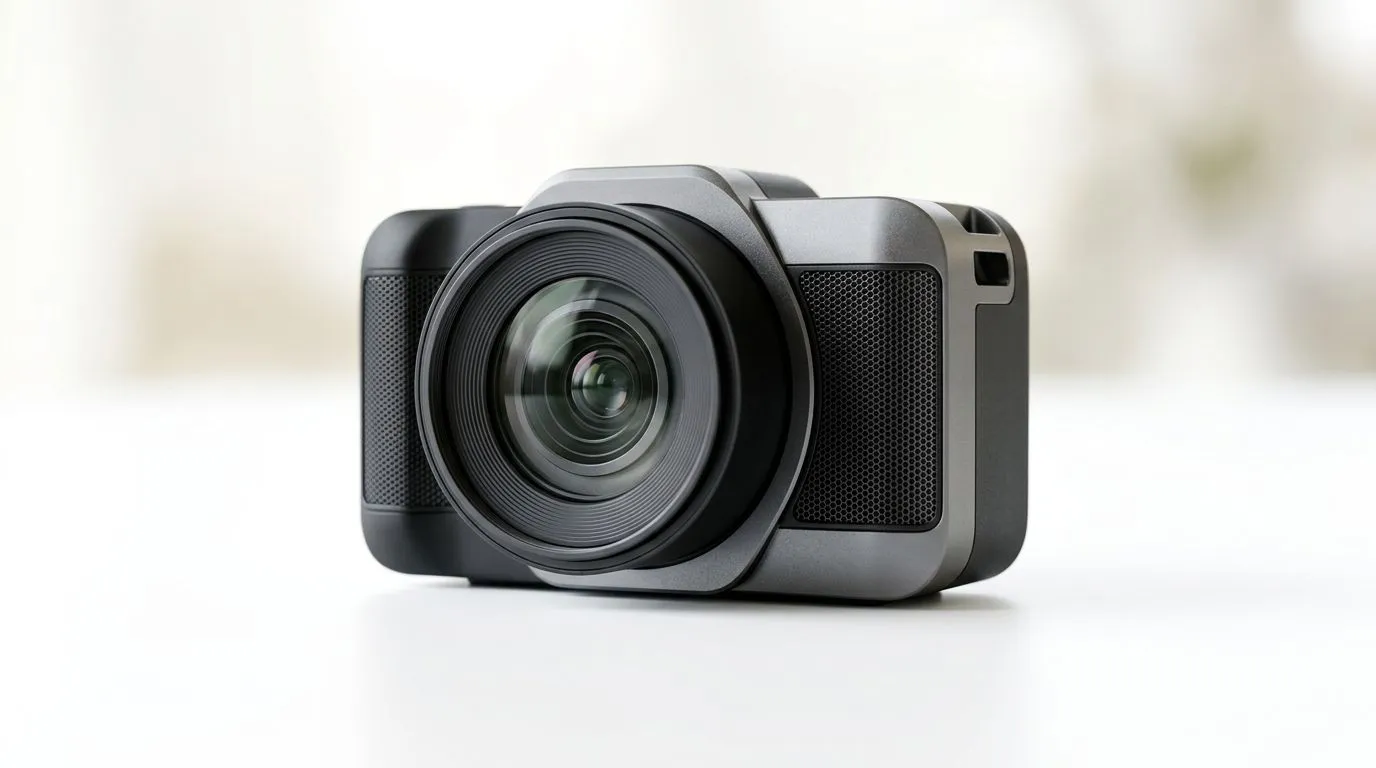
Streaming camera vs built‑in laptop webcam — fast truth for South African gamers 🎥
Streaming Camera vs Built‑In Laptop Webcam: Why Upgrading Matters — if you stream, record or Zoom from Cape Town to Makhanda, your webcam is one of the smallest upgrades with the biggest visible return. Dull colour, laggy frames, and bad low‑light performance make streams look amateur. Here’s how a dedicated streaming camera beats your laptop's built‑in webcam, and where to shop locally.
Image quality, frame rate and low‑light performance
A dedicated streaming camera usually offers better sensors, faster autofocus and more flexible mounts than built‑in laptop webcams. That means cleaner 1080p or 4K images, smoother 60fps capture, and improved low‑light results — which your viewers notice instantly. For product options and specs, see Evetech's full webcam category (official listings) to compare models and technical details: https://www.evetech.co.za/PC-Components/buy-webcams-145.aspx. ✨
Practical streaming benefits you’ll actually notice
Upgrading reduces background noise in the image, lets you use better exposure controls, and frees the laptop screen for overlays and alerts. Pro tip: using a 1080p60 webcam makes motion look far more natural on Twitch and YouTube. For budget buyers, Evetech lists options under R1,000 you can try first to see the difference: https://www.evetech.co.za/PC-Components/buy-webcams-145.aspx?max-price=1000. ⚡
Choosing the right camera for your setup
Think about resolution, frame rate, autofocus, microphone quality and field of view. Mid‑range streaming cameras around R1,000–R2,000 deliver 1080p60 and decent low‑light handling; browse Evetech’s mid‑range selection here: https://www.evetech.co.za/PC-Components/buy-webcams-145.aspx?max-price=2000. If you want crisp 4K or higher frame rates, look at the higher tier—supporting accessories like capture cards and mounts are worth the spend: https://www.evetech.co.za/PC-Components/buy-webcams-145.aspx?max-price=3000. 🚀
Streaming Setup Tip ⚡
Position your camera at eye level, add a soft front light, and use manual exposure if available. Even a budget streaming camera looks pro with two simple lights and tidy framing.
Quick upgrade checklist before you buy
- Decide your target resolution and frame rate (1080p30 vs 1080p60 vs 4K).
- Check whether your laptop USB ports and CPU can handle 60fps capture.
- Match field of view to your stream style: tight headshot or wide desk shot.
Ready to Find Your Perfect Match? The Mac vs Windows debate is complex, but for maximum power, choice, and value in South Africa, Windows is hard to beat. Explore our massive range of laptop specials and find the perfect machine to conquer your world.











