

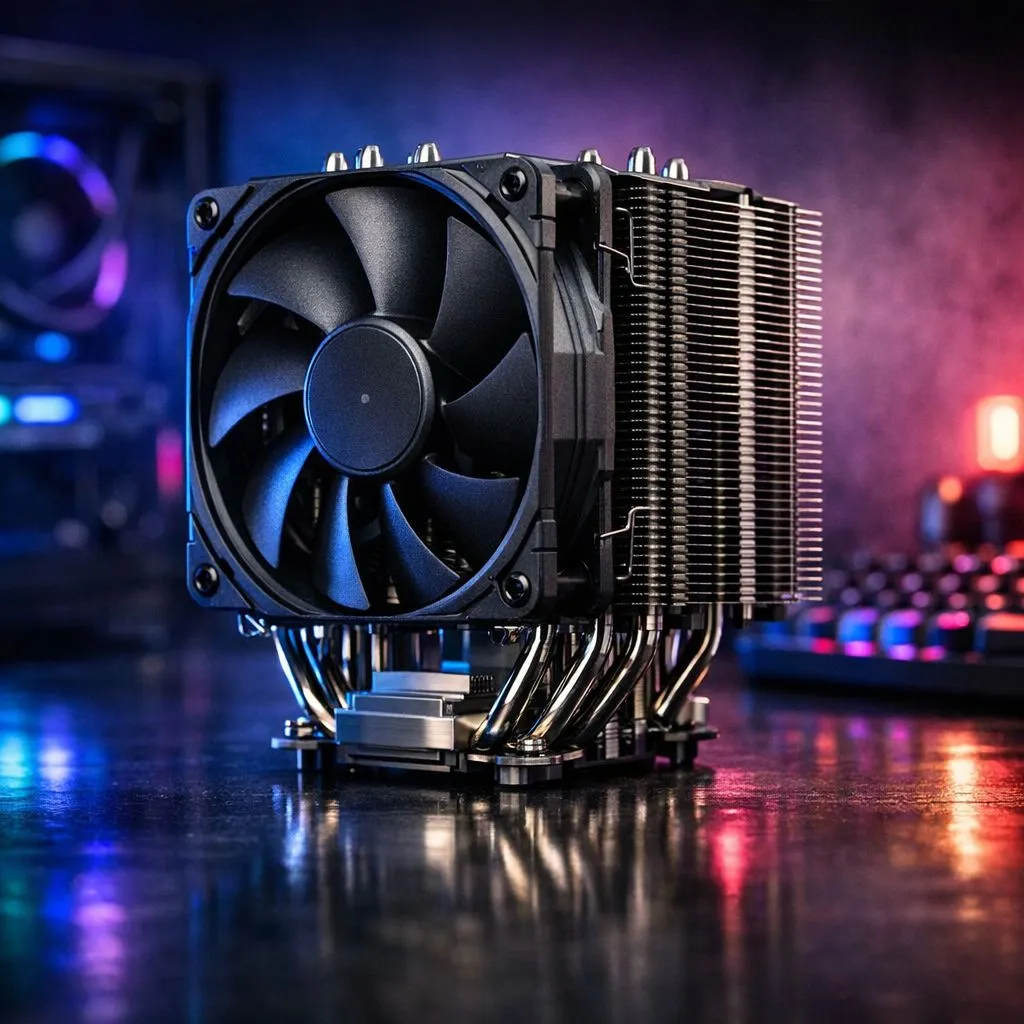
Tower Cooler Upgrade: What You Need to Know
Thinking of squeezing extra lifespan and performance from your rig? Whether you game through school holidays or edit videos after hours, a smart tower cooler upgrade can cut temps, drop fan noise and keep your CPU turboing longer — without breaking the bank. Read on for practical steps, brand picks, and local tips for South African builders. 🔧
Why a tower cooler upgrade matters
A tower cooler upgrade reduces temperatures and often lowers noise compared with many stock coolers. For an organised view of air and tower options, start with Evetech’s CPU cooler category to compare mounting systems and compatibility: shop CPU coolers. This is the best single place to check what fits your socket and case.
Size, clearance and fan choice
Before you buy, measure clearance from your CPU to the side panel and RAM height. Many tower coolers use 120mm fans as a standard — they balance airflow and noise well. See options filtered by 120mm fans to match case airflow and radiator planning: 120mm fan air coolers. Small cases can need low-profile solutions instead... so confirm dimensions.
Air coolers vs other cooler types
If you prefer low-maintenance and reliable long-term performance, air tower coolers remain a strong choice. Explore the general air cooler range to compare price and performance in ZAR, and check mounting compatibility for your CPU socket: air coolers category. Air coolers are forgiving with dust and simple to reseat when you upgrade CPUs later.
Brands to consider — two quick picks
Deepcool offers a wide line-up of value and mid-range tower coolers, often with good fan design and mounting kits: Deepcool air coolers. For compact towers and strong performance per rand, check EINAREX models as well: EINAREX air coolers. Both links help you compare specs side by side.
Installation basics and real-world tips ✨
- Turn the PSU off and unplug before you start.
- Remove the graphics card if it blocks cooler access.
- Use the thermal paste supplied or a pea-sized drop of quality paste... not too much.
- Re-check RAM clearance after seating the cooler.
Pro Installer Tip ⚡
When fitting a tower cooler, dry-fit it without thermal paste first to confirm you can access mounts and that RAM sticks clear the heatsink. This saves reinstall frustration and keeps thermal paste fresh for a single accurate application.
Micro-story: a local build that paid off
A Cape Town friend swapped a tired boxed cooler for a 120mm twin-fan tower and immediately dropped idle noise and saw smoother frame pacing in CPU-heavy titles. It took under 30 minutes — and the build still fit his NZXT mid-tower.
Ready to Find Your Perfect Match? The Mac vs Windows debate is complex, but for maximum power, choice, and value in South Africa, Windows is hard to beat. Explore our massive range of laptop specials and find the perfect machine to conquer your world.











