

Why Wireless Matters for Your SA Gaming Rig
Struggling with lag spikes during a heated Valorant match or waiting ages for a 50GB game update to finish? We have all been there... staring at a ping counter that refuses to stay stable. While a wired Ethernet connection remains the gold standard, many South African gamers find themselves in rooms where running a long Cat6 cable is simply not an option. Choosing between a compact USB solution and a dedicated internal card is the first step to reclaiming your connection. ⚡
The Case for the TP-Link Archer TX1U Nano
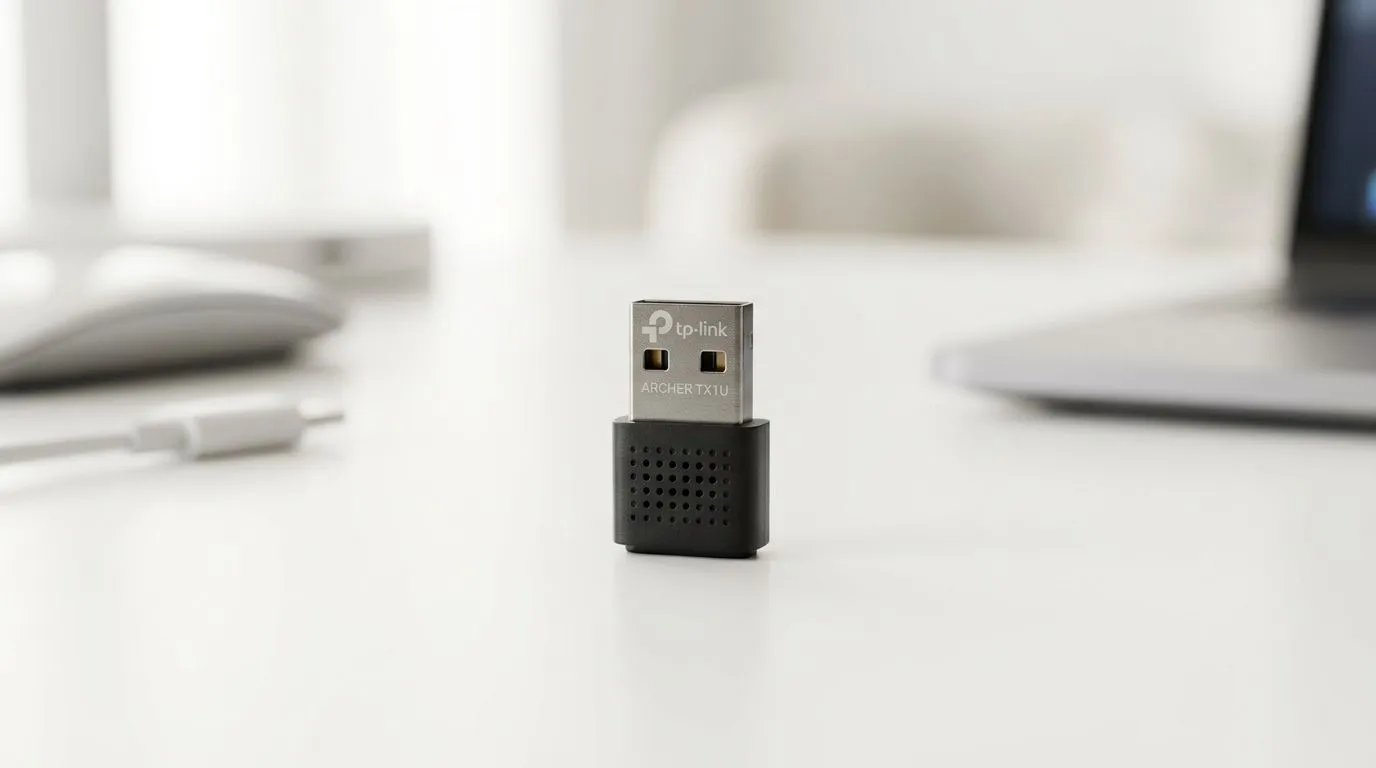
If you are rocking a mini-ITX build or just need a quick, no-fuss solution for your desktop, the TP-Link Archer TX1U Nano is a masterclass in convenience. It is tiny, unobtrusive, and plugs into any USB port to give you instant access to wireless networks. Because it is so portable, you can easily move it between different machines if you are setting up a secondary LAN rig for a friend.
For those looking to explore a wider variety of connectivity options, you can browse our full range of network adapters to see what fits your specific port availability.
PCIe WiFi Cards: Power and Stability
For serious gamers who demand the lowest latency, PCIe WiFi cards are usually the superior choice. Unlike USB dongles, these cards interface directly with your motherboard’s PCIe lanes, which generally results in better thermal management and more consistent data throughput. If you are brand-loyal or looking for specific chipset performance, checking out the TP-LINK branded network adapters is a smart move for ensuring compatibility with your existing router ecosystem.
Signal Strength Pro Tip 🔧
If your PC is tucked under a desk, avoid plugging your wireless adapter into the rear USB ports. The metal chassis acts as a Faraday cage, blocking the signal. Use a front-panel port or a USB extension cable to bring the adapter into the open air for a noticeable boost in stability.
Which One Should You Choose?
If you value aesthetics and simplicity, the Nano USB route is hard to beat. However, if your gaming room is far from the router, you should consider the robust antennas found on many PCIe models. Brands like Cudy have been making waves locally by offering excellent high-speed performance at competitive price points. You can check out the latest Cudy networking hardware here to see if their feature set meets your bandwidth requirements. 🚀
Ultimately, your choice depends on your motherboard's spare slots and your tolerance for signal interference. Whether you choose the portability of a Nano adapter or the raw performance of a PCIe card, a stable connection is the foundation of every great gaming session. ✨
Ready to Find Your Perfect Match? Whether you need a compact USB fix or a high-performance PCIe card for competitive gaming, Evetech has the hardware to keep you connected. Browse our complete selection of networking gear and experience the difference a reliable connection makes.











