

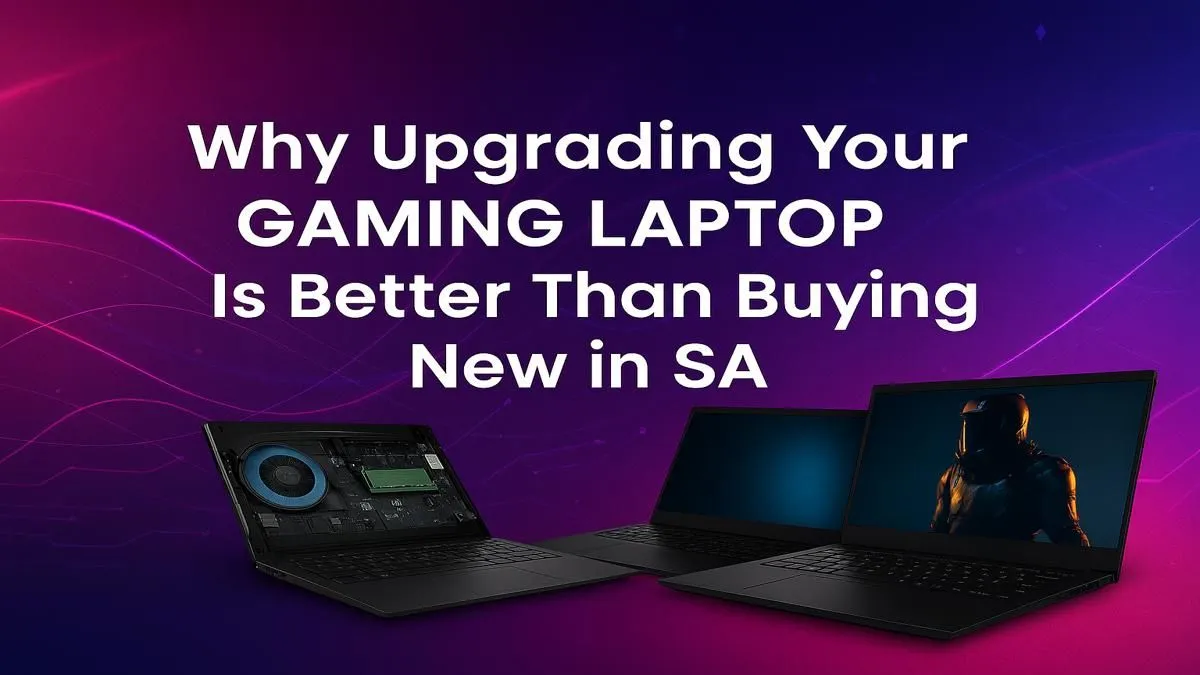
Is your gaming laptop starting to feel... sluggish? Before you drop a small fortune on a brand-new machine, pause for a moment. For many South African gamers, a few strategic tweaks can deliver a massive performance boost for a fraction of the cost. The smartest move for your wallet and your framerates might not be to replace, but to upgrade your gaming laptop. South Africa has more options than you think, and we're here to show you the way.
Why a Strategic Upgrade is Often Smarter
The logic is simple: cost versus benefit. A full replacement means paying for a new screen, chassis, keyboard, and components you might not even need. A targeted upgrade, however, focuses your budget directly on the bottleneck that's holding you back.
This approach is not just about saving money; it's about being clever with your tech. Why buy a whole new car when all you need is a new set of tyres? The same principle applies here. For less than the price of a few new games, you can solve issues like slow loading times and multitasking stutter. It's a far more efficient path than browsing for entry-level gaming laptops under R20k and starting from zero.
The "Big Three" Laptop Upgrades in South Africa
For most gaming laptops, three key areas offer the best bang-for-your-buck performance uplift. These are typically user-accessible and make a noticeable difference in day-to-day use and gaming sessions.
RAM: The Multitasking Master 🔧
Think of RAM (Random Access Memory) as your laptop's short-term memory. It's what allows you to run your game, Discord, a browser with guides, and Spotify all at once. If you experience hitches when alt-tabbing or your system feels sluggish with apps open, you likely need more RAM.
- 8GB: The absolute minimum. You'll likely experience stutters.
- 16GB: The current sweet spot for smooth gaming and general use.
- 32GB: Ideal for future-proofing, streaming, or running memory-heavy creative apps alongside your games.
Many powerful machines, like these top-tier Intel Core i7 gaming laptops, often come with 16GB but have an open slot, making the jump to 32GB a simple and effective upgrade.
Storage: From HDD Snail to NVMe Rocket 🚀
If your laptop still uses a mechanical hard drive (HDD) for its main storage, an upgrade to a Solid-State Drive (SSD) is the single most impactful change you can make. The difference is night and day. Game loading screens that took minutes will now take seconds.
Modern platforms, especially the latest AMD Ryzen gaming laptops, take full advantage of blistering NVMe SSD speeds, making your entire system feel incredibly responsive.
Cloning Made Easy ⚡
Upgrading your main drive doesn't mean you have to reinstall Windows. Use free software like Macrium Reflect or Clonezilla to "clone" your old drive onto the new SSD. Once cloned, you just swap the drives, and your laptop will boot up exactly as it was... just ten times faster!
Wi-Fi Card: A Secret Weapon Against Lag
This is the upgrade most people forget. For online gamers in South Africa, a stable, low-latency connection is everything. If your laptop is a few years old, it might have an older Wi-Fi 5 card. Upgrading to a newer Wi-Fi 6 or 6E card can significantly reduce ping and improve connection stability, especially in busy wireless environments. It's a cheap fix that can give you a real competitive edge. Many modern Intel gaming laptops feature this tech, but it's an easy retrofit for older models.
When Buying New is the Only Answer
Let's be realistic. Upgrades have their limits. Your laptop's most critical gaming components—the CPU (processor) and GPU (graphics card)—are almost always soldered to the motherboard and cannot be changed.
If your core problem is low framerates in the latest AAA titles because your GPU is simply too old, no amount of RAM will fix it. To unlock modern features like DLSS 3 and real-time ray tracing, you need a modern graphics card. This means it's time to start looking at the latest GeForce RTX gaming laptops on special. This kind of generational leap in performance requires a new machine, often found in the powerful category of gaming laptops above R20k.
The Verdict: Your Smartest Upgrade Path ✨
So, should you upgrade your gaming laptop in South Africa or buy a new one?
- Upgrade if: Your main complaints are slow loading times, system stuttering, or poor multitasking performance. A RAM or SSD upgrade will feel like a brand-new machine for a minimal investment.
- Buy new if: Your GPU is the primary bottleneck and you're struggling to run modern games at acceptable framerates, even on low settings.
Ultimately, the goal is to get the best performance for your money. Whether you decide an upgrade is the right path or it's time for a completely new rig, always start by checking out the best gaming laptop deals to benchmark what your budget can get you.
Ready for a Performance Boost? Whether it's a simple RAM upgrade or a brand-new beast, boosting your framerates is the goal. For the ultimate power and choice in South Africa, a new machine might be the answer. Explore our massive range of laptop specials and find the perfect rig to conquer your game.











