

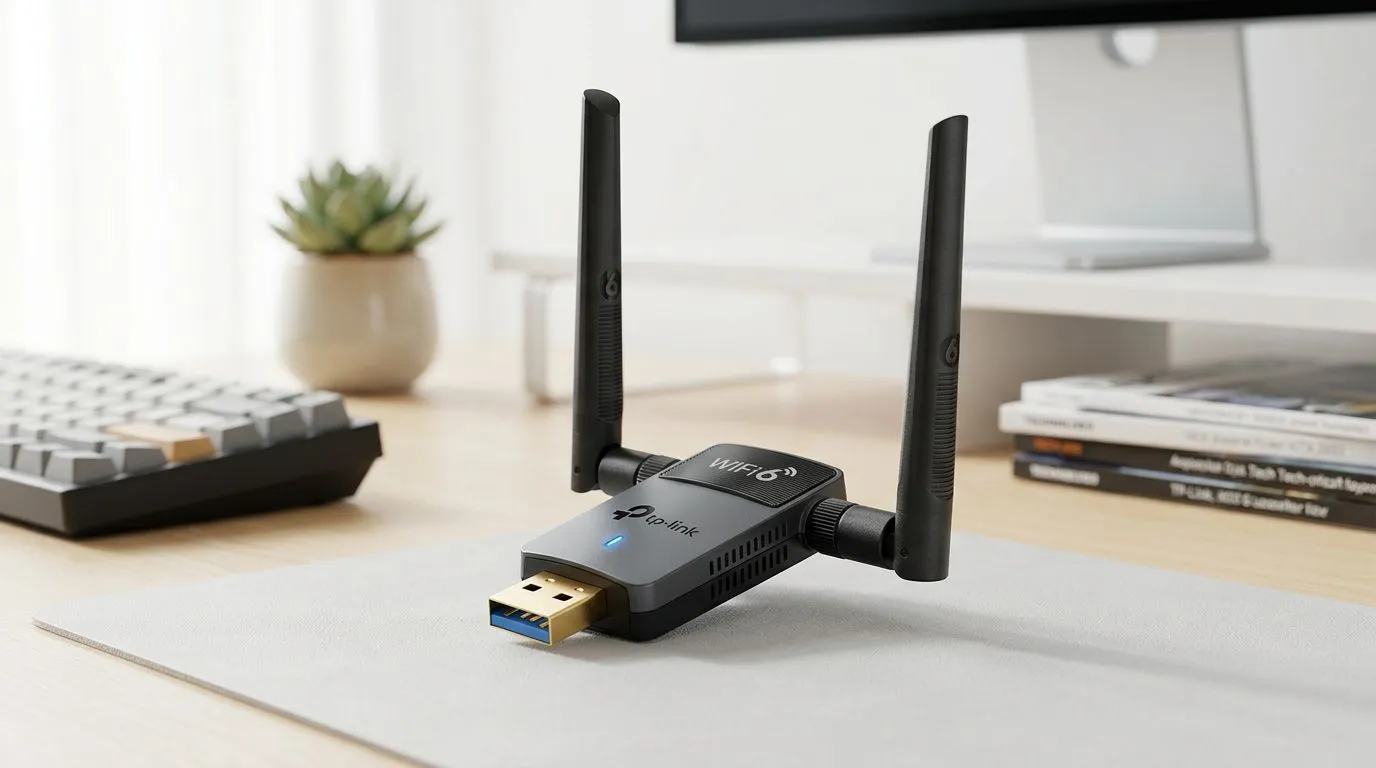
Breaking Free from the Ethernet Cable
Is your office PC tethered to the router by a dusty, trip-hazard-prone cable? We have all been there... trying to find the perfect spot for a desk setup while being limited by the reach of a Cat6 lead. If your home office feels outdated because you cannot move your rig, learning how to upgrade your office PC to WiFi 6 without technical skills is the ultimate freedom you need. You do not need an IT degree to enjoy the blistering speeds and low latency of the latest wireless standard.
Why WiFi 6 Matters for Your Workflow
WiFi 6 (802.11ax) is not just about faster downloads; it is about efficiency. If you are juggling multiple video calls, large cloud-based file transfers, and a constant stream of background updates, older standards will choke your bandwidth. By choosing to buy network adapters from our catalogue, you effectively future-proof your workstation for the next few years. The jump from WiFi 5 to 6 is significant, offering better performance in crowded environments where multiple devices compete for signal. 🚀
Choosing the Right Hardware for Your PC
You do not need to open your PC case if you are not comfortable doing so. USB-based adapters have come a long way. If you prefer a trusted name, you can browse the latest TP-LINK range which offers plug-and-play simplicity for most Windows 10 and 11 systems. Simply slot the adapter into a USB 3.0 port, install the driver, and you are ready to go. 🔧
Connectivity Pro Tip ⚡
Always plug your high-speed WiFi adapter into a blue USB 3.0 port rather than the black USB 2.0 ports. USB 3.0 provides the necessary bandwidth to ensure your adapter isn't bottlenecked, allowing you to actually hit those advertised WiFi 6 speeds.
Installation Without the Stress
For those who want a balance of performance and budget-friendly reliability, Cudy network adapters are an excellent choice for South African home offices. Once connected, your PC will instantly recognise the new hardware. No complex BIOS settings or motherboard surgery required. You can expect a stable connection that handles high-definition streaming and heavy data tasks with ease. ✨
Ready to Upgrade Your Connection? Don't let a slow network hold back your productivity or your gaming sessions. With the latest WiFi 6 tech, you can finally cut the cord and enjoy a seamless digital experience. Explore our complete range of network adapters here and get your office running at peak performance today.











