

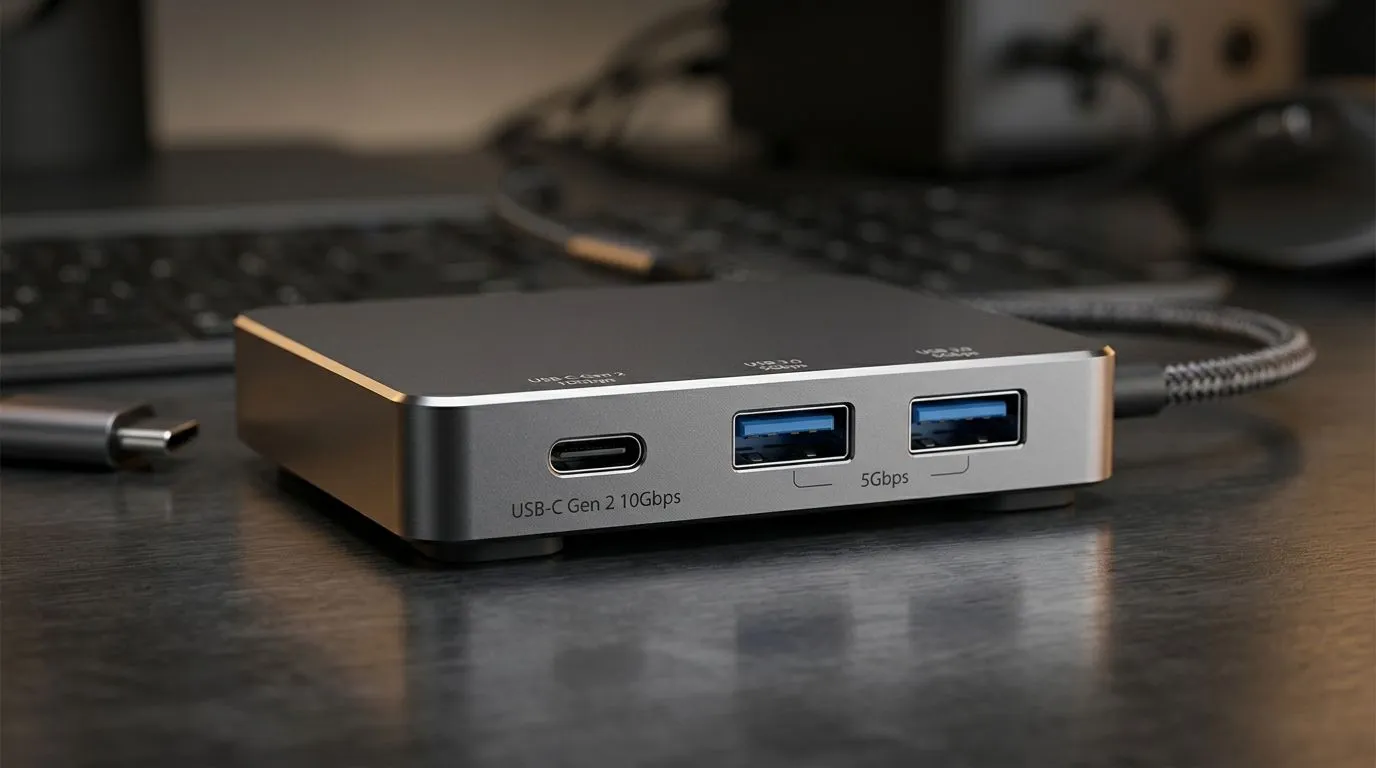
USB-C Gen2 vs USB 3.0 Dual Ports When You Need More
If your case still leaves you hunting for ports behind the PC, you already know the pain. A quick headset swap. A flash drive for a mate. A phone that needs charging before load-shedding kicks in... and suddenly the front panel matters more than RGB. For South African gamers and builders, USB-C Gen2 vs USB 3.0 dual ports when you need more is really a question of convenience, compatibility, and future-proofing 🔧
USB-C Gen2 vs USB 3.0 Dual Ports When You Need More: what the labels actually mean
USB 3.0 is the older name many shoppers still use for what is now commonly called USB 3.2 Gen 1. It typically supports up to 5 Gbps. USB-C Gen2 usually refers to USB 3.2 Gen 2 over a USB-C connector, which can support up to 10 Gbps depending on implementation. That matters for faster external SSDs, large file transfers, and cleaner reversible plugging.
The connector shape and the transfer speed are not the same thing. A USB-C port can be fast, or it can be basic. A USB 3.0 Type-A port can also be perfectly fine for mice, keyboards, dongles, and everyday drives. For a simple reference on USB naming and capability, see the USB Implementers Forum’s official overview: https://usb.org
USB-C Gen2 vs USB 3.0 Dual Ports When You Need More: which setup suits your build
If you mostly plug in peripherals, a dual USB 3.0 front panel is usually enough. It keeps older accessories happy and avoids adapters. That is handy in homes where one PC serves gaming, study, and work.
If you move footage, edit content, or use modern phones and drives often, USB-C Gen2 makes sense. It is cleaner, faster with the right devices, and feels more current in a new build. The sweet spot for many buyers is a case that gives both. That way, you don’t choose between old and new.
For case shopping, start with the broad selection of computer cases at Evetech(https://www.evetech.co.za/components/computer-cases-70). If you want a cleaner, premium-looking chassis, browse Fractal Design PC cases(https://www.evetech.co.za/PC-Components/fractal-design-pc-cases-346). If you’re after a bolder gaming aesthetic, check out Gamdias gaming cases(https://www.evetech.co.za/PC-Components/gamdias-gaming-cases-293). And if your budget is tight, these Gamdias gaming cases under R1500(https://www.evetech.co.za/PC-Components/gamdias-gaming-cases-293?max-price\=1500) are worth a look.
USB-C Gen2 vs USB 3.0 Dual Ports When You Need More: practical buying tips
Before you click buy, ask three things:
1. What do you plug in most?
If it is controllers, headsets, dongles, and USB sticks, Type-A is still useful.
2. Do you move large files?
If yes, USB-C Gen2 can save time, especially with external SSDs.
3. Does the case include the header you need?
Some motherboards support front USB-C. Others don’t. Always check the board first. A flashy front panel is useless if the header is missing.
Buy smarter ⚡
When comparing cases, check the motherboard manual before checkout. Front USB-C only helps if your board has the right internal header. That small check can save you from buying a case that looks perfect but can’t use its front Type-C port.
USB-C Gen2 vs USB 3.0 Dual Ports When You Need More: the honest verdict
For most South African gamers, dual USB 3.0 ports are still practical and affordable. For builders who want a more modern setup, USB-C Gen2 adds flexibility and speed. The best value often comes from getting both, especially if you plan to keep the case for years. In an upgrade path, that matters more than chasing the latest badge.
Ready to Find Your Perfect Match? The Mac vs Windows debate is complex, but for maximum power, choice, and value in South Africa, Windows is hard to beat. Explore our massive range of laptop specials and find the perfect machine to conquer your world.











