

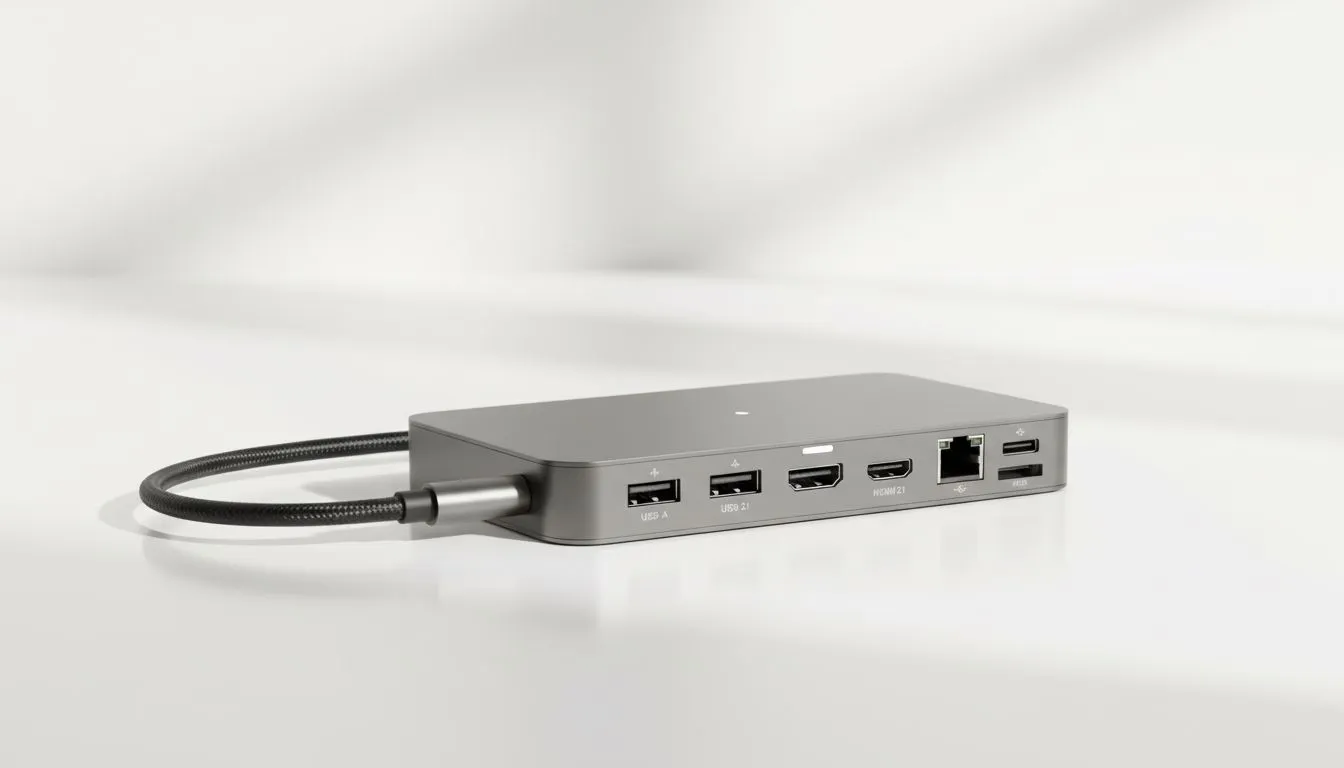
You’ve just unboxed your sleek new laptop. It’s powerful, light, and looks amazing... but it only has two USB-C ports. How are you supposed to connect your monitor, mouse, keyboard, and external drive? The answer is a USB-C hub, but the big question lingers: will it throttle your machine? Let's be honest, nobody wants to sacrifice speed for convenience. This guide will ensure your USB-C hub performance boosts your setup, not bottlenecks it. 💻
The Truth About USB-C Hub Performance
A common fear is that plugging multiple devices into a single hub will automatically slow your laptop down. The reality is more nuanced. It’s not about the number of ports, but the total bandwidth they share. Think of your laptop's USB-C port as a high-speed highway. A cheap, low-quality hub is like closing all but one lane during rush hour... everything grinds to a halt.
High-quality hubs are designed to manage this data traffic efficiently. To guarantee smooth USB-C hub performance, the hub itself must support modern, high-speed data transfer protocols like USB 3.2 or Thunderbolt. Investing in one from a range of trusted PC gaming accessories ensures the components inside can handle the load without causing frustrating lag or slowdowns.
Decoding Hub Specs to Avoid Performance Dips
When you're shopping, the spec sheet can look like a random collection of letters and numbers. But a few key metrics determine whether a hub will be a champion or a chump. Paying attention to these details is crucial for adding ports without slowing your laptop.
Key Features to Check:
- Data Transfer Speed: Look for hubs rated at 10Gbps (USB 3.2 Gen 2) instead of the older 5Gbps standard. This extra bandwidth is essential if you're connecting fast external SSDs or multiple peripherals.
- Video Output: For gamers and creators, this is non-negotiable. Ensure the HDMI or DisplayPort can handle 4K at a 60Hz refresh rate (4K@60Hz). A 30Hz hub will result in a choppy, unpleasant experience on a high-resolution monitor.
- Power Delivery (PD): A good hub should offer at least 65W-100W of power passthrough. This lets you charge your laptop at full speed through the hub itself, even with other devices connected. ⚡
Finding a hub with all these features doesn't have to cost a fortune. It's always a good idea to check for ongoing gaming accessories deals to find top-tier tech at a great price.
Pro Tip: Match Your Port to Your Hub 🔧
Before you buy a hub, identify the type of USB-C port on your laptop. Is it Thunderbolt 4? USB4? USB 3.2 Gen 2? You can usually find this in your laptop’s manual or on the manufacturer's website. Buying a hub that matches or exceeds your laptop's port capabilities is the best way to guarantee maximum performance and avoid disappointment.
Gaming and Real-World Use: Will It Lag? 🎮
So, the million-rand question: will a USB-C hub introduce input lag and ruin your gaming sessions? For most gaming peripherals like your mouse, keyboard, and headset, the answer is a firm no. These devices use very little bandwidth, and a decent hub can handle them without adding any noticeable delay.
The potential for slowdowns appears when you start connecting high-bandwidth devices simultaneously. Imagine you're in a tense Apex Legends firefight while also transferring a large video file from your laptop to an external SSD plugged into the same hub. This is where a high-performance hub proves its worth. A cheap one might cause stutters, but a quality one will manage the data flow seamlessly. Ultimately, your choice of hub is as important as your other dedicated gaming accessories; it's a core part of a stable, high-performance setup.
Ready to Expand Your Connectivity? A high-quality USB-C hub is an upgrade, not a compromise. It unlocks your laptop's true potential without sacrificing the performance you paid for. Explore our massive range of PC components and find the perfect hub to build your ultimate setup.








