

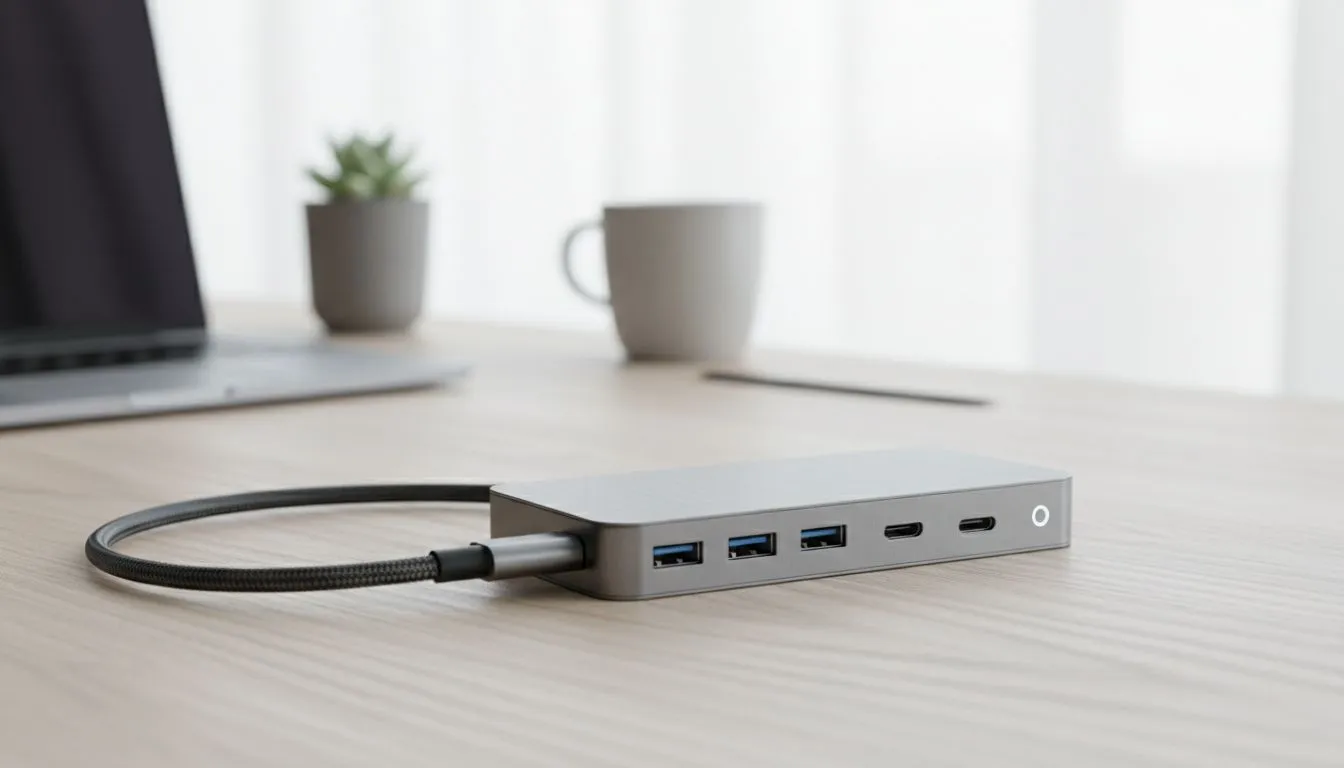
Is your work-from-home desk looking like a plate of spaghetti gone wrong? Cables everywhere, not enough ports on your sleek new laptop… it’s a pain. You’re constantly swapping your mouse dongle for a USB drive, and your charger is a whole separate mess. What if you could connect your monitor, keyboard, mouse, and charge your laptop all through a single, neat cable? That’s the magic of a USB-C hub with Power Delivery. ✨
Why Your Setup Needs a USB-C Hub with Power Delivery
Modern laptops are thin, light, and powerful… but they often sacrifice ports for style. If you're juggling more than one or two peripherals, you've felt the frustration. A USB-C hub instantly expands your connectivity, turning one port into many.
But the real star here is Power Delivery (PD). A standard hub just transfers data. A USB-C hub with Power Delivery does that and charges your laptop simultaneously. It pushes significantly more power than a standard USB port, ensuring your machine gets the juice it needs to run at full tilt, even with multiple devices connected. It’s one of the most practical upgrades you can make, alongside other essential PC components for a modern setup.
Choosing the Right Power Delivery Hub for You
Not all hubs are created equal. To find the perfect match for your work-from-home setup, consider these key factors:
What Ports Do You Need?
Think about your daily workflow. Do you need...
- Multiple USB-A ports for your keyboard, mouse, and webcam?
- HDMI or DisplayPort to connect an external monitor? (Check for 4K@60Hz support for smoother visuals!)
- An Ethernet port for a stable, faster-than-Wi-Fi connection during those crucial Zoom calls or online matches?
- SD/MicroSD card readers for transferring photos and videos?
Map out your essentials first. It’s always better to have one port you don’t need than to need one port you don’t have. And keep an eye out for great gaming accessory deals, as high-quality hubs often feature in sales.
How Much Power is Enough?
Check your laptop's original charger—the wattage (e.g., 65W, 95W) is printed on it. Your power delivery hub should offer a similar or slightly higher wattage to charge your device effectively. An underpowered hub might charge your laptop very slowly… or not at all under heavy load.
Check Your Port's Power! ⚡
Not all USB-C ports are the same. Before buying a hub, confirm your laptop's USB-C port supports both Power Delivery (PD) for charging and DisplayPort Alt Mode for video output. You can usually find this info in your laptop's tech specs online or by looking for a small lightning bolt (Thunderbolt) or 'DP' symbol next to the port.
A USB-C Hub Isn't Just for Work 🚀
A clean desk helps you focus on work, but it also creates a slicker battle station for gaming. A good USB-C hub streamlines your transition from spreadsheet warrior to esports champion.
Plug in your mechanical keyboard, your high-performance gaming mouse, and your headset without a fuss. Use the HDMI port to run Discord or a guide on a second screen while you game on your main display. It’s all about convenience and reducing clutter so you can focus on what matters. A tidy setup is a crucial part of the ecosystem you build to level up with the right gaming accessories.
Ready to Declutter and Power Up? A messy desk is a messy mind. A USB-C Hub with Power Delivery is the single smartest upgrade for a clean, powerful, and versatile work-from-home setup. Explore our wide range of hubs and accessories and find the perfect one to conquer your cable chaos.











