

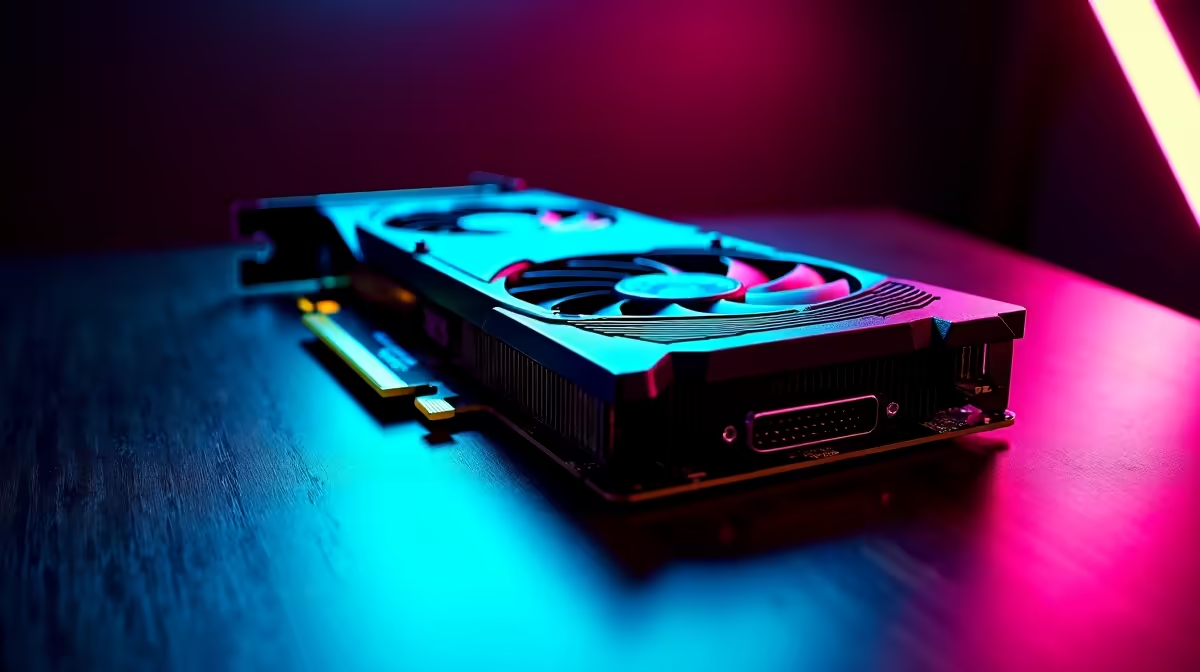
Ja, we've all been there. Your frame rates are chugging in Helldivers 2, but your bank account is looking... well, very South African. The temptation to browse Facebook Marketplace or Carbonite for used GPUs in South Africa is real. You could score a high-end card for a fraction of the price. But is it a savvy move or a fast track to a very expensive paperweight? 🚀
This guide will help you navigate the tricky second-hand market and decide if it's the right call for your rig.
The Allure and Alarms of Used GPUs
Let's be honest, the main reason anyone considers buying a used GPU in SA is the price. Finding a last-gen RTX 2070 or RX 5700 XT for under R4,000 feels like a massive win. It can be the difference between playing on 'Low' and cranking those settings up to 'High' at 1080p.
But here's the catch... there are risks. Unlike buying from a trusted retailer, you get no warranty, no returns policy, and no guarantee of the card's history. Was it overclocked to within an inch of its life? Or worse, was it grinding away 24/7 in a crypto mining farm? These are the questions that should keep a smart gamer up at night. The allure of a cheap price can quickly fade when a card dies a month after you buy it.
Your Pre-Purchase Checklist for Second-Hand Graphics Cards
If you're still determined to hunt for a bargain, you need to go in prepared. Finding a good deal on used GPUs in South Africa requires a bit of detective work. Treat this checklist as your non-negotiable battle plan.
1. Vet the Seller and the Card's History
Don't just look at the price; look at the person selling it. Do they have a good history on the platform? Ask them directly:
- Why are you selling it? (A recent upgrade is a good answer).
- Do you have the original proof of purchase? (This helps verify its age).
- Was this card ever used for crypto mining? (Honesty here is key).
A seller who gets defensive about these questions is a major red flag. 🚩
2. The Physical Inspection
If you can, always inspect the card in person. Look for signs of extreme wear and tear. Check for dust buildup in the heatsink, any visible damage to the PCB, or bulging capacitors. Also, make sure the card will actually fit inside your computer case, as some high-end models can be surprisingly long.
Crypto Mining Clue ⚡
A tell-tale sign of an ex-mining card is a slightly yellowed or discoloured PCB, especially around the GPU die. This is caused by prolonged exposure to high heat. Also, check the fans. If they seem excessively noisy or worn, the card has likely lived a very hard life.
3. Demand a Benchmark Test
This is the most crucial step. Never buy a used GPU without seeing it run under load. Ask the seller to run a benchmark like FurMark or 3DMark Time Spy for at least 15 minutes while you're there. Watch the temperature and look for any visual glitches, crashes, or "artifacting" on the screen. A healthy card should run stable without overheating. Proper cooling is vital, so if your system is struggling, consider upgrading your CPU cooler or investing in better thermal solutions to keep temperatures in check.
4. Check Your Rig's Compatibility
That shiny used RTX 3080 won't do you much good if your system can't support it. Before you hand over any cash, make sure:
- Your power supply has enough wattage and the correct 6-pin or 8-pin PCIe power connectors.
- Your motherboard has a compatible PCIe x16 slot.
- Your CPU is powerful enough to avoid a serious bottleneck that wastes the GPU's potential.
- You have enough system RAM to keep up. An upgrade to a modern Solid State Drive (SSD) can also dramatically improve game load times and overall system responsiveness.
Is Buying a Used GPU in SA Worth It?
Sometimes, the answer is yes. But often, the small saving isn't worth the massive risk. When you compare the price of a popular used card to a brand-new, entry-level model, the value proposition gets murky. A new card comes with a full multi-year warranty, the latest driver support, and newer features like DLSS or FSR for better performance.
Before you pull the trigger on a second-hand deal, it's always worth checking the prices on brand-new NVIDIA and AMD graphics cards. You might find that for a few hundred Rand more, you can get a modern, reliable GPU with peace of mind included. ✨
Ready for a Hassle-Free Upgrade? The hunt for a reliable used GPU can be exhausting. Why not skip the risk? A brand-new, balanced upgrade gives you a full warranty and guaranteed performance out of the box. Check out our curated PC upgrade kits and get back to what matters... gaming.











