


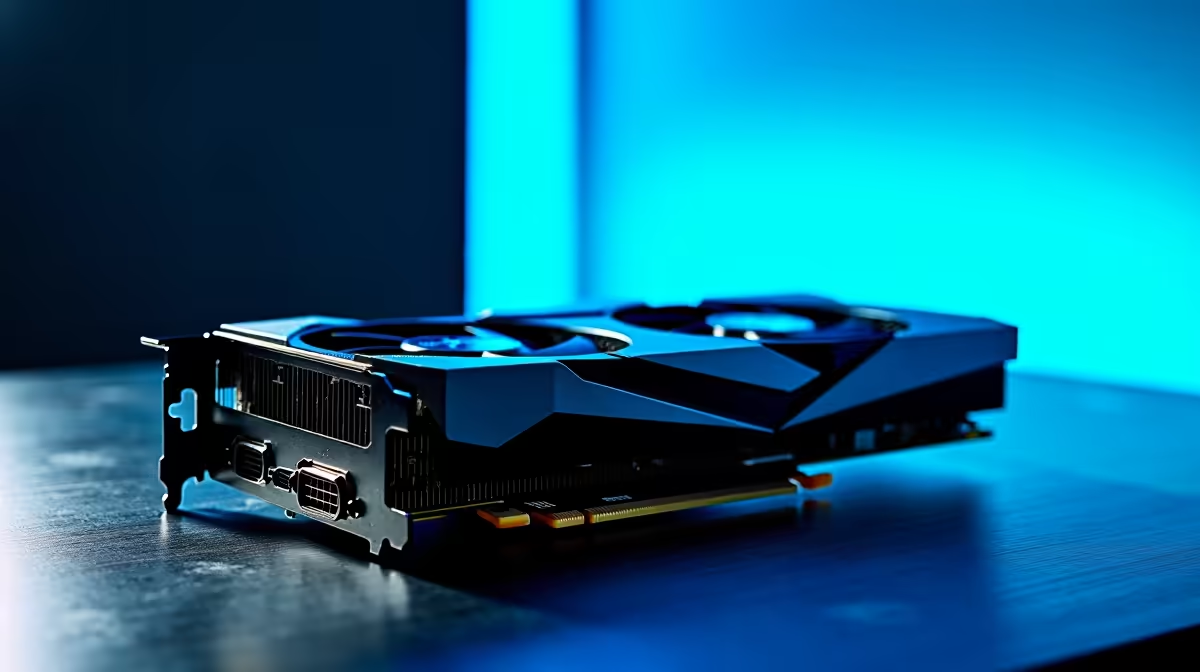
Scoring a deal on a second-hand GPU on Facebook Marketplace feels like a win... until it dies a week later. Suddenly, that bargain isn't so lekker. Navigating the world of used PC parts warranty in South Africa can be a minefield, but it doesn't have to be a gamble. We're breaking down exactly what you need to know to build or upgrade your rig without the risk, ensuring your hard-earned Randelas are protected. ✨
Why a Warranty on Second-Hand PC Parts is Crucial
In South Africa, most private sales of used goods are "voetstoots" – you buy it "as is," with all its hidden faults. If that graphics card was used for crypto mining 24/7 or the motherboard has a dodgy VRM, you have very little recourse. This is where understanding the risks of buying second-hand hardware without a warranty becomes so important. A failing component isn't just a loss of money; a faulty power supply, for example, can take your entire system down with it.
The biggest benefit of buying new is the manufacturer's warranty. It's your safety net. It guarantees that the component is free from defects for a specified period, giving you complete peace of mind. For a critical part like a CPU, having that backup is non-negotiable for a stable rig.
Your Safety Checklist for Buying Used Components
If you're still set on hunting for a bargain, you need a strategy. A proper used PC parts warranty in South Africa from a private seller is rare, so the responsibility falls on you to be the quality inspector. Before you hand over any cash, run through this checklist.
Ask the Right Questions
Always start with a friendly interrogation.
- How old is the part and do you have the original proof of purchase? This helps verify its age and see if any original warranty might still be transferable.
- What was it used for? Be direct. Ask if it was used for crypto mining, heavy overclocking, or just casual gaming.
- Why are you selling it? A simple "upgrading" is a good answer. Vague responses can be a red flag.
- Can I see it working? This is the most important question. If they refuse, walk away.
Physical Inspection is Key 🧐
Get hands-on with the hardware. When inspecting a potential motherboard, look for bent CPU socket pins, bulging capacitors, or any scorch marks. For a CPU processor, check for any damage to the contact pads or pins. Even a seemingly cosmetic issue on a computer case could hide deeper damage from being dropped.
Check the Date Code ⚡
Many components like PSUs and GPUs have a sticker showing the manufacture date (e.g., '2010' for Week 10 of 2020). This is a great way to verify the seller's claims about the part's age, even if they don't have the original invoice. An older date might suggest more wear and tear, regardless of its appearance.
Stress Test Everything (If Possible)
Seeing a PC boot to Windows isn't enough. You need to put the component under load to reveal instabilities.
- For GPUs: Use a tool like FurMark or Unigine Heaven. Run it for at least 15-20 minutes and watch for artifacting, crashes, or extreme temperatures. This is a must when considering any used NVIDIA or AMD graphics cards.
- For CPUs & RAM: Run Prime95 (blend test) or AIDA64's stability test. Any errors or blue screens are an immediate deal-breaker. Even reliable components like DDR3 or DDR4 RAM modules should be tested.
- For Storage: Run CrystalDiskInfo to check the health and total data written on used Solid State Drives. High "Power On Hours" or low "Health Status" percentages are clear warning signs.
When picking up a used CPU cooler, always check that the fan spins freely and that all the correct mounting brackets for your socket are included. It's also vital to clean off the old thermal gunk and apply fresh, high-quality thermal solutions for optimal performance. You never know how old the previous application was. Similarly, a second-hand CPU cooler might look clean, but its fan bearing could be on its last legs.
The Smart Alternative: New Parts & Warrantied Bundles 🚀
Navigating the risks of the second-hand market can be exhausting. Sometimes, the safest and most valuable path to upgrading is buying new. The peace of mind that comes with a full warranty is often worth the extra cost.
Instead of buying individual used parts and hoping they all work together, consider a pre-tested, fully warrantied upgrade kit. These Intel and AMD based bundle packs combine a CPU, motherboard, and RAM that are guaranteed to be compatible and are covered by a solid warranty. It's the ultimate strategy for safe buying and a hassle-free build.
Ready to Upgrade with Confidence? Buying used is a gamble, but building with new, warrantied parts from a trusted retailer is a sure bet. Explore our massive range of PC components and build your dream rig with complete peace of mind.










