

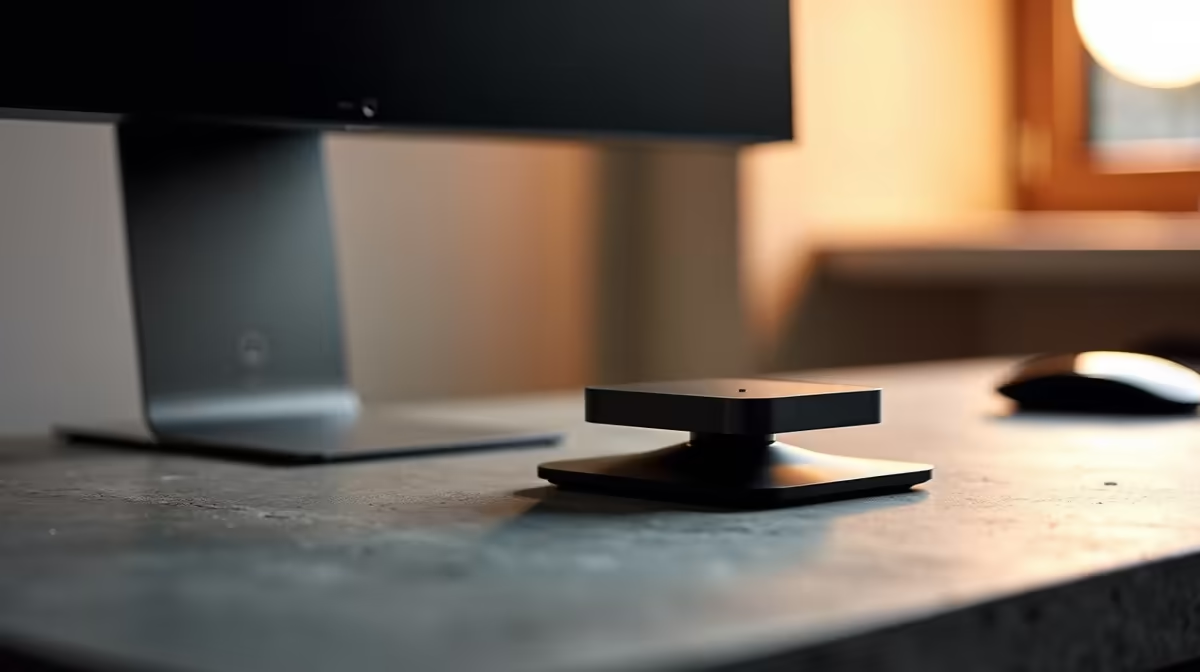
Is your desk looking less like a pro-gaming command centre and more like a chaotic jumble of cables and clunky monitor stands? You’re not alone. That beautiful monitor you bought—the one with the stunning display but no mounting holes—is taking up precious real estate. But what if you could make it float, creating a clean, ergonomic setup without buying a new screen? Good news, you absolutely can. A VESA mount adapter for any monitor is the simple, affordable solution.
What is a VESA Mount… and Why Doesn't My Monitor Have One?
First, a quick bit of tech talk. VESA is a standard set by the Video Electronics Standards Association. It defines the distance in millimetres between the four mounting holes on the back of a monitor or TV (e.g., 100x100mm). It’s a brilliant system that lets you attach your screen to a universal arm or wall bracket. A huge range of modern PC monitors come with it built-in.
So why do some monitors get left out?
- Design Aesthetics: Some manufacturers, especially for ultra-thin or "designer" displays, skip VESA holes to achieve a sleeker look.
- Age: Many older monitors were built before VESA mounting became the norm.
- Cost-Saving: On some budget models, it's one of the first features to be cut.
The Simple Solution: A VESA Mount Adapter for Any Monitor 🔧
Don't despair if your screen falls into one of those categories. A VESA mount adapter for any monitor is a clever bracket system designed to solve this exact problem. Instead of screwing into the back, these adapters use adjustable, padded arms to securely clamp onto the top and bottom or sides of your monitor's frame.
Once the adapter is gripping your screen, it provides a standard VESA-compatible plate (usually 75x75mm or 100x100mm). Just like that, your non-VESA monitor is ready to be attached to any standard monitor arm. Whether you're rocking one of the latest all-gaming monitors or an older display, this little piece of hardware opens up a world of possibilities.
Choosing the Right Non-VESA Monitor Adapter
Finding the right adapter for a non-VESA monitor is crucial for a secure fit. Here’s what to look for before you buy:
Key Considerations
- Screen Size & Thickness: Every adapter has a specified range for the screen diagonal (e.g., 17" to 29") and bezel thickness it can support. Measure your monitor first!
- Weight Capacity: Ensure the adapter can handle your monitor's weight. While most are built tough, it's always better to double-check.
- Build Quality: Look for solid steel construction. You’re trusting this to hold your valuable screen, so don't cheap out on flimsy materials.
- Padding: Good adapters have rubber or foam pads on the clamps to protect your monitor's bezel from scratches.
This compatibility issue isn't just for old screens. This is especially true for some sleek curved monitors that prioritise form over function. Even high-end 5K & 4K monitors can sometimes ship without standard mounting points, making a universal monitor VESA adapter an essential purchase.
Cable Management Pro Tip ⚡
Once your monitor is mounted, use Velcro ties or a braided cable sleeve to run the power and display cables along the monitor arm. This small step makes a massive difference, hiding the clutter and giving you that ultra-clean, professional look.
The Benefits Beyond Just a Tidy Desk ✨
Reclaiming desk space is the main reason people seek out a VESA mount adapter, but the advantages don't stop there.
- Superior Ergonomics: A monitor arm gives you complete control over height, tilt, and swivel. You can position your screen at the perfect eye level, reducing neck and back strain during long gaming sessions or workdays.
- Ultimate Flexibility: Want to switch to a vertical, portrait orientation for coding or reading documents? Easy. Need to stack two monitors on top of each other? No problem. The flexibility this offers is immense, almost like having one of those handy portable monitors you can position anywhere.
- A Cleaner Battlestation: Let's be honest... it just looks better. A floating monitor setup makes your entire desk feel more spacious, modern, and organised.
An adapter is a fantastic, low-cost way to modernise an older screen. Of course, if you're looking for a new screen to go with your new clean setup, you can always check out the best PC monitor deals in South Africa. From adapters to high-quality monitor arms, you can find all the monitor accessories you need to complete your battle station.
Ready to Build Your Dream Setup? A clean, ergonomic desk is the foundation of any great gaming or work setup. A VESA adapter is the perfect first step. Explore our full range of monitor accessories and find everything you need to perfect your space.











