

VGA Is Not Dead: Use Legacy Displays on Modern PCs (Upgrade Path)
If you’ve just upgraded to a modern PC and discovered your monitor only has VGA… don’t panic. In South Africa, loads of us still have perfectly fine screens sitting under desks. You know the ones. The “still works, why replace it?” displays.
The good news? VGA is not dead. You can keep using legacy monitors on modern PCs, and with the right adapter and settings, it can look surprisingly crisp. 🔧
VGA Is Not Dead: Legacy displays still have a place in 2026
Modern graphics cards often skip VGA entirely. That’s not the end of the story though. VGA is an older analogue video standard, so it needs the right connection path from today’s digital outputs.
Here’s the common reality:
- Your new PC likely has HDMI or DisplayPort outputs.
- Your older monitor likely has VGA input only.
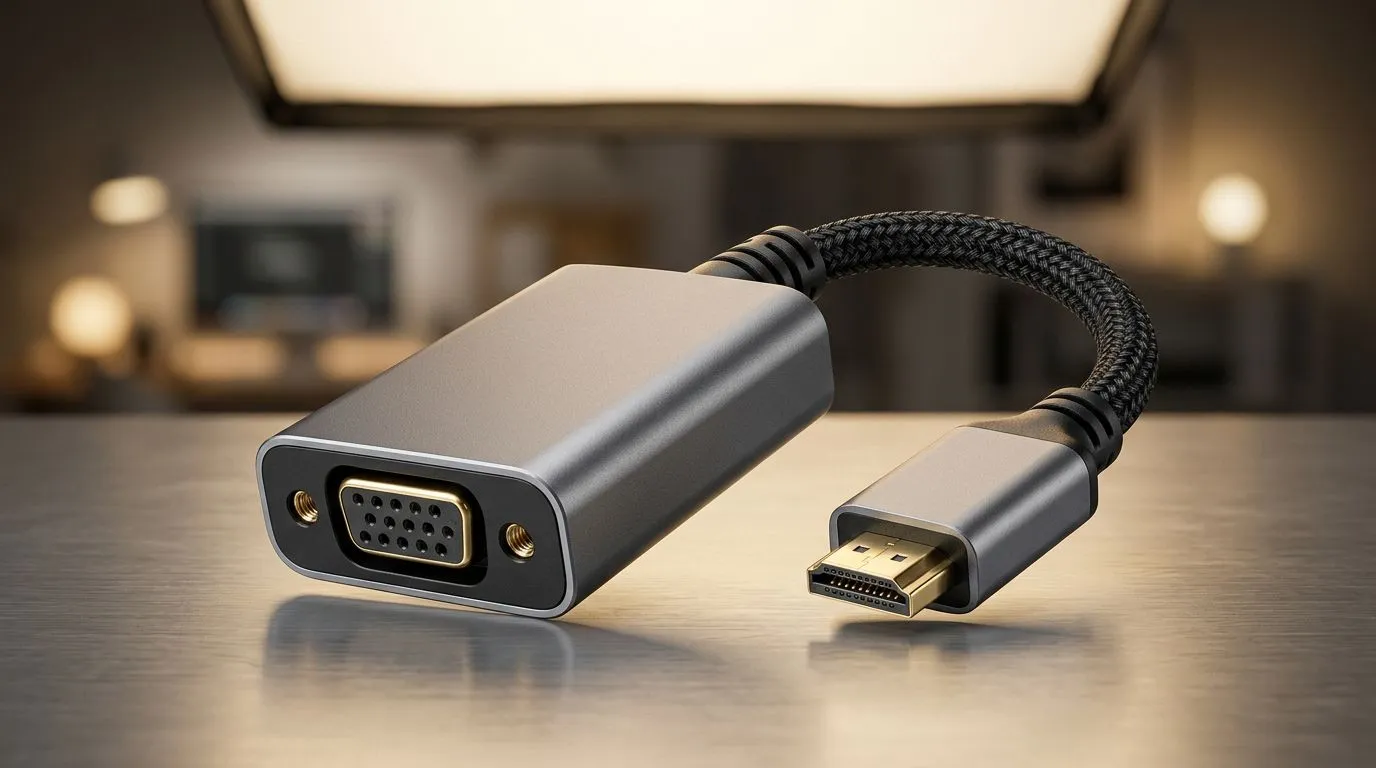
- A VGA-compatible adapter bridges the gap.
Before you buy anything, check the physical ports on both ends. If your monitor has VGA (15-pin D-Sub), you’re in business. ✅
What to look for when buying a VGA adapter
You’ll typically choose between:
- HDMI to VGA (digital PC to analogue monitor)
- DisplayPort to VGA (same idea, different source)
Make sure the adapter is described as “HDMI to VGA” or “DisplayPort to VGA”, not “VGA to HDMI” (those are different directions). If you accidentally buy the wrong direction, it won’t work.
TipBox title:"Display Setup Pro Tip 🔧" , On Windows, open Settings → System → Display, then click Advanced display, set Refresh rate to match what your monitor supports, and confirm the Resolution matches the monitor’s native spec for the sharpest image. If you see blur, jump resolution down one step and re-test. }
VGA Is Not Dead: How to make it look sharp (not smudgy)
Once connected, the most common complaint is “Why is it soft?” That usually comes down to resolution and refresh rate.
Practical steps:
- Set the right resolution (try the monitor’s “native” resolution first).
- Set refresh rate (60Hz usually works, but use what your monitor supports).
- Re-check cabling. A loose connector or cheap adapter can cause noise or flicker.
If you’re a gamer, you’ll want stability more than anything. Flicker is a no from me…
VGA Is Not Dead: Avoid upgrade mistakes while you build your PC setup
You might be tempted to throw money at a new monitor immediately. But a smarter approach is to treat this as part of an upgrade path: keep what works, then spend where it actually improves your experience.
If you’re also updating peripherals and want better desk ergonomics or smoother sessions, start with accessories that improve your daily use. Here are some places to browse in SA pricing and stock.
Build your desk around the right gear (even during a monitor transition)
If you’re shopping while you sort out legacy display compatibility, check out gaming accessories here:
- Browse gaming accessories for your setup: https://www.evetech.co.za/PC-Components/buy-gaming-accessories-160.aspx
- Catch current deals while you’re planning your upgrade path: https://www.evetech.co.za/gaming-accessories-deals/x/229.aspx
- Or filter directly by Gaming Accessories category: https://www.evetech.co.za/PC-Components/buy-gaming-accessories-160.aspx?category=Gaming+Accessories
These kinds of upgrades are often the quickest way to feel a difference, even if your monitor is “only VGA”.
VGA Is Not Dead: A quick reality check before you connect
Two final checks:
- Do not assume VGA is “plug-and-play” with every adapter. VGA is analogue, so the handshake can vary.
- If you’re using an adapter, test at a stable resolution first, then fine-tune.
If your goal is gaming with modern smoothness, you can absolutely plan for a later monitor upgrade… but you don’t need to derail your PC build today just because you’ve got legacy inputs. 🚀
Ready to Find Your Perfect Match? The Mac vs Windows debate is complex, but for maximum power, choice, and value in South Africa, Windows is hard to beat. Explore our massive range of laptop specials and find the perfect machine to conquer your world.











