

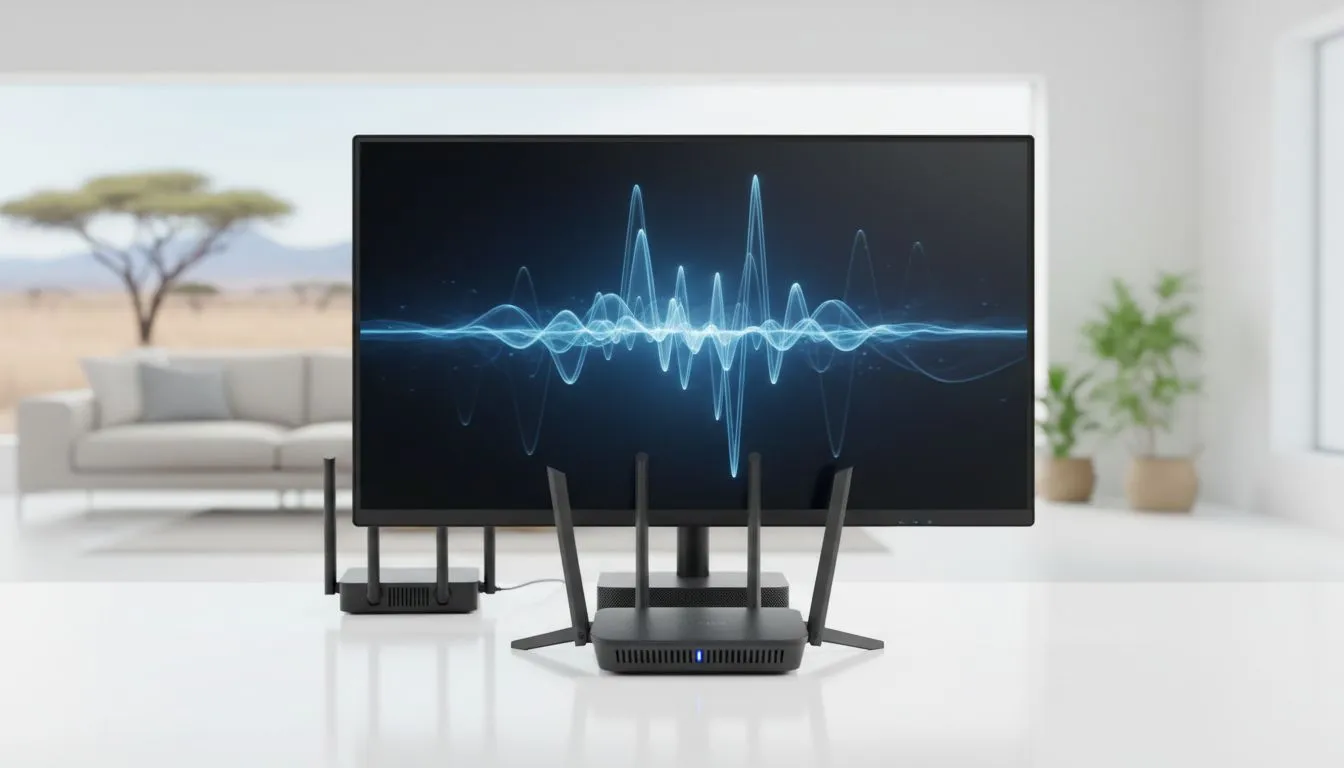
Why WiFi 6 vs WiFi 5 for streaming Matters in South Africa
Tired of seeing the buffering wheel while trying to clutch a 1v4 in Valorant? Or maybe your 4K Netflix stream looks like a pixelated mess because someone else started a download. Understanding WiFi 6 vs WiFi 5 for streaming is the key to fixing your home network. In South Africa, where fibre is finally becoming standard, your router might be the hidden bottleneck holding back your high-end gear ⚡.
The Technical Leap From WiFi 5 to WiFi 6
WiFi 5 (802.11ac) served us well for years, but it was designed for a world with fewer connected devices. WiFi 6 (802.11ax) introduces OFDMA and improved MU-MIMO technology. This allows your router to talk to multiple devices simultaneously rather than taking turns. If you have spent a significant amount on high-end PC monitors, you want a connection that matches that visual fidelity. WiFi 6 reduces latency by up to 75%... a massive win for competitive gamers.
When You Will Notice the WiFi 6 Upgrade
You will notice the upgrade most in "noisy" environments. If you live in a complex in Sandton or a busy suburb where dozens of WiFi signals overlap, WiFi 6 uses "BSS Coloring" to ignore interference from your neighbours. This ensures your stream stays crisp on high-quality IPS panels without those annoying micro-stutters.
Streaming Pro Tip ⚡
Always prioritise the 5GHz band for your primary gaming or streaming device. While 2.4GHz has better range, the 5GHz band offers significantly higher bandwidth and less congestion, which is essential for maintaining a stable bitrate during high-definition live streams.
Gaming and Streaming Synergy
For local gamers, the debate of WiFi 6 vs WiFi 5 for streaming often comes down to stability. If you are using a display with G-Sync (NVIDIA) technology, you expect a tear-free experience. However, network jitter can cause "rubber-banding" that no monitor can fix. Upgrading to a WiFi 6 environment helps maintain that fluid feel, especially when your PC is competing for bandwidth with other smartphones and smart TVs in the house.
Optimising Your Setup for Visual Clarity
When you are deep into a cinematic experience on curved displays, the last thing you want is the bitrate dropping. WiFi 6 supports 1024-QAM, which allows for a 25% increase in data throughput compared to WiFi 5. This means your 4K content actually looks like 4K.
Many users prefer flat screens for a traditional multi-monitor productivity setup. Even here, WiFi 6 shines by managing background updates and cloud syncs without interrupting your video calls. To ensure everything stays smooth, look for hardware that supports Adaptive Sync to handle any slight fluctuations in frame delivery. If your budget is tight, even entry-level screens with FreeSync (AMD) will benefit from the more consistent data packets provided by a modern WiFi 6 router 🚀.
Is it Worth the Switch?
If you live alone and only have two devices, WiFi 5 is likely enough for now. But for the modern South African home with multiple users, WiFi 6 is a necessity. It is about future-proofing your digital life... ensuring that when you hit "Go Live" or "Play," your hardware performs exactly as it should ✨.
Ready to Find Your Perfect Match? The WiFi 6 vs WiFi 5 debate is complex, but for maximum power, choice, and value in South Africa, upgrading your ecosystem is hard to beat. Explore our massive range of laptop specials and find the perfect machine to conquer your world.











