

Wi‑Fi 7 vs Wi‑Fi 6E: What Changes for South African Gamers?
If your ping spikes during raids, ranked matches, or late‑night co‑op, Wi‑Fi can be the silent villain. South Africa’s loadshedding cycles and neighbourhood interference make stable wireless even harder to rely on. So the real question is… is upgrading your motherboard to Wi‑Fi 7 actually worth it? In this guide, we’ll compare Wi‑Fi 7 vs Wi‑Fi 6E in plain terms, then help you decide whether you should upgrade now or wait. 🔧
Wi‑Fi 7 vs Wi‑Fi 6E: Speed, Range, and Real-World Reliability
Both Wi‑Fi 6E and Wi‑Fi 7 expand into newer spectrum, but Wi‑Fi 7 goes further with better performance features that matter for gaming.
Wi‑Fi 6E (the “good” starting point)
Wi‑Fi 6E adds support for the 6 GHz band, which is typically less crowded than the 2.4 GHz and 5 GHz bands. That usually means:
- Fewer interference issues in busy areas
- More consistent throughput, especially indoors
Wi‑Fi 7 (where things get noticeably smoother)
Wi‑Fi 7 is designed to handle more demanding traffic and reduce latency. Practically, that can mean:
- Better handling of multiple devices in the home
- Smoother performance when streaming, downloading, and gaming at the same time
Important note: Exact “gaming ping” improvements depend on your router too, not just your motherboard Wi‑Fi. Upgrading your PC without a capable router can leave performance on the table.
What the specs don’t tell you
The biggest real‑world factor is interference. If you live in an apartment block, near schools, or in dense streets, your 5 GHz band can get busy fast. The 6 GHz band helps… but only if your router supports it, and if your devices support it properly.
Wi‑Fi 7 vs Wi‑Fi 6E: Should You Upgrade Your Motherboard?
For most gamers, a motherboard upgrade is only worth it if you’re already investing in platform changes (CPU, RAM, and future‑proofing). If you’re on a solid build and your router is limited, upgrading motherboard Wi‑Fi alone might not deliver the results you expect.
When upgrading makes sense
Consider upgrading your motherboard if:
- Your current Wi‑Fi is unreliable (frequent drops, slow downloads, buffering)
- You’re moving to a new CPU platform anyway
- You plan to buy a Wi‑Fi 7 router soon (so both ends match)
When it’s smarter to wait
Hold off if:
- Your router doesn’t support the same Wi‑Fi generation (Wi‑Fi 6E vs Wi‑Fi 7)
- Your main network issues are actually caused by congestion or signal placement
Wi‑Fi 7 vs Wi‑Fi 6E: The Setup Checklist That Actually Improves Ping
Even the best Wi‑Fi hardware won’t beat poor placement.
5 practical steps before you spend Rands
- Place your router centrally and higher up. Avoid metal shelves.
- Use the 6 GHz band (if available) for gaming devices.
- Check for channel congestion in your router settings.
- Update router firmware and restart after changes.
- Reduce Wi‑Fi hops: keep your console/PC on the same floor where possible.
Productivity Pro Tip 🔧
On Windows, run a quick connection check by opening Resource Monitor (resmon) and sorting by network activity. If you see your wireless driver spiking when you launch a game, that’s often a signal or driver issue worth addressing before you buy new hardware.
Choosing the Right Motherboard for Wi‑Fi Upgrades (Wi‑Fi 7 vs Wi‑Fi 6E)
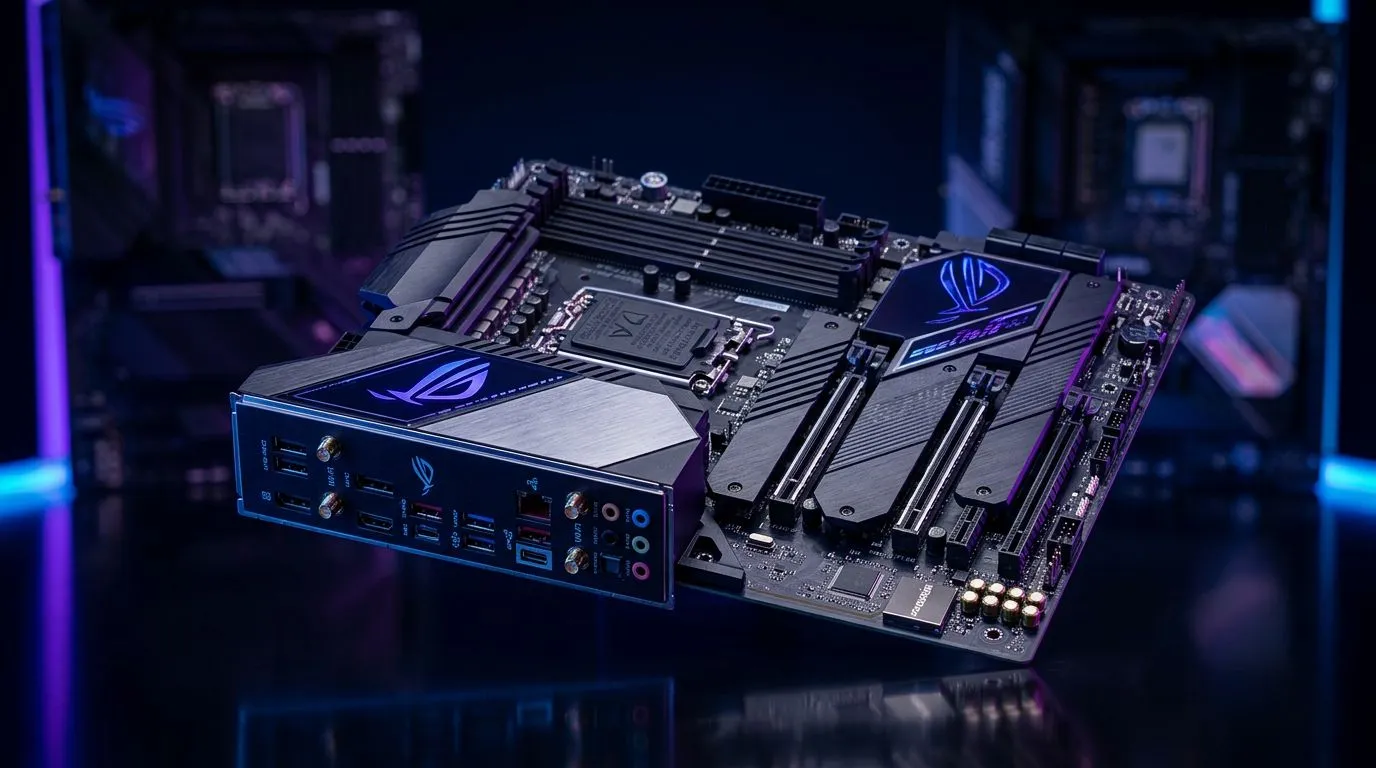
Motherboards differ not just by Wi‑Fi generation, but also by how well the system supports stable networking (chipset support, antenna design, and BIOS tuning). If you’re building for a smooth gaming experience, it’s worth choosing a board that matches your long‑term plan.
AMD boards to consider
If you’re leaning AMD for your upgrade path, browse Evetech’s AMD motherboards here: Shop AMD motherboards
Intel boards to consider
For Intel platforms, start with Evetech’s Intel range: Shop Intel motherboards
Budget reality check (still viable)
Don’t ignore value. If you’re balancing performance with affordability, Evetech also lists budget‑friendly options that can still suit most gamers’ upgrade needs: See cheap Intel and AMD-based motherboards
Wi‑Fi 7 vs Wi‑Fi 6E: A Simple Decision Guide
Here’s the quick way to decide without overthinking it.
- You have Wi‑Fi 6E already and your router is strong: upgrading to Wi‑Fi 7 may be optional, not urgent.
- You’re building fresh or upgrading CPU + platform anyway: Wi‑Fi 7 is worth considering for a smoother, more future‑ready setup.
- Your router is older: fix the router first, then revisit motherboard Wi‑Fi. Otherwise you’ll upgrade one side only… and feel underwhelmed.
If your goal is stable gaming nights across SA’s real‑life conditions, start with the full path: router + Wi‑Fi generation + placement + drivers. That combo is what turns “it’s probably Wi‑Fi” into “why is it so stable now?” ✨
Ready to Find Your Perfect Match? If you’re planning an upgrade and want the best mix of performance, compatibility, and value in South Africa, it starts with choosing the right motherboard for your Wi‑Fi needs. Explore our massive range of laptop specials and lock in a setup that keeps you connected when it matters.











