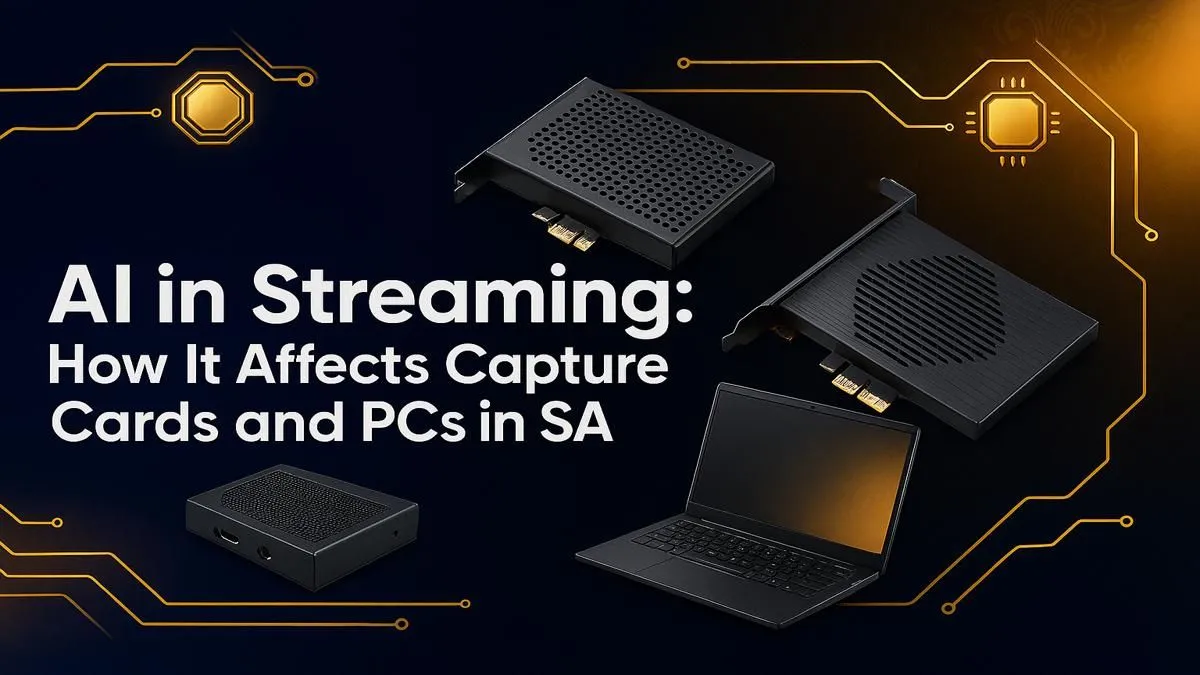
So, you’re a streamer in South Africa, and you’ve seen the magic. AI tools that erase your messy room, silence that pesky hadeda in the background, or even translate your gameplay in real-time. It’s incredible stuff. But when you tried it, your stream turned into a slideshow and your PC sounded like it was about to take off. 🚀 What gives?
The truth is, AI streaming in South Africa is here, but it demands serious hardware. Let's dive into what you need.
Why Your Current Rig Might Stutter with AI Streaming
Those slick AI features, like NVIDIA Broadcast's virtual green screen or advanced noise removal, aren't simple filters. They are complex neural networks running live, and they are hungry for processing power. This new workflow puts an immense strain on your system, often hitting your GPU and CPU simultaneously.
Your PC is suddenly juggling three massive tasks: running the game at high frames, encoding the stream for Twitch or YouTube, and running AI algorithms on top of it all. Without the right balance, one of them will suffer... and it's usually your stream quality. This is where choosing the right core components becomes critical. For tasks that benefit from raw multi-core performance, a solid AMD Ryzen gaming PC can be a powerhouse, handling encoding and background tasks with ease.
The Modern Capture Card's Role in an AI Workflow
"But I only stream from my PC, I don't need a capture card!" That used to be true, but it's not the full picture anymore. A dedicated capture card, even in a single-PC setup, is a massive advantage for AI-powered streaming.
Think of it this way: a good internal capture card offloads the work of capturing your gameplay at full quality. This frees up precious resources on your GPU and CPU that can then be dedicated to running those demanding AI effects smoothly. It ensures the video feed being processed by the AI is clean and high-fidelity, leading to better results and a more stable stream. For streamers who need every ounce of performance for AI and gaming, a powerful Intel-based PC often provides the single-core speed that keeps frame rates high.
Capture Card Quick Tip ⚡
When choosing a capture card, consider an internal PCIe model like the Elgato 4K60 Pro for the lowest latency. For flexibility, a high-end external USB card is great, but ensure it's connected to a fast USB 3.1 Gen 2 port to avoid bottlenecks. Match the card's resolution and refresh rate to your gaming monitor for the best results!
Upgrading Your PC for AI Streaming in South Africa
Ready to build a rig that won't buckle under pressure? Here’s what to prioritise for a smooth AI streaming in South Africa experience.
Key Components for AI Dominance
- GPU: This is non-negotiable. You need an NVIDIA RTX series card (30-series or 40-series). Their dedicated Tensor Cores are specifically designed to accelerate AI tasks, making tools like NVIDIA Broadcast run almost effortlessly without crippling your game's performance.
- CPU: While the GPU does the heavy AI lifting, a strong CPU with at least 6-8 cores is vital for managing the game, the operating system, and your streaming software (like OBS) without a hitch.
- RAM: 16GB is the absolute minimum. For serious AI streaming and multitasking, 32GB of fast DDR4 or DDR5 RAM is the new standard. It prevents system stutter when you have a game, OBS, Discord, and multiple browser tabs open. ✨
Getting started doesn't have to cost a fortune. You can find excellent PCs under R20,000 that offer a solid entry point with a modern RTX GPU. But for those looking to turn a hobby into a career, investing in one of our expertly configured pre-built PC deals ensures every component works in perfect harmony, giving you a frustration-free, professional-grade setup right out of the box.
Ready to Go Live with AI Power?
The future of content creation is here. Don't let an underpowered PC hold your stream back. For a seamless, professional broadcast powered by AI, you need the right hardware foundation. Design your ultimate streaming rig today and conquer your audience.