


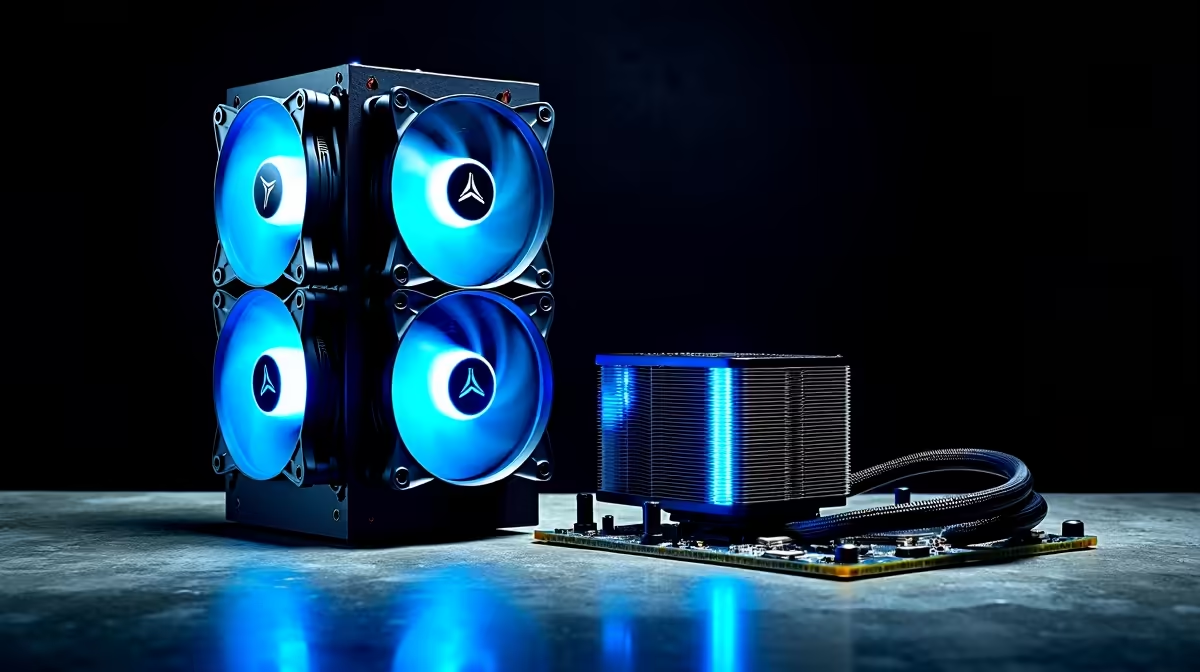
So, you’re diving into the world of AI. Maybe you're generating incredible art with Stable Diffusion or training a local language model on your machine. It’s powerful stuff! But you’ve probably noticed your PC getting a little… toasty. 🔥 That’s because AI workloads push your hardware to its limits, generating serious heat. Choosing the best cooling for an AI PC isn’t just a luxury; it’s essential for performance and stability. Let's break it down.
Why AI Workloads Demand Superior Cooling
Gaming is intense, but it’s often bursty. You get moments of calm between firefights. AI workloads are different. When you’re training a model or rendering a complex scene, your CPU and GPU can be pinned at 100% usage for hours on end. This sustained load creates a relentless heat output that can overwhelm standard cooling solutions.
Without adequate cooling for AI workloads, you’ll run into thermal throttling. This is your PC’s self-defence mechanism, automatically slowing down your components to prevent overheating. The result? Longer render times, slower model training, and a frustratingly sluggish system. Proper AI PC cooling is the foundation of consistent performance.
The Contenders: Air vs. Liquid for Your AI Machine
The age-old debate gets a new twist with AI. Both air and liquid coolers have their place, but their strengths and weaknesses become much clearer under the intense pressure of artificial intelligence tasks.
The Case for Air Cooling: Simple & Reliable 🔧
A traditional air cooler uses a heatsink with fins to draw heat away from the CPU, and a fan to blow that heat away.
- Pros: They are incredibly reliable with fewer points of failure (no pumps or liquid), often more affordable, and modern high-end models from brands like Noctua or be quiet! can handle surprisingly powerful processors.
- Cons: Top-tier air coolers can be massive, potentially causing clearance issues with RAM or your PC case. For the most demanding AI tasks on flagship CPUs, they might eventually reach their thermal limit, leading to throttling.
For many enthusiasts building a powerful rig for gaming and AI experimentation, a high-end air cooler is a fantastic, value-for-money choice. Many of our pre-built NVIDIA GeForce gaming PCs can be configured with robust air cooling solutions perfect for this balance.
The Power of Liquid Cooling: Maximum Performance 💧
All-in-One (AIO) liquid coolers use a closed loop where liquid absorbs heat from the CPU, travels to a radiator, and is cooled by fans before cycling back.
- Pros: AIOs offer superior thermal dissipation. They move heat directly to the edge of your case to be exhausted, which is more efficient than an air cooler circulating hot air inside the case. This makes them ideal for keeping high-core-count CPUs and powerful GPUs running at peak performance during long AI sessions.
- Cons: They are more complex, with more components like the pump and tubing. While modern AIOs are extremely reliable, they carry a slightly higher cost and a theoretical (though very rare) risk of leakage.
If you're serious about AI development or content creation that leverages heavy AI tools, liquid cooling is often the superior choice. It provides the thermal headroom needed for sustained, demanding workloads, ensuring you get every drop of performance you paid for from your hardware, whether you're running on Team Green or Team Red's latest AMD Radeon gaming PCs.
Monitor Your Temps! 🌡️
Use free software like HWMonitor or MSI Afterburner to keep an eye on your CPU and GPU temperatures during an AI workload. For most modern CPUs, anything consistently over 90-95°C is a sign your cooling might be insufficient. This simple check can help you diagnose performance bottlenecks and protect your components.
The Final Verdict: What's the Best Cooling for an AI PC?
So, air vs. liquid for an AI PC… what’s the final call?
It all comes down to your specific needs and budget.
- For the AI-Curious Gamer/Creator: If you're using AI as a tool alongside gaming and other tasks, a premium air cooler offers a brilliant balance of performance, reliability, and value.
- For the Serious AI Developer/Pro: If you’re training models, running simulations, or doing anything that maxes out your system for extended periods, an AIO liquid cooler is a worthwhile investment. The superior cooling capacity will prevent thermal throttling and unlock your hardware's full potential.
For those who need uncompromising performance for professional AI, data science, and rendering, purpose-built systems are the way to go. These workstation PCs are designed from the ground up for sustained heavy loads, almost always featuring advanced liquid cooling to guarantee stability and speed. 🚀
Ultimately, the best cooling for an AI PC is the one that allows your components to run at their peak speed without breaking a sweat. Don't let heat be the bottleneck in your journey into artificial intelligence.
Ready to Build Your AI Powerhouse? Choosing the best cooling for your AI PC is crucial, but it's just one part of the puzzle. Let our experts help you configure a machine perfectly balanced for your AI ambitions. Explore our custom-built PCs and start building your future today.











