


Ever dreamt of having an AI coding assistant right on your PC? In South Africa, the AI revolution isn't just happening in the cloud; it's coming to your desktop. Tools like DeepSeek are leading the charge, but to run them locally, you need the right gear. The good news? The DeepSeek hardware requirements often overlap with a solid gaming rig. Let's dive into what you need to start your AI computing journey right here in SA. 🚀
Unpacking the Core DeepSeek Hardware Requirements
Before we get into the nitty-gritty, what exactly is DeepSeek? It's a powerful Large Language Model (LLM) with a special talent for writing and understanding code, making it an incredible tool for developers and hobbyists. To run a model of this calibre on your own machine... without relying on web services... your PC needs to be properly equipped.
The main hardware requirements for AI computing boil down to four key areas: the graphics card (GPU), the processor (CPU), system memory (RAM), and storage. Getting the balance right is key to a smooth and productive experience.
The GPU: Your AI Computing Engine ⚡
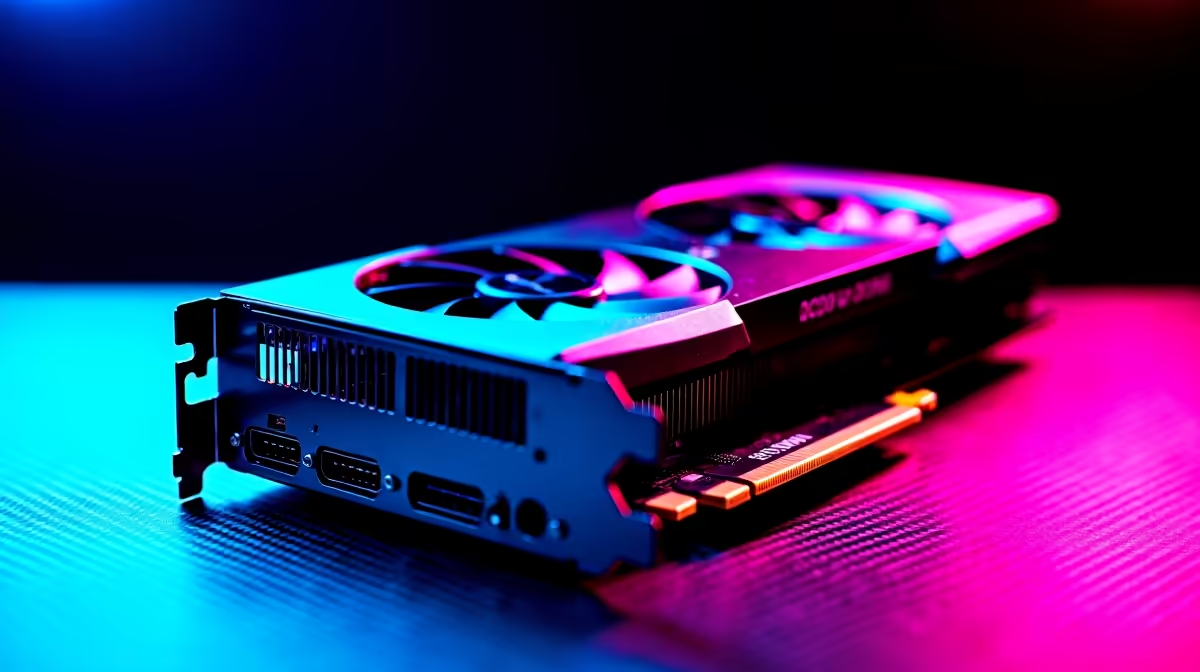
When running AI models, the GPU does the heavy lifting. The single most critical factor is its Video RAM (VRAM), as the entire model needs to fit into this memory for efficient processing. A larger VRAM capacity allows you to load more complex models and work with them at speed.
NVIDIA's CUDA technology has long been the industry standard, making their cards a top choice for AI enthusiasts. You can find powerful options across our range of NVIDIA GeForce gaming PCs. However, don't count out Team Red. AMD has made huge strides, and many developers are now successfully using AMD Radeon gaming PCs for their AI projects. Even Intel is getting in on the action, and it's worth keeping an eye on our Intel Arc gaming PCs as their software ecosystem matures.
For running models like DeepSeek Coder (6.7B), an 8GB VRAM card is a decent starting point, but 12GB or 16GB will give you much more flexibility.
CPU and RAM: The Essential Support System
While the GPU handles the core AI calculations, the CPU is the manager of the whole operation. It prepares data, runs the operating system, and keeps your entire workflow from grinding to a halt. A modern multi-core processor is key.
Whether you're looking at the latest Core i7 or i9, our Intel PC deals offer fantastic performance for system responsiveness. Similarly, the multi-threaded power found in our AMD Ryzen PC deals is perfect for juggling complex tasks alongside your AI model.
For system RAM, 16GB is the absolute minimum. We strongly recommend 32GB as a comfortable starting point for serious AI experimentation, as it gives you enough headroom for your OS, applications, and datasets.
VRAM vs. RAM: Know the Difference! 💡
Your GPU's VRAM is where the AI model itself is loaded for processing. Your system's RAM is used for the operating system, datasets, and other applications. If a model is too big for your VRAM, it might run slowly using system RAM, but having enough of both is crucial for a smooth experience. Always check the model's size before trying to run it!
Assembling Your AI Rig 🔧
Finally, don't overlook your storage. AI models and the datasets they use can be massive, often tens of gigabytes in size. A fast NVMe SSD is non-negotiable for quick loading times and a snappy system.
So, how does this all translate into a real PC? The beauty is that a great AI machine can fit any budget.
You can start exploring local AI with one of our budget gaming PCs, which offer a fantastic entry point. For a more balanced build that excels at both gaming and AI, check out our best gaming PC deals. For those who are serious about development, our dedicated workstation PCs are optimised for sustained, heavy workloads. And if you want to skip the hassle, our pre-built PC deals get you up and running in no time.
Meeting the DeepSeek hardware requirements is more accessible than ever. The same powerful components that deliver incredible gaming experiences are now your gateway to the world of artificial intelligence. It's all about choosing the right balance for your goals and budget.
Ready to Build Your AI Powerhouse? Understanding the hardware is the first step. Now it's time to build a machine that can bring your AI ambitions to life. Explore our custom PC builder and configure the perfect rig to conquer the new frontier of AI computing.










