

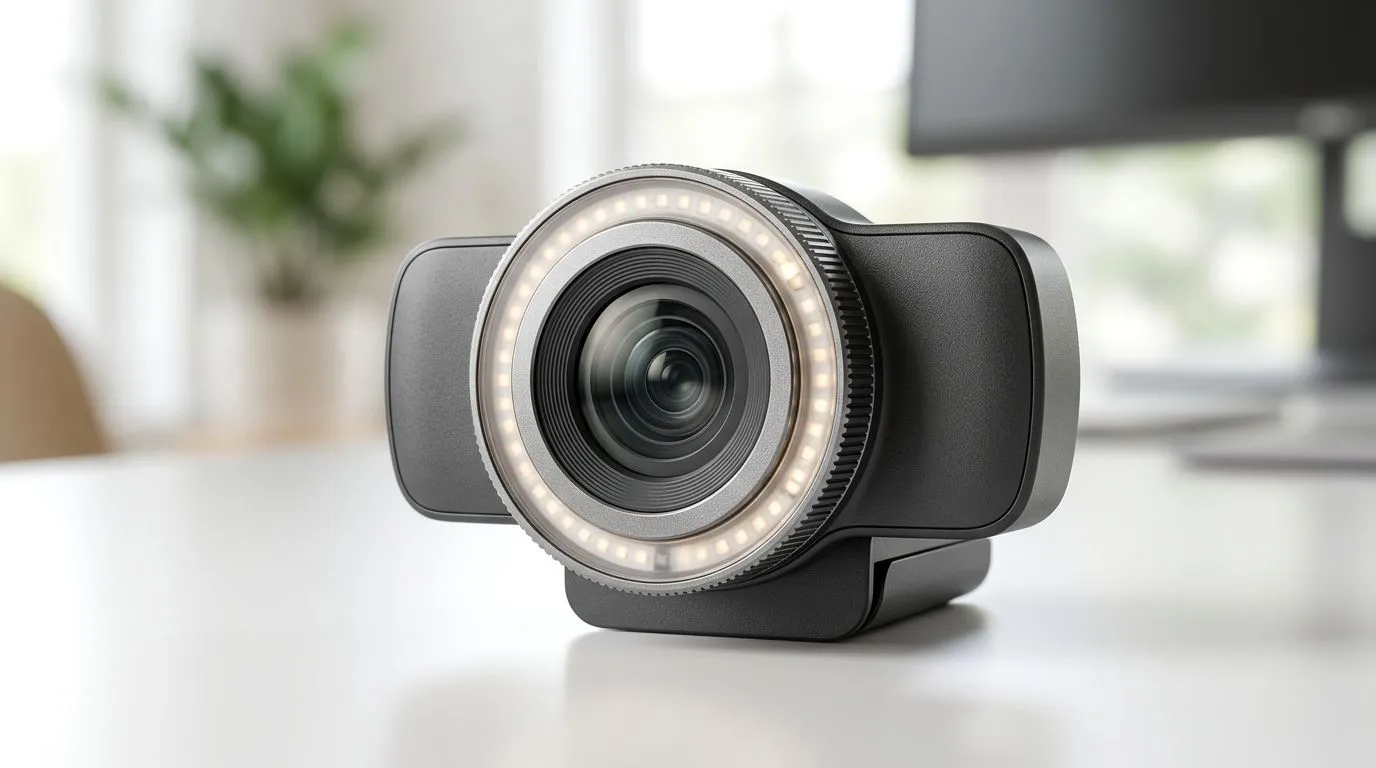
Streaming Webcams: How Virtual Backgrounds Work Without a Green Screen (South African Gamer Edition)
You’ve probably seen it… someone’s on a Discord call, and the background looks clean, cinematic, even when their room looks anything but. In SA, we’re often gaming at the desk, eating dinner nearby, and sharing space with the rest of the household. So how do “virtual backgrounds” actually work on a webcam without a green screen? 🤔
It’s mostly smart image processing… and the right webcam setup. Let’s break it down in plain English, plus how to choose a webcam that won’t struggle when the lighting gets moody.
Streaming Webcams: How Virtual Backgrounds Work Without a Green Screen (What’s happening behind the scenes)
A virtual background feature generally does one core job: it separates you (the subject) from the background. Then it replaces what’s behind you with a blur or an image.
Most tools do this using a mix of:
- Background segmentation (finding where you are in the frame)
- Edge refinement (making hair and shoulders look less “cut out”)
- Compositing (layering you over the new background)
That “no green screen” part matters. Green screens work because they give software a specific colour to key out. Virtual backgrounds don’t rely on one colour. Instead, they rely on real-time computer vision to recognise you.
Streaming Webcams: How Virtual Backgrounds Work Without a Green Screen (Why lighting in SA homes matters)
Virtual backgrounds love stable lighting. If your room lighting is inconsistent (load shedding nights, curtains half-closed, a lamp flickering), the webcam has a harder time separating you from the scene.
In practice:
- Bright, front-facing light helps segmentation
- Backlighting (light behind you) creates halos and cut-out edges
- Busy backgrounds (fans, shelves, waving movement) can confuse the model
✨ Quick reality check: if your background changes behind you, your “cutout” will too.
Streaming Webcams: How Virtual Backgrounds Work Without a Green Screen (Choosing the right webcam for smoother results)
Not all webcams handle virtual backgrounds equally. Some rely more on software processing on your PC, while others can offload more tasks.
When shopping, look for:
- Good sensor + exposure (so your image isn’t noisy)
- Higher resolution (more detail for the segmentation algorithm)
- Smooth frame rate (less jitter around edges)
- Software support from the webcam’s ecosystem
If you’re buying specifically to stream, video calls for work, or join Discord/Zoom sessions with virtual backgrounds, a dedicated webcam is usually the safer bet than a cheap built-in option.
Streaming Webcams: How Virtual Backgrounds Work Without a Green Screen (Find webcams you can actually afford)
Start with the right budget, then match it to your room setup. Here are a few Evetech webcam shopping paths you can use to narrow your options:
- If you want a strong baseline without overspending, browse: webcams under R1000
- Want more consistency for calls where lighting isn’t perfect? Check: webcams under R2000
- For better image quality and fewer “edge glitches,” consider: webcams under R3000
And if you’re not sure where you land yet, you can scan the broader options first: all available webcams here
Streaming Webcams: How Virtual Backgrounds Work Without a Green Screen (Pro tips to make it look real) 🛠️
Even with a good webcam, you can still end up with a “floating head” effect. The fix is usually your setup, not your software.
Productivity Pro Tip ✨
On Windows, if your conferencing software supports it, test your virtual background with the exact light you’ll use during the day. Then record a 10-second clip and review for edge flicker around hair and shoulders. If you see shimmer, move a lamp slightly to the front of your face and away from directly behind you.
Streaming Webcams: How Virtual Backgrounds Work Without a Green Screen (A micro routine that works)
Try this quick checklist before your next stream:
- Face the light. Put the brightest source in front of you.
- Keep your distance stable. Don’t swing your chair forward and back mid-call.
- Clean the background. Even a plain wall beats a patterned one.
- Use a simpler background style. Blur is often more forgiving than an image.
This is the same approach many creators use during “off days”… when they can’t be bothered setting up extra gear.
Streaming Webcams: How Virtual Backgrounds Work Without a Green Screen (Hardware reality: your PC matters too) ⚡
If your PC is already busy (game running, browser tabs open, Discord voice, captures), the virtual background effect may stutter. That stutter usually shows up as:
- delayed segmentation
- edge jitter
- lower frame delivery
So, if you’re streaming and gaming, think about your CPU/GPU headroom.
Streaming Webcams: How Virtual Backgrounds Work Without a Green Screen (Make it easy to upgrade)
If you’ve been using a built-in camera and your virtual backgrounds look… “almost right”… it might be time to upgrade your webcam. A better sensor and steadier image quality can reduce the guesswork the software has to do.
And if you’re shopping in South Africa, having a clear budget range makes a huge difference. You’ll get closer to that clean, stable look without paying for features you don’t need.
Ready to Find Your Perfect Match? The Mac vs Windows debate is complex, but for maximum power, choice, and value in South Africa, Windows is hard to beat. Explore our massive range of laptop specials and find the perfect machine to conquer your world.











