Quick Answer
At R15,000 for 1080p competitive esports, the priority is maximising framerate above 240fps in CS2 and Valorant — a Ryzen 5 7600 (R3,800) with RX 7700 (R8,000) delivers 300–400fps in CS2 at 1080p Low. Pair with a 24-inch 1080p 240Hz monitor (~R3,500 at Evetech) and this budget builds a genuinely competitive esports station for around R22,000 total.
R15,000 Esports PC Components for 300fps+ at 1080p
At R15,000 for PC components (monitor separate):
- CPU: Ryzen 5 7600 (~R3,800) — strong single-core CS2/Valorant performance
- GPU: RX 7700 (~R8,000) — 1080p esports frames well above 240fps
- Motherboard: B650 (~R2,200)
- RAM: 32GB DDR5-6000 (~R2,200)
- Storage: 1TB Gen 4 NVMe (~R1,100)
- PSU: 650W 80+ Gold (~R1,500)
- Case + cooler: (~R1,500)
PC total: approximately R20,300. A 240Hz 1080p monitor adds R3,000–R4,000. Total system: R23,000–R24,000. For strict R15,000 PC budget, drop to a B450 Ryzen 5 5600 platform (R4,000 CPU+board) and RX 7600 (R5,800 GPU) — still delivers 250–300fps in CS2.
Competitive Game FPS at 1080p with R15,000 Build Hardware
With Ryzen 5 7600 + RX 7700:
- CS2 (1080p Low): 350–450fps
- Valorant (1080p Low): 450–600fps
- Apex Legends (1080p Medium): 200–280fps
- Fortnite (1080p Competitive): 280–360fps
- Overwatch 2 (1080p Ultra): 300–400fps
These framerates justify a 240Hz monitor. On a 120Hz panel, the majority of frames are discarded — the investment in high fps is only realised through a high-refresh-rate display.
Monitor Choice for R15,000 Esports Build
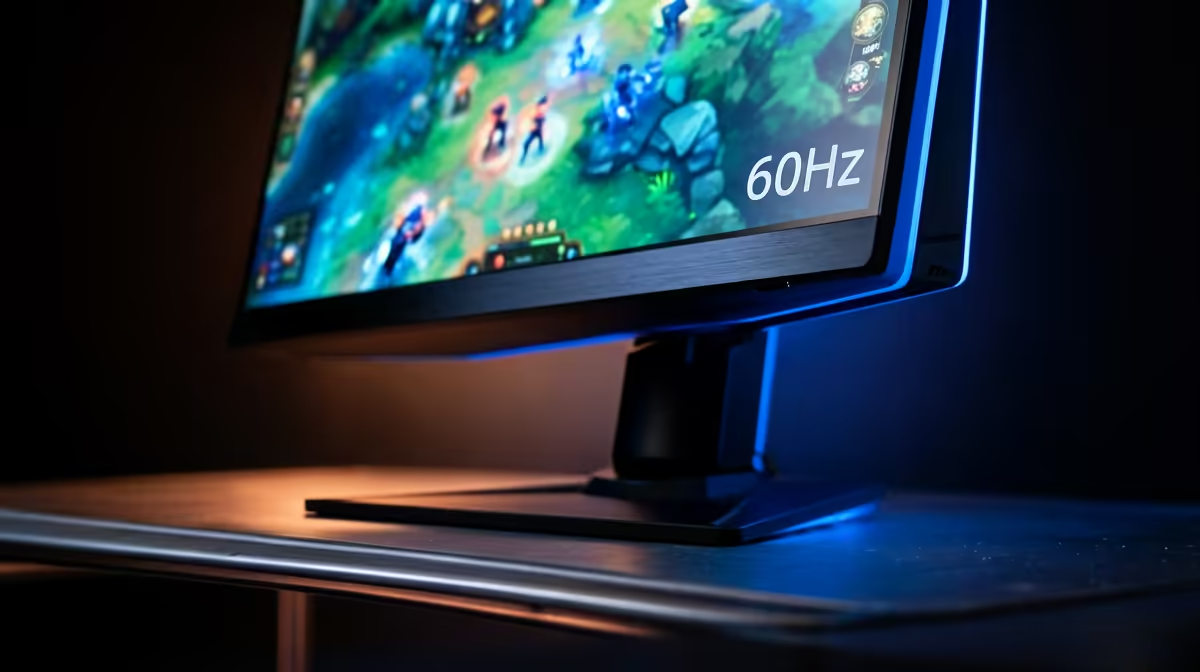
At R15,000 PC budget, the correct monitor step is 240Hz not 120Hz. A 24-inch 1080p 240Hz IPS panel at R3,000–R4,000 at Evetech captures the full benefit of 300–400fps in CS2. Fast IPS 240Hz panels (1ms GtG) eliminate ghosting while providing better colour than TN — the current standard for SA competitive esports players on this budget.
FAQ
Does a R15,000 PC build need a 240Hz monitor for competitive esports at 1080p?
Yes, to realise the investment. The R15,000 PC delivers 300–400fps in CS2 — on a 120Hz monitor, only 120 of those frames are displayed. A 240Hz monitor doubles the utilised frame output and measurably reduces display lag, improving competitive responsiveness. The monitor is the correct upgrade at this build tier.
Is Ryzen 5 7600 better than Ryzen 5 5600 for CS2 esports at R15,000?
For CS2 specifically, the Ryzen 7 7800X3D at ~R6,500 is the ideal esports CPU due to its massive 3D V-Cache advantage — it delivers 15–25% higher average fps than the Ryzen 5 7600 in CS2 at 1080p Low. The 7800X3D within a R15,000 PC budget is achievable by downgrading GPU to an RX 7600, which still delivers 250fps+ in CS2.
What is the minimum GPU for 240fps in CS2 at 1080p on a R15,000 budget?
An RX 7600 (~R5,800) with a Ryzen 7 7800X3D delivers 280–350fps in CS2 at 1080p Low — above the 240fps ceiling. The RX 7700 with Ryzen 5 7600 also hits this mark. Either combination within a R15,000 PC component budget reaches 240fps+ in competitive esports titles.
R15,000 esports build, prioritise the Ryzen 7 7800X3D over a higher-tier GPU for CS2 — the 3D V-Cache advantage in CS2 provides a 15–25% fps boost over non-3D Ryzen CPUs at equal GPU tier, and 300fps on a 240Hz monitor gives a genuine competitive edge over 200fps on the same display.