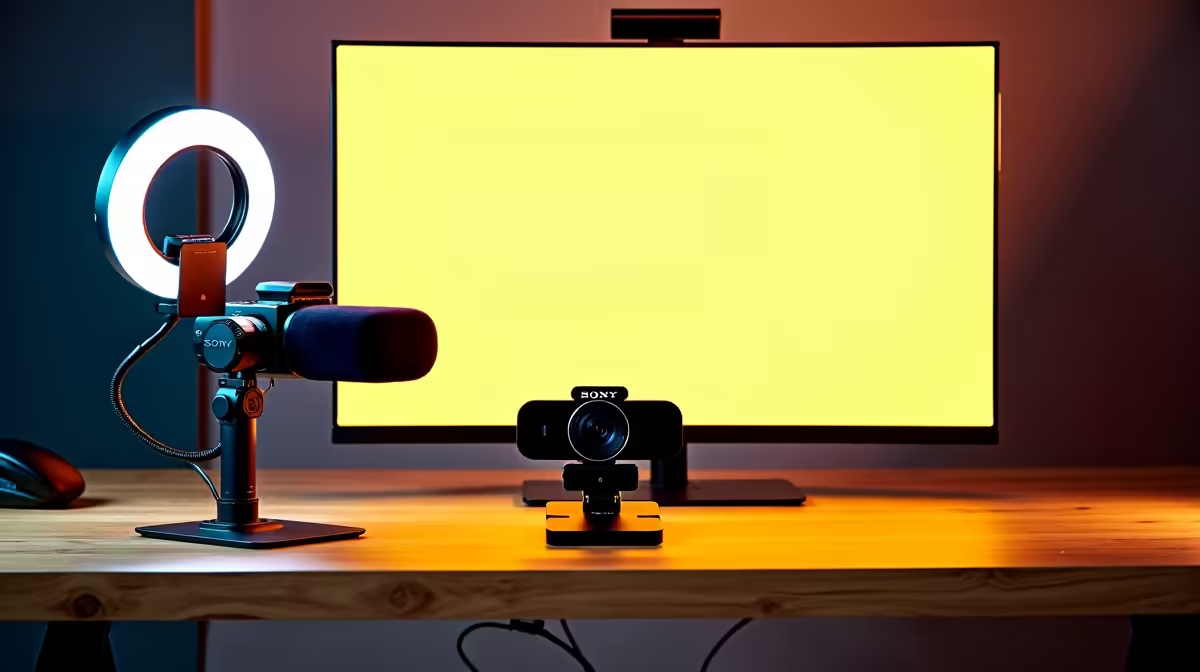
A streaming setup should balance the PC, camera, microphone, lighting and network rather than spend the stated allowance on one impressive component. The right combination depends on the game or content, target resolution, number of scenes and whether the creator edits videos after going live.
Build from the broadcast workload
Choose a performance target for the main application while the streaming encoder runs. Leave room for browser sources, chat, alerts and local recording if needed. Test upload stability at the hours normally streamed. A clear microphone and controlled lighting often improve the result more than a higher camera resolution.
The Palit RTX 5060 8GB is verified at R4,800 as a graphics reference. The Logitech Brio 100 webcam is listed at R458 and the NearStream V08AF 4K webcam at R678. For audio, the NearStream USB and XLR microphone is R676. These examples still require complete-system and software compatibility checks.
Run a private full-length stream before buying secondary accessories. Monitor dropped frames, temperatures, audio sync and network behaviour. Add a capture device only when an external console or camera requires it. Repeat the rehearsal after any major scene or hardware change. Keep overlays and configuration files backed up. A smart setup is one the creator can operate consistently, troubleshoot quickly and improve from measured limits.
Building a live-streaming desk? > Compare Evetech gaming PCs by graphics, encoding, cooling and ports.