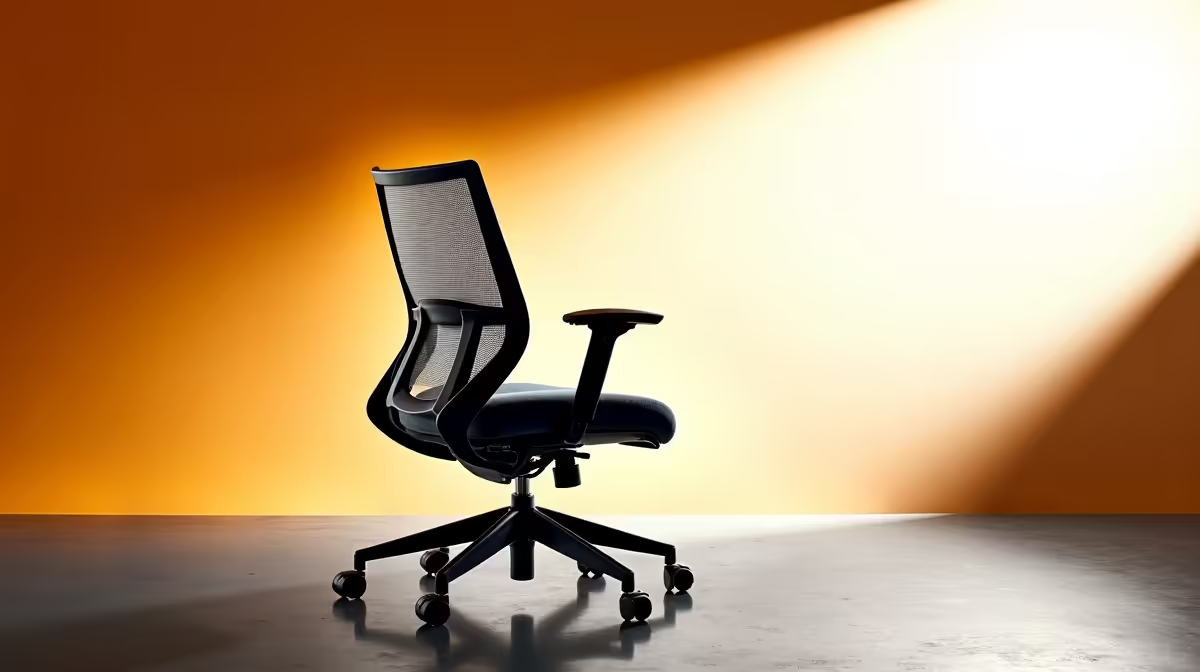
An ergonomic office chair often feels wrong because seat depth, height, armrests or desk relationship are mismatched, not because every adjustment is defective. Noise, drifting height and loose parts need separate mechanical checks rather than more posture changes.
Reset one adjustment at a time
Start with feet supported and knees comfortable, then set seat depth, back support, armrests and monitor height in order. Work for twenty minutes before changing the next control. Photograph the settings and note pressure, reach or instability.
The HBADA E3 Pro ergonomic office chair is verified at R5,700. The GAMDIAS ZELUS E5 gaming chair at R1,540 provides a different seating reference. The facts do not diagnose an existing chair. Check current dimensions, adjustment instructions, weight guidance, castors, fastener schedule, materials, spare parts, service support and warranty before replacing components.
Tighten hardware only as instructed, keep castors suitable for the floor and remove cables from the chairs travel path. Clean contact surfaces and take movement breaks. Persistent pain, weakness or tingling deserves appropriate professional attention.
Replace the chair only after fit, desk geometry and mechanical checks fail. A foot support, monitor move or correct seat-depth setting may solve the complaint without new seating.
If the seat slowly sinks or wobbles after fasteners are checked, stop using it and follow the manufacturer service route rather than improvising a repair.
Troubleshooting office seating? > Compare Evetech ergonomic chairs after completing the fit and mechanical checks.