


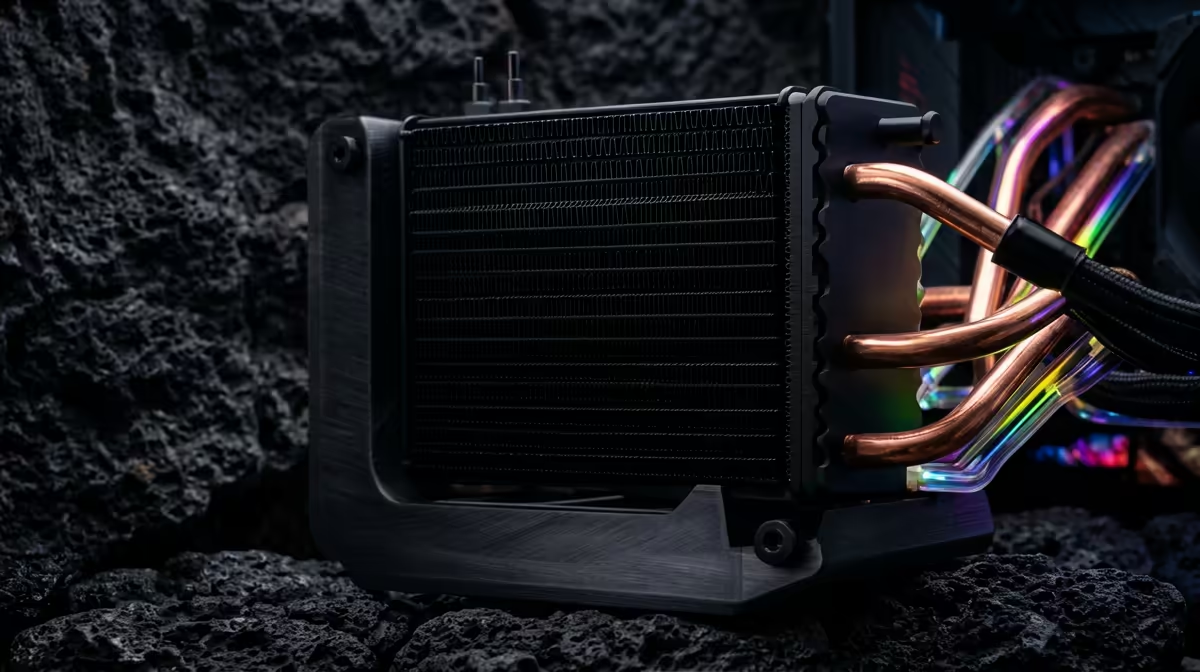
That shiny new 360mm AIO looks incredible in its box, but staring at your PC case, you're hit with a classic South African question: "Gaan dit pas?" (Will it fit?). Don't stress. A 360mm liquid cooler installation isn't as daunting as it seems. Whether you're working with a spacious full-tower or a snug compact case, this guide will walk you through a successful, leak-free installation, unlocking those frosty temps your CPU deserves. 🚀
Pre-Installation Checklist: Before You Begin
Proper preparation is half the battle won. Before you even unscrew a side panel, make sure you have everything ready. A clean, well-lit workspace prevents lost screws and frustration. You'll need your cooler, your PC, a set of Phillips head screwdrivers, and some cable ties. It’s also a great time to plan your full setup, ensuring your desk is ready for the upgraded rig and its peripherals, like a responsive gaming keyboard.
Check three things first:
- Case Compatibility: Does your case officially support a 360mm radiator? Check the manufacturer's specs for the top, front, or side mounting points.
- Component Clearance: Measure the space. Will the radiator and fans clash with your motherboard's VRM heatsinks or tall RAM sticks?
- Included Hardware: Unpack your AIO and ensure all the correct mounting brackets for your CPU socket (e.g., AM5, LGA1700) are present.
The Core 360mm Liquid Cooler Installation Steps
While every AIO is slightly different, the fundamental process is universal. This is the general workflow for your 360mm liquid cooling setup.
1. Prepare Your Motherboard
If you have an old cooler, remove it carefully. Clean the CPU's integrated heat spreader (IHS) of any old thermal paste. Isopropyl alcohol and a microfibre cloth work wonders.
Thermal Paste Pro Tip ⚡
When applying new thermal paste, a pea-sized dot or a thin 'X' pattern in the centre of the CPU is all you need. The pressure from the cooler's cold plate will spread it evenly. Too much paste can actually hinder thermal performance and make a mess.
Next, install the correct mounting backplate and standoffs for your CPU socket onto the motherboard. Your AIO's manual is your best friend here.
2. Mount the Radiator and Fans
Decide on your fan orientation: push (fans pushing air through the radiator) or pull (fans pulling air through). For most setups, mounting the fans as intake on the front panel or exhaust on the top panel yields excellent results. Attach the three 120mm fans to the radiator using the long screws provided, but don't tighten them completely just yet. Now, mount the entire radiator-fan assembly into your case.
3. Install the CPU Pump Block
This is the moment of truth. Carefully align the pump block over your CPU, ensuring the mounting brackets line up with the standoffs you installed earlier. Press it down gently and evenly. Secure it by tightening the thumbscrews in a crisscross pattern, a half-turn at a time, to ensure even pressure distribution. Once it's snug, connect the pump's power/RGB cables to the appropriate headers on your motherboard (usually labelled AIO_PUMP or CPU_FAN).
Adapting for Your Case: Compact vs. Full-Tower
Here’s where the guide to 360mm cooler installation splits. The size of your chassis dramatically changes the experience.
Full-Tower Case: The Easy Route ✨
In a full-tower chassis, you have room to breathe. You can often choose between top-mounting or front-mounting the radiator. Top-mounting is generally preferred as it exhausts hot air directly out of the case, preventing it from heating other components like your GPU. The sheer space also makes cable management a breeze and allows for more aesthetic customisation. It's the perfect canvas for showing off a build with carefully selected parts, right down to the vibrant glow of a top-tier RGB gaming keyboard.
Compact Case: A Game of Millimetres 🔧
Installing a 360mm AIO cooler in a compact mid-tower requires careful planning. You'll likely be limited to front-mounting the radiator. This is where pre-installation checks are critical.
- GPU Length: Will your graphics card fit with a 25mm-thick radiator and 25mm-thick fans at the front? That's 50mm of space you're losing.
- RAM Clearance: If you were considering a top-mount, is there enough clearance above your RAM modules?
- Tube Routing: You'll need to route the AIO tubes carefully to avoid kinks or pressing against other components.
A successful compact build is incredibly satisfying and saves precious desk space, which you can use for a high-performance, space-efficient keyboard from a brand like Glorious Gaming.
Final Touches: Power Up and Test
With everything physically installed, it's time to manage those cables for a clean look and optimal airflow. Connect all your fan headers, double-check your connections, and close up your case. Before you boot into Windows, head into your BIOS to check CPU temperatures. They should be idling at a cool 30-40°C. If temps look good, your 360mm liquid cooler installation is a success! Now you can enjoy a quieter, cooler, and higher-performing PC. It's the kind of satisfying project that makes you appreciate every part of your setup, including the tactile feel of a quality Razer Gaming Keyboard.
Ready to Chill Your Rig? A 360mm liquid cooler installation can transform your PC's performance and aesthetics. Whether you're upgrading or building from scratch, having the right cooler is key. Explore our massive range of CPU liquid coolers and find the perfect AIO to keep your temps frosty and your frames high.











