



Can a USB-C Monitor Charge a PROLED MacBook Pro While Showing Video?
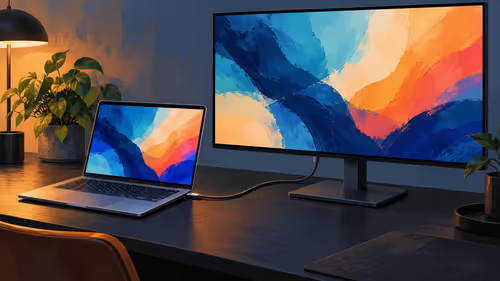
A USB-C display can carry video and power. Evetech listed the ViewSonic TD1655 for R5,299 on 29 October 2026; its 60W limit is below Apple charging recommendations.
Read moreIs a 6-core CPU for streaming enough in 2025? We test budget silicon limits against modern titles to see if you can broadcast lag-free. Discover how to optimize your setup without breaking the bank! 🚀🎥
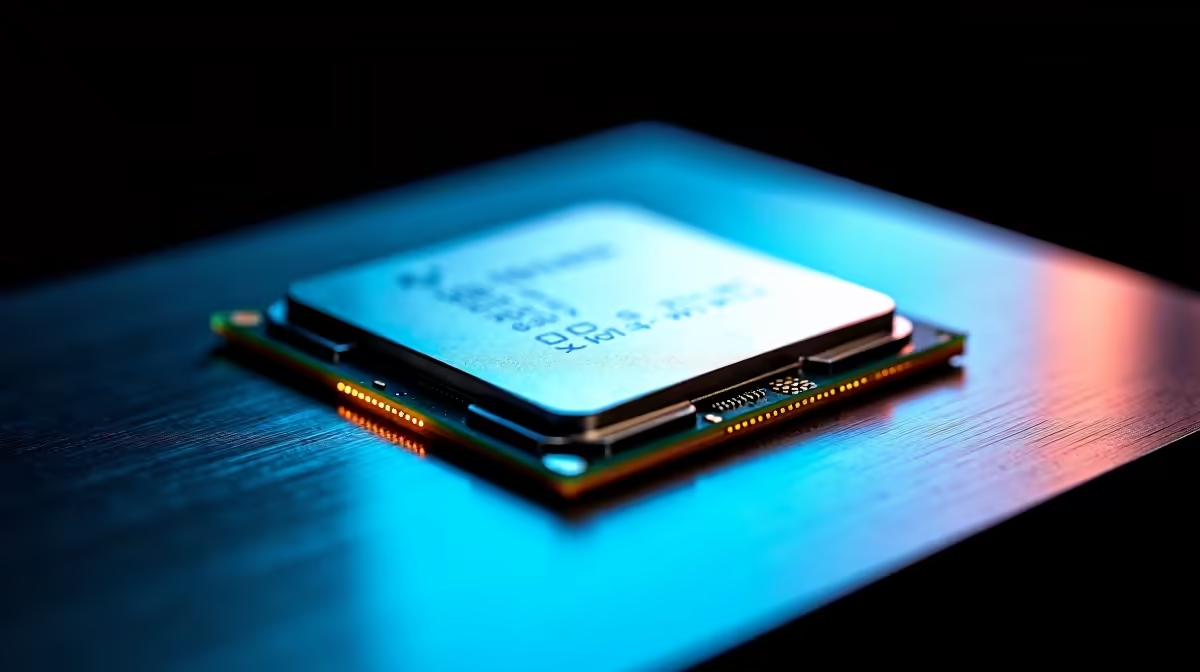
You’ve done it. Your lighting is perfect, your mic sounds crisp, and you’re about to clutch a round in Apex Legends for your growing audience. Then it happens… stuttering, dropped frames, and chat spamming "LAG!" Your PC, which handles gaming just fine, is buckling under the pressure of streaming. It’s a classic problem, and it often points to one component: the processor. So, is a 6-core CPU for streaming still viable in 2025?
Not long ago, a 6-core processor was the gold standard for PC gamers in South Africa. Chips like the AMD Ryzen 5 5600X offered a brilliant balance of price and performance, easily handling the latest games. For many, it was the perfect entry point into content creation.
Traditionally, streaming software like OBS would rely heavily on the CPU to encode your gameplay—compressing it into a video format to send to Twitch or YouTube. This is a demanding task, and using a 6-core CPU for streaming meant dedicating some of its power to encoding, potentially leaving less for the game itself.
Thankfully, technology has evolved. The biggest shift has been the rise of dedicated hardware encoders on modern graphics cards. You’ve probably heard of them:
These encoders take the heavy lifting of streaming off your CPU and hand it to your GPU. This is fantastic news because it frees up your processor to focus 100% on running the game smoothly. This single development is the main reason why a 6-core CPU for streaming is even still part of the conversation. With a powerful GPU doing the encoding, the CPU has much more breathing room. This makes choosing from the latest central processing units a more nuanced decision than just "more cores equals better".
So, can you get away with it? Absolutely, under the right conditions. A 6-core CPU for streaming can still deliver a fantastic experience in 2025 if you:
In OBS Studio, go to Settings > Output. Change the 'Output Mode' to 'Advanced' and select 'NVENC (new)' or 'H.264 AVC Encoder (AMD)' as your Encoder. This simple switch ensures your GPU is doing the heavy lifting, instantly reducing CPU usage and potentially eliminating in-game stutter while you stream.
While a 6-core CPU for streaming can be a budget-friendly option, it has its limits. You’ll likely run into trouble if you plan to:
So, is a 6-core CPU for streaming still viable in 2025?
The answer is a qualified yes. For a beginner streamer playing competitive esports titles at 1080p, a modern 6-core CPU is a perfectly capable and cost-effective starting point, provided it's paired with a GPU with a solid hardware encoder.
However, for ambitious creators who want to stream demanding AAA games, multitask without compromise, or push for higher stream quality, a 6-core CPU will become a bottleneck. Investing in an 8-core (or higher) processor is not just a luxury… it's a smart, future-proof move that will give you the creative freedom and performance headroom you need to grow your channel.
Ready for a Lag-Free Streaming Future? While a 6-core CPU can get you started, stepping up to an 8-core or higher processor is the best way to future-proof your stream. Explore our massive range of CPU processors and find the perfect core for your content creation empire.
Yes, a modern 6-core CPU is sufficient for 1080p streaming, especially when paired with a GPU that handles encoding via NVENC or AV1 to reduce load.
The AMD Ryzen 5 7600X and Intel Core i5-14400F are top contenders, offering excellent multi-threading for a smooth budget streaming setup.
Absolutely. With optimized OBS settings and a decent GPU, a Ryzen 5 handles 1080p 60fps streams easily without dropping frames in most titles.
Use NVENC (NVIDIA) or AMF (AMD) to offload encoding to your GPU. Using x264 software encoding on a 6-core CPU can cause performance bottlenecks.
While 16GB is the minimum, 32GB is recommended for a seamless experience when multitasking with streaming software, browser alerts, and modern games.
Yes! You don't need a flagship rig. A well-optimized budget streaming PC allows you to build an audience with high-quality audio and video before upgrading.
A USB-C display can carry video and power. Evetech listed the ViewSonic TD1655 for R5,299 on 29 October 2026; its 60W limit is below Apple charging recommendations.
Read more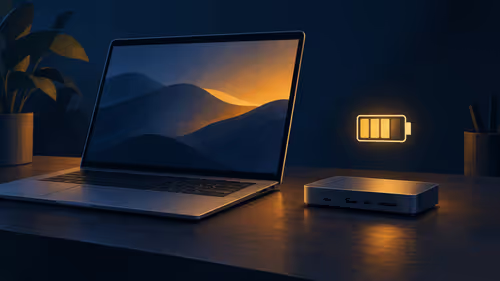
Check the charger, dock and laptop power requirements before using USB-C pass-through. Evetech listed the Port Designs 901913 dock at R1,399 on 29 October 2026.
Read more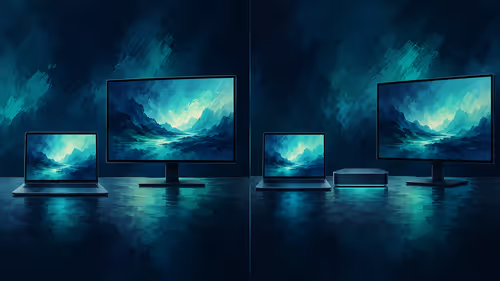
A direct connection can suit one screen; a dock adds ports but has its own video limits. The Port Designs 901913 dock was R1,399 at Evetech on 29 October 2026.
Read more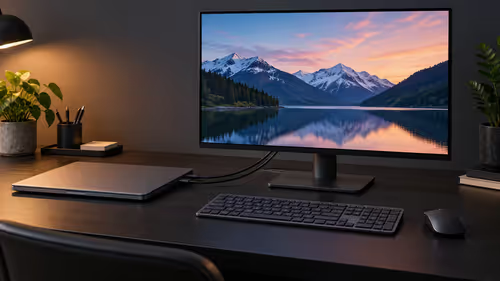
A Mac laptop can use an external screen with its lid closed when connected to power, an external keyboard and mouse. Evetech listed a Lenovo monitor at R2,099 on 29 October 2026.
Read more
Buy now or upgrade later: PC cases decisions should be shortlisted around the job it must do. South African buyers should compare CPU, GPU, RAM, and screen quality, warranty path, and upgrade room before treating any pick as best.
Read more
First-time PC gaming can suit an all-in-one PC in SA when the buyer wants a simple, space-saving starting point. A tower with RX 7600 or RTX 5060 is still the stronger option where upgrade flexibility and broader gaming growth are priorities.
Read more
Edge default search engine controls searches typed in the address bar. Choose a supported search provider in browser settings, then test the address bar separately from a website search box or a new-tab page before assuming the change failed.

gaming headset short-list for Edenvale in - what's in needs a balanced, cautious look before buying. Compare fit, budget, workload, warranty support, and upgrade room so the choice makes sense for South African buyers.

A 2700RPM pump spins its impeller 2700 times a minute to push coolant round the loop. Faster flow moves heat from the CPU block to the radiator, though a quicker pump can be a little louder. The Antec Omni Matrix 360 at R999 pairs it with an ARGB head.

Plug the three pre-connected 120mm fans into one PWM fan header, since they run from a single cable. If the lighting has its own lead, send it to the addressable header, usually labelled ARGB. Evetech's Omni Matrix 360 at R999 follows that same plan.

Targus DOCK402 combines a mobile dock with a built-in GaN charger. Its useful buying checks are host power negotiation, USB-C video support and the single-display limit, rather than assuming every USB-C laptop gets the maximum charging and resolution.
Edge default search engine controls searches typed in the address bar. Choose a supported search provider in browser settings, then test the address bar separately from a website search box or a new-tab page before assuming the change failed.

Edge block pop-ups can stop unwanted windows while permitting a trusted site that needs one. Check the exact site exception and distinguish pop-up windows from adverts inside a page and website notifications before turning off protection broadly.

Edge website notifications are controlled per site. Block the unwanted origin in browser permissions instead of muting every Windows alert, then check whether the interruption was a site notification rather than a pop-up or a message inside a page.

Edge not saving passwords needs a check of the browser profile and Microsoft Password Manager settings. Saving, generating and filling a password are separate actions; confirm which one fails before changing account data.
Edge energy saver reduces browser resource use and may affect visible smoothness. It was previously called efficiency mode and is separate from Windows Task Manager efficiency mode. Choose the browser setting for the workload you are testing.

Edge find on page opens with Ctrl+F on Windows. Type a short phrase from the page and move between matches; a web search, scanned image and different loaded page are separate cases.
Edge exit full screen uses F11 on Windows to toggle the browser view. Browser full screen, a maximised window, page zoom and a video player are different states; identify which one changed before altering display settings.