


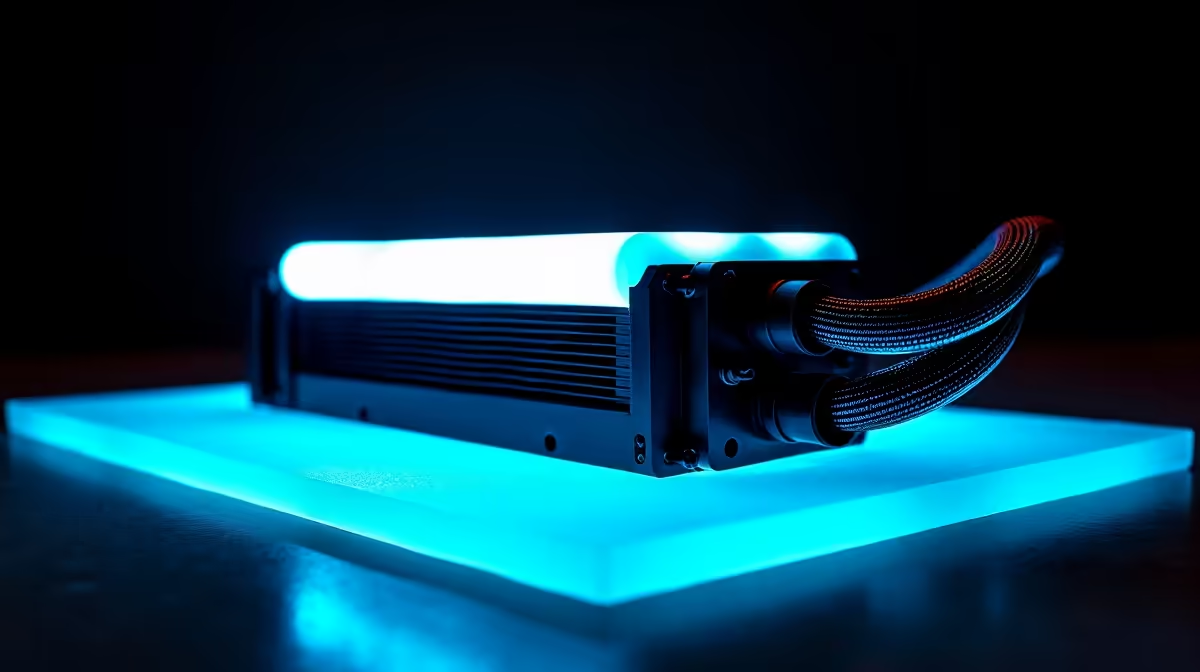
Another scorching South African summer is on the way, and for PC gamers, that means one thing: the battle against thermal throttling. When your machine gets too hot, performance drops... frames stutter, and your glorious gaming experience turns into a laggy mess. But what if your PC could think for itself and predict heat spikes before they happen? That’s the promise of AI PC cooling, and it’s more than just a gimmick.
Why AI PC Cooling is Crucial in South Africa
Traditional fan curves are reactive. They ramp up speeds only after your components are already getting toasty. Intelligent cooling systems use AI and machine learning algorithms to be proactive. They learn your usage patterns—whether you're grinding in Warzone or rendering a 4K video—to adjust fan speeds predictively. This means a quieter, more efficient, and ultimately cooler PC, even during a heatwave or unexpected load shedding. 🌡️
The goal of AI PC cooling in South Africa isn't just about raw power; it's about smart, stable performance that extends the lifespan of your valuable components.
The Build Lab Test: AI vs. Manual Fan Curves
So, does it actually work? In the Evetech Build Lab, we put it to the test. We took a high-performance gaming rig and ran it through a 30-minute Cyberpunk 2077 benchmark at 4K, once with a standard aggressive fan curve and once with the motherboard's AI cooling profile enabled.
The Results Were Clear
- Manual Curve: The fans were loud from the start, spinning like mini jet engines. The CPU temperature peaked at 85°C, hovering there for most of the test. It was effective, but incredibly noisy.
- AI Cooling Enabled: The system was noticeably quieter at the start. The AI anticipated the rendering load, gradually increasing fan speeds just before the major temperature spikes. The peak temperature was slightly lower at 82°C, but the average temperature was a full 5°C cooler.
The biggest difference? Acoustics and efficiency. The AI system delivered superior cooling without the constant, distracting roar. This intelligent management is a standard feature we consider when assembling our powerful NVIDIA GeForce gaming PCs, ensuring you get peak performance without the noise pollution.
Quick Start with AI Cooling ⚡
Most modern ASUS, MSI, and Gigabyte motherboards have AI or "Smart Fan" controls in their BIOS UEFI. To get started, reboot your PC and enter the BIOS (usually by pressing DEL or F2). Find the fan control section and switch from "Manual" or "PWM" to the "AI" or "Smart" profile. The system will then run a quick calibration to optimise itself for your specific components.
Top Features in Modern Cooling Solutions
When you're looking for a new PC or motherboard, "AI Cooling" might be listed as a key feature. It's not just one thing, but a suite of technologies that work together. This includes predictive algorithms, fan-stop features for silent idling, and even linking fan speeds to multiple temperature sensors (CPU, GPU, and chipset) for a more holistic response.
These smart features are essential for getting the most out of today's powerful hardware, whether you're building around a new Ryzen CPU or a Radeon GPU. Many of the pre-built systems in our range of AMD Radeon gaming PCs leverage these exact technologies to deliver stable, cool performance right out of the box.
Beyond Gaming: AI Cooling for Professionals 🔧
This technology isn't just for gamers. If you're a video editor, 3D artist, or data scientist in South Africa, your workload puts immense, sustained pressure on your components. An intelligent cooling solution ensures your machine remains stable during a long render or complex simulation, preventing crashes and protecting your work.
For professionals, thermal stability is just as important as raw processing power. It's a critical consideration for our custom-built Workstation PCs, which are designed for maximum reliability under extreme, round-the-clock workloads. A smart cooling system is your best defence against performance degradation on deadline day.
Ready to Beat the Heat for Good? A professionally built PC takes the guesswork out of thermal management. Our experts balance every component for optimal airflow and cooling performance. Explore our massive range of custom gaming PCs and find the perfect rig to conquer the heat.











