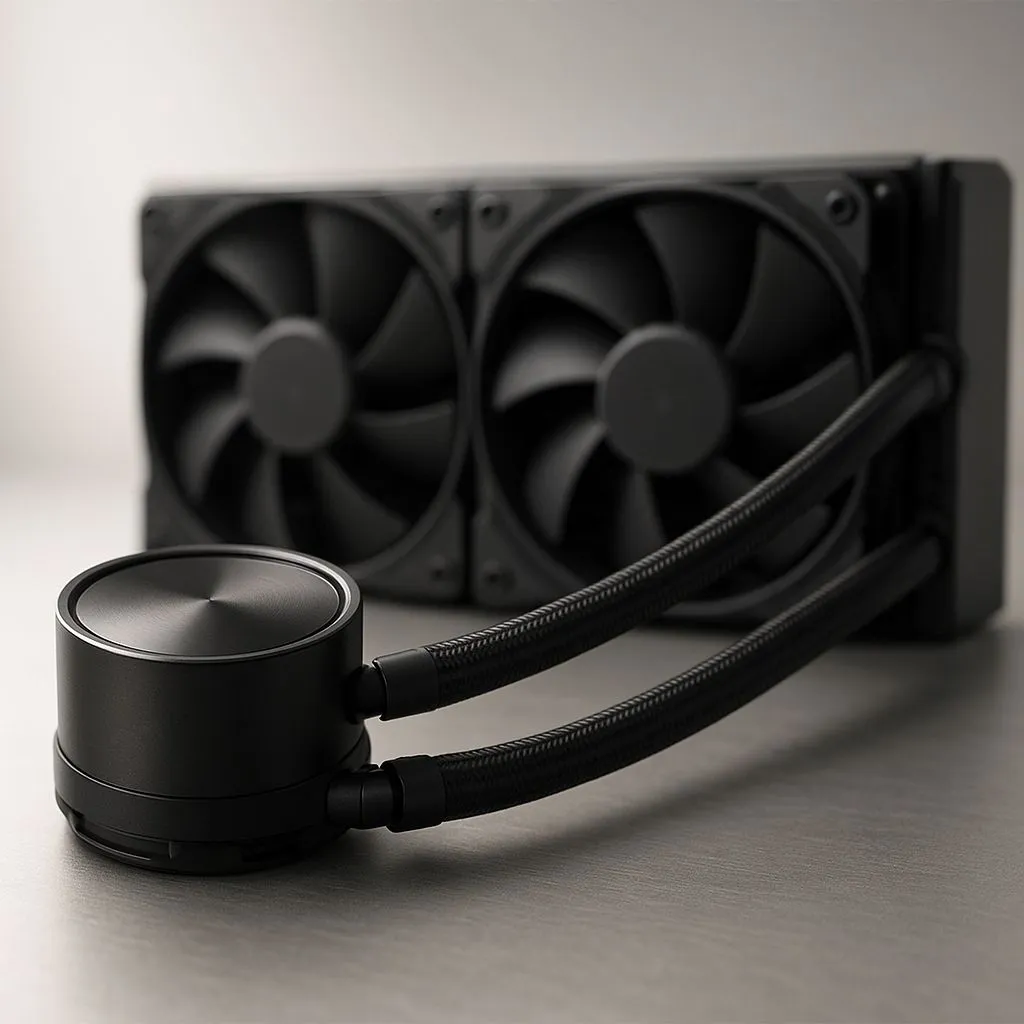
You've just dropped a fortune on a new CPU, and the last thing you want is for it to cook itself during a marathon Apex Legends session. An AIO liquid cooler seems like the perfect high-tech solution for our South African heat. But then a nagging thought creeps in… does this thing need topping up? The short answer is a reassuring "no," but understanding the "why" is key to keeping your rig frosty for years to come. 🧊
The "Closed-Loop" Promise: What Does It Mean?
The magic of an All-in-One (AIO) cooler is right there in the name. It's a self-contained, factory-sealed unit designed for one purpose: to move heat from your processor to a radiator, where fans can blow it away. Unlike complex custom water-cooling loops, you don't need to worry about cutting tubes, mixing coolants, or, most importantly, refilling.
These systems are precision-filled and sealed to prevent evaporation and leaks. Trying to open one would not only void your warranty but likely damage the unit permanently. They are engineered to be a simple, plug-and-play upgrade, offering fantastic thermal performance without the hassle. That's why modern AIO liquid coolers have become the go-to for gamers and creators across Mzansi.
So, Is AIO Liquid Cooler Maintenance a Myth?
Not entirely. While you don't need to refill it, "maintenance-free" doesn't mean "ignore-it-forever." Proper AIO liquid cooler maintenance is incredibly simple and focuses on one thing: airflow. Your PC is essentially a vacuum cleaner, and dust is the number one enemy of performance.
Over time, dust, pet hair, and other gunk will clog the fins of your radiator. This blockage acts like a blanket, trapping heat and forcing your fans to spin faster and louder to achieve the same cooling. Your CPU temperatures will slowly creep up, and that quiet, efficient cooler you bought will start sounding like a jet engine.
Radiator Refresh 🔧
For a quick clean, turn off your PC and use a can of compressed air to blow dust out of the radiator fins. For a deep clean (every 6-12 months), remove the fans and use a soft brush to gently wipe the fins clean before blowing out the remaining dust. You'll be surprised how much performance you get back!
Understanding Liquid Loss (Permeation)
"But if it's sealed, how does it ever fail?" Great question. Over a very long period (we're talking 5-7+ years), a tiny, microscopic amount of the coolant can escape through the tubing in a process called permeation. It's a natural phenomenon, and the amount of liquid lost is minuscule.
Top-tier manufacturers are well aware of this. That's why reliable brands like CORSAIR design their AIOs with enough coolant to last well beyond their extensive warranty periods. By the time permeation could ever become a real issue, you'll likely be ready to upgrade your entire platform anyway.
When to Worry: Signs of a Failing AIO
While rare, AIOs can fail. The pump is the only major moving part, and like any mechanical component, it has a lifespan. Fortunately, a failing AIO usually gives you plenty of warning. Keep an eye out for these signs:
- Skyrocketing Idle Temps: Is your CPU sitting at 60°C while you're just on the desktop? That's a huge red flag that the pump isn't circulating liquid.
- Grinding or Gurgling Noises: A healthy AIO pump is nearly silent. Any sudden grinding, rattling, or loud gurgling sounds from the CPU block could signal a failing pump motor.
- Software Warnings: Many motherboards and monitoring apps will warn you of extreme CPU temperatures or a "CPU Fan Error" if the pump's tachometer signal fails.
If you value ultimate reliability and simplicity, a high-performance air cooler is still a fantastic option, with its only point of failure being an easily replaceable fan.
For most users, however, the superior cooling potential and sleek aesthetics of an AIO are worth it. Especially with a larger, more efficient 360mm radiator, you can achieve incredible cooling with fans spinning at a whisper-quiet RPM. ✨
Ready to Chill Your CPU?
AIO liquid coolers offer incredible performance and a clean aesthetic for any PC build. Whether you're upgrading or starting fresh, we've got the perfect fit. Explore our massive range of CPU coolers and find the ideal solution to keep your temps low and your framerates high.