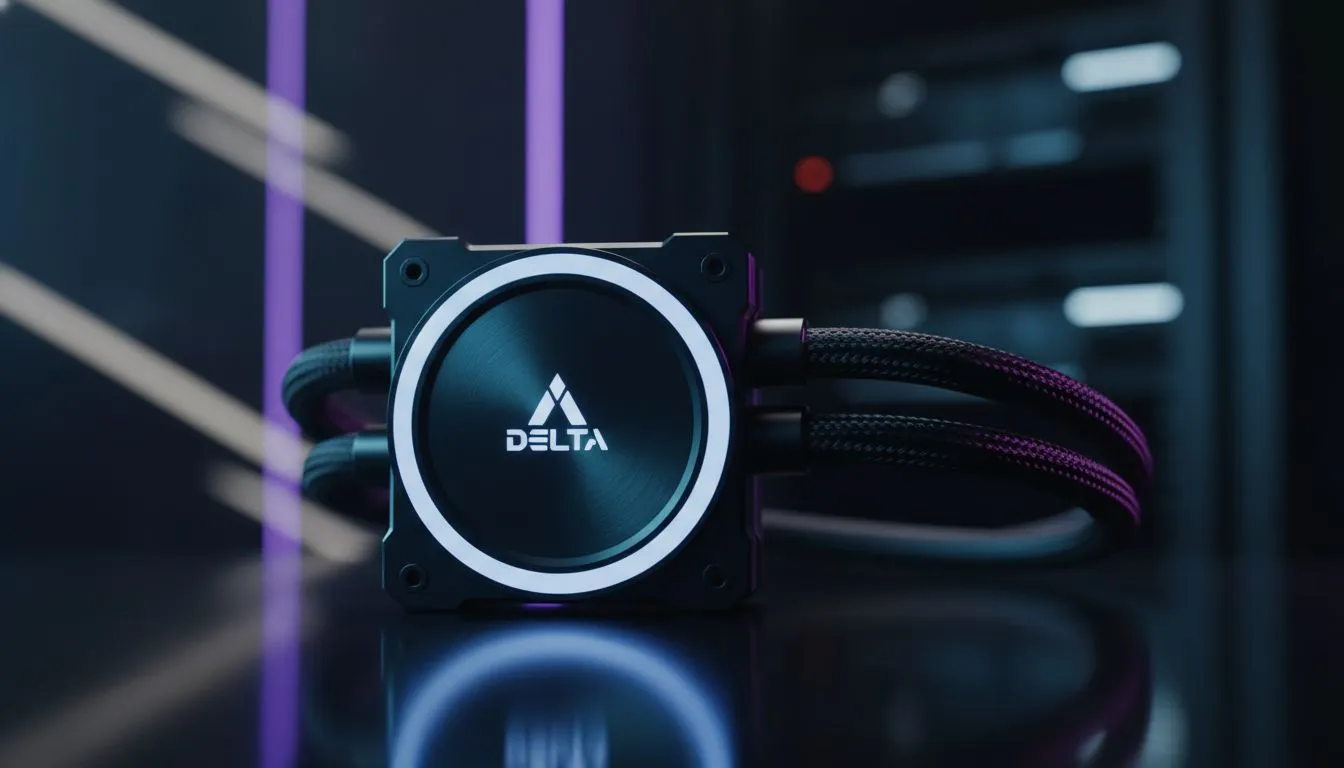
Stage 6 hits. The lights go out. Your PC shuts down instantly. You sigh, grab your phone... but a nagging thought creeps in. What just happened to your expensive AIO cooler's pump? That sudden stop... can it cause damage? This is a real concern for SA gamers, and the question of AIO pump an unexpected outage survival is one we need to answer. While modern pumps are tough, repeated abrupt power cuts can introduce stress you'd rather avoid.
Reliable Everyday Performance
At its core, an AIO pump is a small motor with an impeller that circulates liquid. When Eskom pulls the plug, this motor stops instantly. While a single power cut is unlikely to kill a healthy pump, the cumulative effect of daily an unexpected outage is where the concern lies.
Think of it like repeatedly slamming on your car's brakes versus a smooth stop. The sudden halt can cause momentary pressure spikes or turbulence in the loop. Over time, this repeated mechanical stress could potentially lead to premature wear on the pump's bearings or motor. The real risk isn't one dramatic failure, but a slow degradation of performance caused by South Africa's unique power challenges. It's a key factor to consider when choosing between modern CPU coolers.
The Real Risks of AIO Pump Failure During Power Cuts
So, what's the worst that can happen? A complete, sudden pump failure from a power cut is rare. Most quality AIOs are designed with power-loss scenarios in mind. The more likely outcome of long-term AIO pump an unexpected outage exposure is a gradual decline in cooling efficiency. ⚙️
You might notice your CPU temperatures slowly creeping up over weeks or months. This is because the pump's impeller is slightly less effective, or the motor isn't spinning at its optimal RPM anymore. The system won't just die; it'll get hotter and louder as your fans work overtime to compensate for the struggling pump in your all-in-one liquid cooler.
Check Your Pump Speed ⚡
Most motherboards let you monitor pump RPM in the BIOS or via software like HWMonitor. A healthy AIO pump should report a consistent speed (e.g., 2000-3000 RPM). If it's fluctuating wildly or reporting 0 RPM while the PC is on, it's a clear sign of trouble.
How to Protect Your AIO Cooler and PC
Taking proactive steps can virtually eliminate any risk to your AIO pump and other sensitive components.
The UPS: Your Non-Negotiable Defence
An Uninterruptible Power Supply (UPS) is the single best investment you can make for your gaming rig in South Africa. It's a battery backup that gives you several minutes of power when the grid goes down. it's to give you enough time to perform a safe, graceful shutdown, protecting all your components from the sudden power loss.
Choose a High-Quality, Robust AIO
While a UPS is key, starting with a well-built cooler also provides peace of mind. Reputable manufacturers invest heavily in pump design and durability. Top-tier brands often use more robust materials and motors designed to handle thermal and electrical stress better. When you're looking at high-performance options, you'll find that premium cooling from brands like CORSAIR often feature advanced pump designs built for longevity. Similarly, the powerful pumps found in larger 360mm AIOs are engineered for sustained, heavy workloads. ✨
Is Air Cooling a Safer Bet?
If the potential for pump issues still worries you, there's always the classic solution. Air coolers have no moving parts besides the fan, completely removing the pump as a point of failure. For many builds, a reliable air cooler offers fantastic performance and zero anxiety about liquid, pumps, or outage-related stress. It's a simple, effective, and bulletproof alternative. 🚀
**Ready to Beat the Heat... Which everyday reliability factors matter most?
A quality cooler paired with a UPS is the ultimate combo for any South African gamer. Explore our massive range of CPU coolers and find the perfect solution to keep your rig cool and safe.