

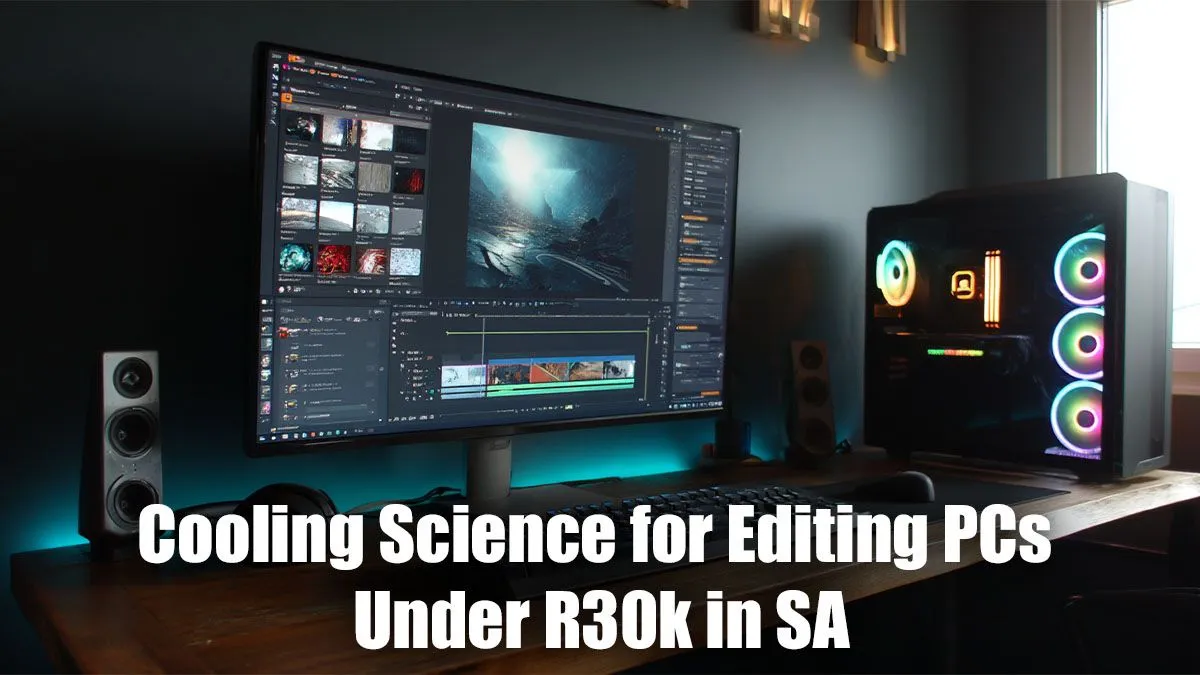
Hit that 'Render' button and watch your PC slow to a crawl? You're not alone. For South African creators with editing PC builds under R30,000, that sluggish performance is often a cry for help from an overheating CPU. Choosing the right components is crucial, but finding the best cooling for your editing PC is what unlocks their true potential. It's the difference between a smooth workflow and a frustrating, stuttering mess. 🔧
Why Editing PCs Deserve Better Cooling
Unlike gaming, which often has short bursts of intense activity, video editing and 3D rendering put your CPU under heavy, sustained load for hours. This constant stress generates a massive amount of heat. When your processor gets too hot, it automatically slows itself down to prevent damage—a process called thermal throttling. Suddenly, your export times double and your timeline preview becomes choppy.
This is why the stock cooler that comes with your CPU often isn't enough. While fine for basic tasks, it struggles to keep temperatures in check during a long 4K render. Investing in superior cooling isn't just about performance; it's about protecting your components and ensuring your machine can handle demanding creative work. Even many budget gaming PCs benefit from an upgraded cooler to deliver consistent frame rates.
Air vs. AIO Liquid Cooling: The R30k Showdown
When considering the best cooling for an editing PC in the sub-R30k bracket, the debate usually comes down to two options: traditional air coolers or All-In-One (AIO) liquid coolers.
The Case for Air Cooling: Affordable & Reliable
A high-quality air cooler is often the smartest choice for value-focused builds. It uses a combination of heat pipes and a large heatsink with a fan to draw heat away from the CPU.
- Pros: Excellent price-to-performance, extremely reliable with fewer points of failure, and simple to install.
- Cons: Can be bulky, potentially interfering with tall RAM modules or small cases.
For most content creators, a premium air cooler provides more than enough thermal headroom without eating into the budget for a better graphics card or more RAM, making it a perfect fit for powerful PCs under R20k.
The Allure of AIO Liquid Cooling: Sleek & Powerful
AIOs use a closed loop of liquid to transfer heat from the CPU to a radiator, where fans dissipate it. They offer a clean, modern aesthetic and can provide superior cooling performance, especially for high-end, overclocked processors.
- Pros: Top-tier cooling potential, moves heat directly out of the case, and offers a clean, minimalist look.
- Cons: More expensive and introduces more complexity (a pump and liquid).
While an AIO might be overkill for some R30k builds, it's a fantastic upgrade if your workflow involves a top-tier CPU that runs hot. You'll often find them featured in well-optimised PCs above R20k designed for heavy workloads.
Don't Forget Case Airflow: The Unsung Hero ✨
You could have the best CPU cooler in the world, but it won't matter if it's stuck inside a hotbox. Proper case airflow is the foundation of any well-cooled PC. A good case should have mesh panels to allow fresh air in and enough fan mounts to create a clear path for air to travel over your components and out the exhaust.
A simple setup with two intake fans at the front and one exhaust fan at the back can dramatically lower overall system temperatures. This ensures your CPU cooler is working with cool ambient air, not just recycling hot air from your GPU. Paying attention to these details is what separates a good build from a great one, a principle we apply to all our best gaming PC deals.
Airflow Pro Tip ⚡
For a typical editing PC, aim for 'positive pressure'. This means having slightly more intake fan power than exhaust. This helps push air out of all the small gaps in your case, preventing dust from being sucked in and keeping your components cleaner and cooler for longer. It's a small detail that makes a big difference.
Ultimately, the best PC cooling for video editing is a balanced system. For a build under R30,000, a robust air cooler paired with a high-airflow case is the winning combination for performance, reliability, and value.
Ready to Build a Cool & Capable Creator PC? Choosing the right components can be tricky, but a well-cooled system is non-negotiable for serious editing work. Take the guesswork out of your next build. Explore our expertly configured pre-built PC deals and find a machine optimised for performance and reliability right out of the box.











