


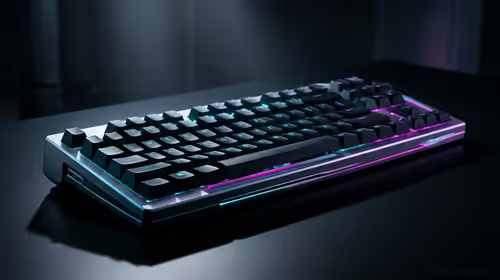
Stuck Pixel Checks for a Mechanical Keyboard Setup
Stuck pixel on a Mechanical Keyboard is likely a display symptom around that setup, not the part itself. Check the monitor, cable, GPU output, drivers, and warranty path first.
Read moreFind the best editing PC under R30000 right here in South Africa! 💻 We break down the perfect balance of CPU, GPU, and RAM to crush 4K video editing and graphic design without breaking the bank. Discover prebuilt rigs and custom builds that deliver pro-level performance. 🚀
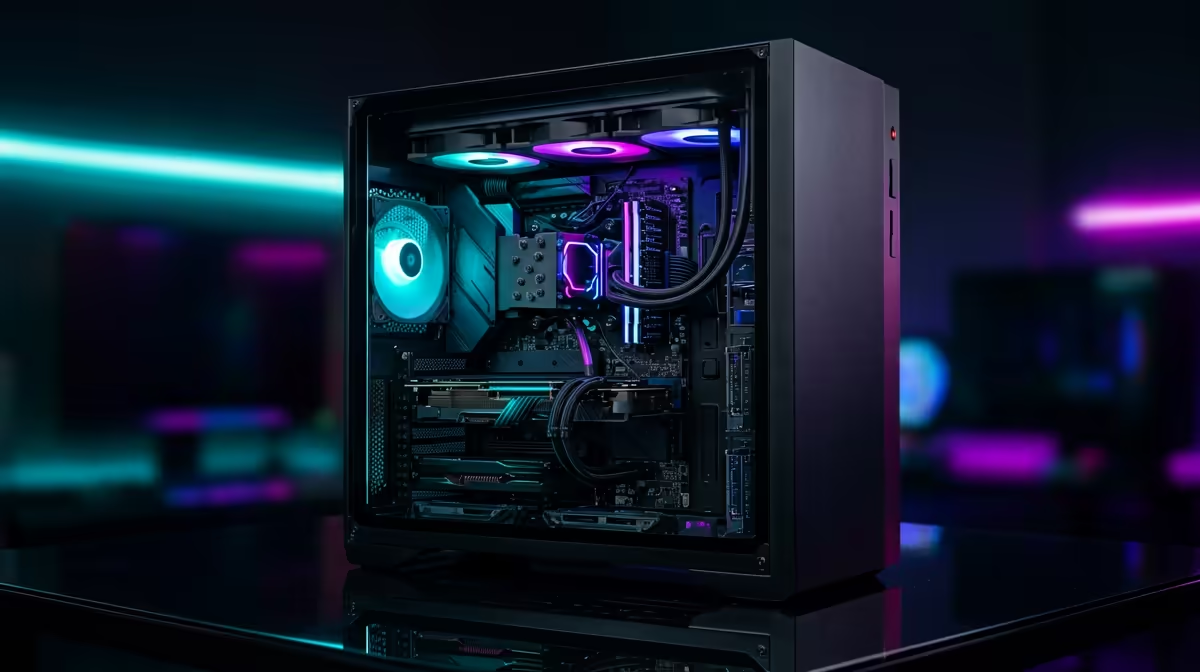
Tired of watching that render bar crawl across your screen? For South African content creators, YouTubers, and freelance editors, a slow PC isn’t just frustrating… it’s a business bottleneck. You’ve got incredible ideas, but your machine can’t keep up. The good news? You don’t need to break the bank for a pro-level setup. A powerful, timeline-crushing machine is within reach. Let's explore how to find the best editing PC under R30000 right here in SA.
For years, a truly capable video editing rig felt like a R40k+ investment. But thanks to massive leaps in CPU and GPU technology, the R30,000 mark has become the perfect intersection of power and value. At this price point, you get a machine that can comfortably handle 4K timelines, complex effects, and speedy exports without the steep cost of top-tier, enthusiast-grade components.
This isn't about compromise; it's about smart allocation. You're investing in a workhorse that delivers professional results, letting you focus on creating, not waiting. It's the ideal budget for a serious creator looking to upgrade their workflow and output. Many creators find that the performance jump from a basic setup to one of these PCs above R20k is the most significant of their career.
Building or buying the perfect rig means understanding where your money makes the biggest impact. For video and photo editing, the component hierarchy is a little different from a pure gaming machine.
The Central Processing Unit (CPU) is the heart of your editing PC. When you're scrubbing through a 4K timeline or rendering your final export, the CPU is doing most of the heavy lifting.
Think of RAM (Random Access Memory) as your desk space. The more complex your project (multiple video layers, high-resolution assets, background apps), the more RAM you need to work smoothly without lag.
DaVinci Resolve and Premiere Pro love VRAM. When choosing a GPU, don't just look at gaming benchmarks. Prioritise a card with at least 8GB of VRAM for 4K editing. It drastically improves timeline playback performance and reduces the chance of 'out of memory' errors when working with high-resolution footage or complex colour grades.
While the CPU is king, the GPU plays a vital role in accelerating your workflow. Modern editing software uses the GPU to speed up tasks like playback, rendering effects (like blurs and colour correction), and exporting using specific codecs (like NVIDIA's NVENC). A good GPU can slash your export times.
Interestingly, what makes a great gaming PC often makes a great editing PC. Many of our best gaming PC deals feature GPUs from NVIDIA's RTX series or AMD's RX series that are perfect for a hybrid gaming and editing setup. 🚀
Your storage setup can make or break your editing experience. A slow drive means laggy playback, long project load times, and a frustrating workflow.
Building a PC can be rewarding, but it also takes time, research, and carries the risk of troubleshooting. For a professional tool, a pre-built PC from a trusted builder offers peace of mind. Every component is tested for compatibility and stability, it comes with a full system warranty, and you get expert support. You can unbox it and start creating on day one. A powerful editing PC under R30000 from Evetech is optimised from the get-go, saving you the headache so you can focus on your clients and content.
Ready to Stop Waiting and Start Creating? A powerful editing PC is no longer a dream. For under R30,000, you can get a machine that crushes render times and unleashes your creativity. Explore our expertly configured Pre-Built PC Deals and find the perfect rig to bring your vision to life.
A solid R30k editing PC build in South Africa should feature a modern 6 or 8-core CPU, a dedicated GPU like an RTX 3050/4060, 16-32GB of RAM, and a fast NVMe SSD for storage.
Absolutely! The components required for smooth video editing, like a strong CPU and dedicated GPU, are also excellent for 1080p and even 1440p gaming, making it a versatile machine.
For basic 1080p projects, 16GB of RAM can be sufficient. However, for a smooth 4k video editing experience, we strongly recommend starting with 32GB to avoid performance bottlenecks.
For a budget editing PC, look for CPUs with a high core and thread count. Options like the Intel Core i5 (12th gen or newer) or AMD Ryzen 5 (5000 series or newer) offer great value.
Yes, a dedicated GPU is crucial. It accelerates rendering, effects, and timeline playback in software like Adobe Premiere Pro and DaVinci Resolve, saving you significant time.
A prebuilt editing PC from Evetech offers convenience, expert assembly, and a full warranty. A custom build allows for total component control. Our guide helps you decide.
Stuck pixel on a Mechanical Keyboard is likely a display symptom around that setup, not the part itself. Check the monitor, cable, GPU output, drivers, and warranty path first.
Read more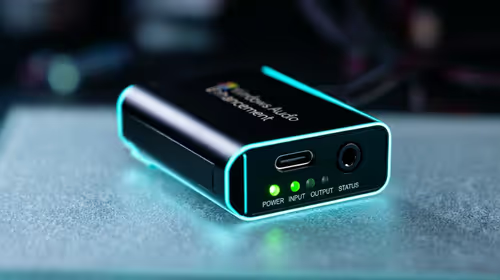
How to fix stuck pixel Windows 11 USB DAC issues starts with display-only tests. Check HDR, scaling, monitor input, USB cable movement, and safe South African support options before connecting the pixel issue to audio hardware.
Read more
Windows 11 Steam Deck monitor issues often start with display mode, USB-C output, drivers, or dock power. Use this how to fix monitor not detected windows 11 steam deck checklist for SA handheld PC setups.
Read more
Stalker 2 Heart of Chornobyl PC build planning at R100,000 should stay cautious about parts and settings. Balance GPU, CPU, RAM, storage, cooling, and upgrade room before picking a South African gaming PC.
Read more
RX 9070 XT build stuttering needs a step-by-step check before replacing parts. Review drivers, settings, thermals, power, background apps, display limits, cables, and game options before changing hardware.
Read more
GTA 6 on R15,000 needs careful part balance. This SA build guide frames CPU, GPU, RAM, SSD, cooling, and upgrade trade-offs without promising live prices, stock, or exact FPS.
Read more
NVIDIA lists 550W required system power for the RTX 5060 reference specification, based on a high-end test system. A quality 550W unit can be enough, but CPU draw, transient load, connectors and ageing decide real headroom.

80+ Gold vs 80+ Platinum for couch co-op gaming is about PSU efficiency, heat, fan behaviour, quality, and wattage headroom, not direct FPS. SA buyers should compare the whole build.

Upgrade your setup with the best USB-C hubs for creators. Discover why high-capacity card readers and dual 4K output are essential for professional South African content production. 🚀💻

B850 motherboard FPS drops needs a methodical troubleshooting pass. Review drivers, thermals, power settings, background apps, cables and game settings before replacing parts in an SA gaming setup.
NVIDIA lists 550W required system power for the RTX 5060 reference specification, based on a high-end test system. A quality 550W unit can be enough, but CPU draw, transient load, connectors and ageing decide real headroom.

OpenRGB's master branch now carries changes labelled for 1.0 final, including translation and platform work, but the official tags page still lists 1.0rc3.1 as the newest packaged release. Stable users should wait for the signed release channel.

A motherboard can remain useful for many years when power, cooling and connectors stay healthy. Replace it for confirmed faults, damaged power delivery or a blocked platform need, not simply because the calendar reaches a fixed age.

The VAIO T combines a 13.3-inch display with a multi-flip mechanism for laptop, tablet and outward-facing viewing modes. Orders begin in Japan on 18 September; South African availability is unconfirmed.

The smallest ATX case 2026 buyers should choose is the smallest chassis that still fits their exact graphics card, cooler, power supply and airflow plan. ATX support alone does not prove a case has the smallest footprint or volume.

In a 6 bit + FRC vs 8 bit comparison, native 8-bit panels can produce 256 levels per colour channel directly, while 6-bit plus FRC rapidly alternates nearby values to approximate the wider palette. Panel quality still depends on more than bit depth.

The UGREEN LinkStation Pro eGPU dock combines Thunderbolt 5 and OCuLink connections with an integrated 850W ATX 3.1 power supply and up to 140W laptop charging. South African availability is unconfirmed.

Windows 11 KB5124008 can leave some USB Audio Class 1.0 devices with no sound, Code 10 or failed multichannel output. Microsoft confirms the issue and says switching to two-channel stereo can restore audio for some users.