Quick Answer
For podcast recording in Newcastle, a Ryzen 5 7600 with 16-32GB DDR5 and a quiet NVMe SSD comfortably handles multitrack sessions in Reaper, Audacity or Audition. Budget R12,000-R16,000 for the tower and spend the rest on a USB or XLR interface; an RTX 4060 covers 1080p gaming too.
Audio gear beats raw compute
Podcasting is light on the processor and barely uses the GPU, so a 6-core Ryzen 5 7600 is enough for two or three tracks. 16GB RAM works for audio; 32GB helps if you record video versions. The meaningful upgrade is the mic and interface, so allocate budget there rather than to a faster CPU.
Quiet running and room setup
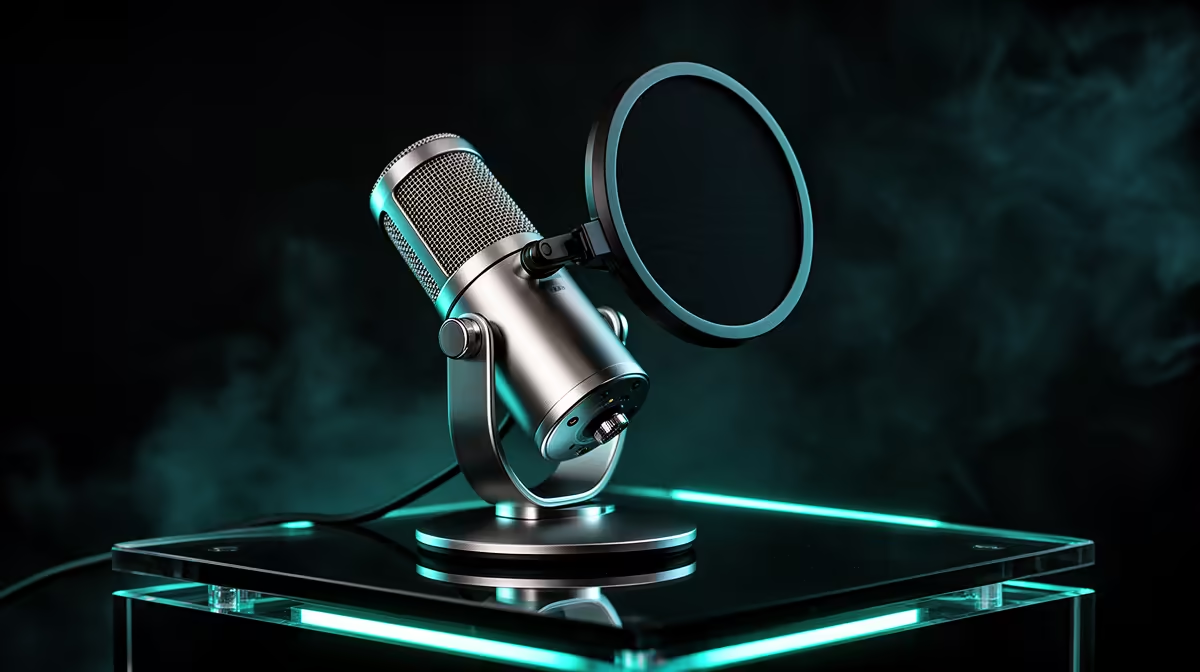
Pick a case with low-RPM fans so no hum bleeds into recordings, and keep the PC away from the mic. In Newcastle, a treated corner with foam panels or thick curtains controls echo cheaply. A pop filter and boom arm reduce plosives and handling noise, lifting clarity on every take.
Newcastle delivery and support
Evetech delivers to Newcastle within roughly 3-5 working days in the KZN courier zone, with the system under warranty so support does not require travel. A 1TB NVMe holds hundreds of hours of multitrack projects and exports.
FAQ
How powerful does a podcast PC need to be?
Not very. A Ryzen 5 7600 with 16GB RAM handles multitrack recording and editing with ease. Spend the saved budget on better audio gear.
What mic setup is best for guests?
For multiple guests, XLR mics into a multi-channel interface give separate, cleaner tracks. Solo shows can use a single USB mic to keep it simple.
Do I need a discrete GPU?
Only for gaming or video editing on the same machine. An RTX 4060 adds 1080p gaming, but pure audio podcasting does not require it, so first-time podcasters can skip it and redirect that budget to a better mic and interface.
Pro Tip
Record each speaker on a separate track, run a 256-sample interface buffer, and place the low-RPM PC away from the mic so fan noise never reaches your audio. Back up each episode to a second drive straight after recording.