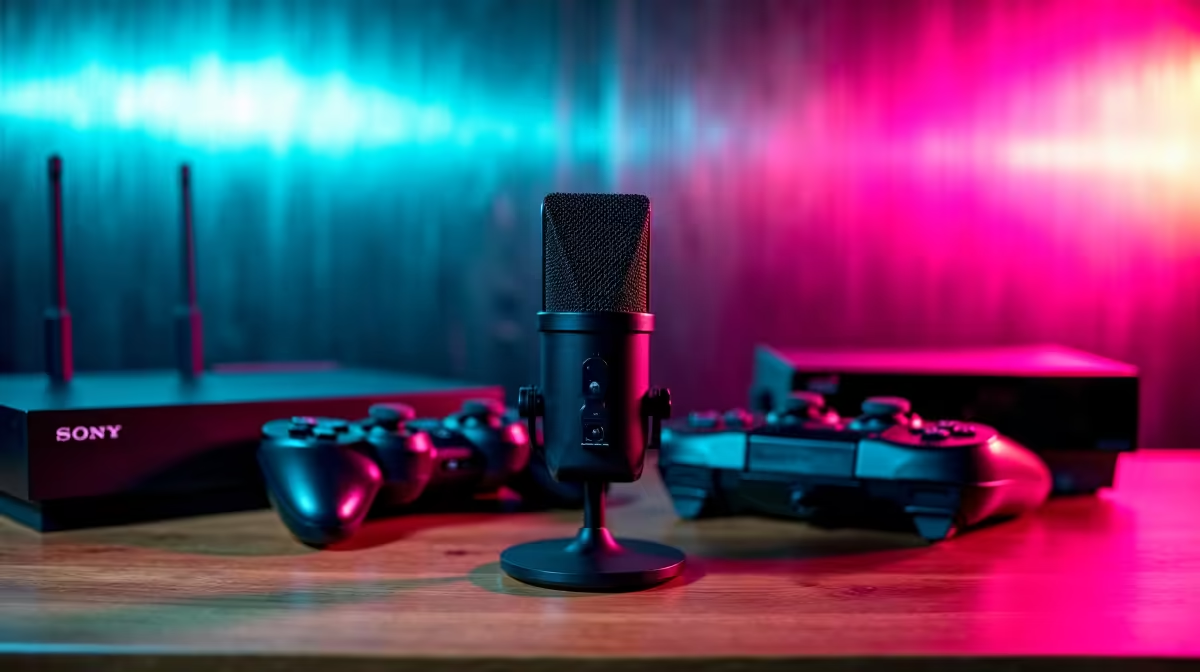
A podcast recording setup can capture commentary about retro games, but it does not run the emulator. Treat audio and gaming as separate parts of the project. The computer must handle the chosen emulator, while the microphone and software must record clear voice without disrupting gameplay.
Test the game before the microphone
The Minisforum UM750L combines Ryzen 5 7545U, 16GB memory, 1TB storage and Windows 11 Pro at a verified R4,600 as a compact emulation reference. Confirm emulator, controller and display-output support. Detailed shaders or difficult systems may need stronger graphics.
The HyperX SoloCast 2 USB microphone costs a verified R690 for direct voice capture. The NearStream AM10X-P USB/XLR microphone is verified at R730 for a more flexible audio path. Test microphone position, keyboard noise and game-audio bleed in the intended room.
Keep recording and legal material organised
Record ten minutes of gameplay with commentary and inspect audio sync, frame pacing and processor load. Use only lawfully held game and BIOS files. Document music and clip rights before publishing episodes.
Back up saves, controller profiles, raw audio and edit projects in separate folders. Add a mixer only when several hosts or external sources require routing. A basic microphone and stable emulator can produce a stronger pilot than an elaborate audio desk attached to an untested computer.
Producing a retro gaming podcast? > Ask Evetech to match the emulator computer, microphone and storage to the format.