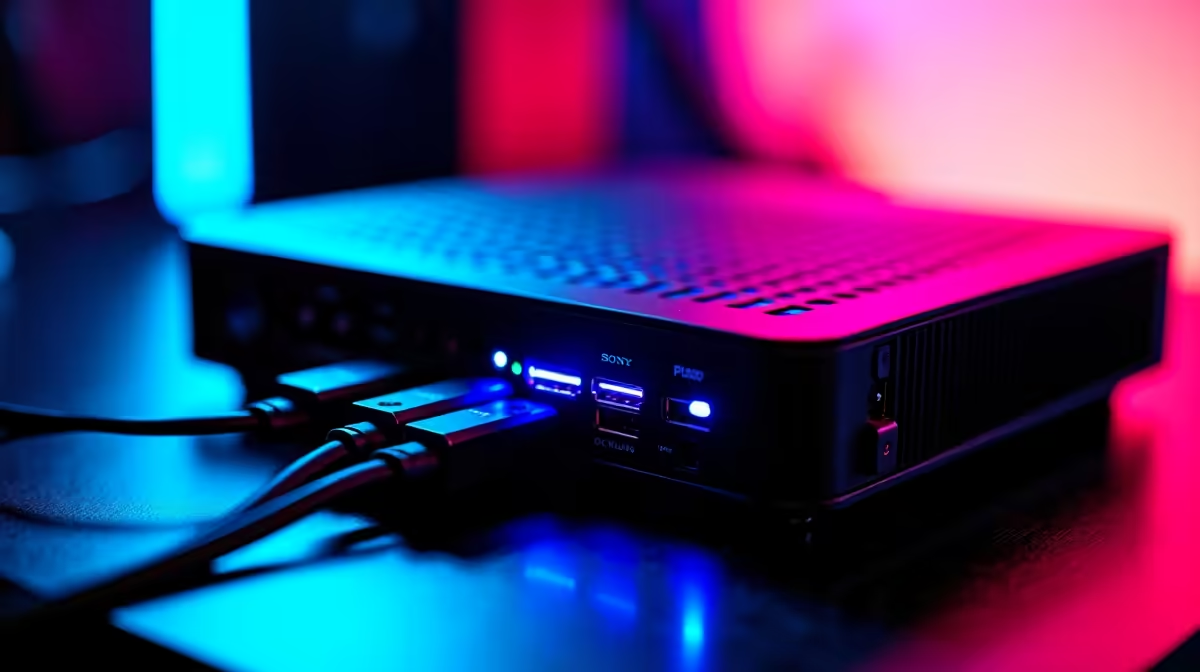
Bolting a real desktop graphics card onto a tiny computer sounds like a hack, but an OCuLink eGPU on a mini PC is the cleanest way to turn a pocket-sized machine into a desktop-class gaming rig. The trick is the OCuLink port, a direct PCIe 4.0 x4 link that several Minisforum mini PCs ship with. It gives an external desktop GPU a far faster, more stable connection than the USB-based docks most people try first, and the performance loss is small enough that an RTX 4090 still flies.
Quick Answer
It works best on a mini PC that already has an OCuLink port, such as several Minisforum models, paired with an OCuLink eGPU dock and a standard desktop graphics card. OCuLink runs at PCIe 4.0 x4, roughly 64 Gbps, and a top-tier GPU on that link loses only around five to ten percent of its full-bandwidth performance.
Why OCuLink Beats a USB Dock
The reason people are disappointed by external graphics is almost always the connection, not the GPU. USB-based docks add overhead and tighter bandwidth limits that throttle a powerful card. OCuLink is a direct PCIe path, so the graphics card talks to the mini PC almost as if it were plugged into a desktop motherboard slot. At PCIe 4.0 x4 it carries around 64 Gbps, and because gaming is bottlenecked by the GPU's own memory bandwidth far more than by the link to the processor, even a flagship card running on this narrower x4 link gives up only a single-digit to low double-digit percentage of its full performance.
That is the whole appeal. You keep the mini PC's tiny footprint and low power draw for everyday use, then connect a full desktop GPU when you want to game at high settings. Browse the docking station range at Evetech to see the kind of connectivity hardware that anchors a setup like this.
What You Need Before You Start
Three things have to line up. First, a mini PC with an OCuLink port; without it, this route is closed and you are stuck with a slower dock. Several Minisforum units include one built in, which is why they come up so often in these builds. Second, an OCuLink eGPU dock, the enclosure that holds the desktop graphics card and connects it to the mini PC. Third, a desktop graphics card and a power supply sized to feed it, since the GPU draws its power from the dock, not the mini PC.
Confirm the mini PC's OCuLink port before buying anything else. It is the one part that cannot be added later.
Setting It Up, Step by Step
The process is short, but order matters.
- Power everything down. Do not hot-plug an OCuLink connection; treat it like an internal card and make every connection cold.
- Install the desktop graphics card into the eGPU dock, seating it fully in the dock's PCIe slot and securing it.
- Connect the dock's power supply to the graphics card's power connectors, then to the wall. The GPU is powered by the dock, so this supply must be rated for the card you fitted.
- Run the OCuLink cable from the dock to the OCuLink port on the mini PC, making sure the connector is fully home.
- Power on the dock first, then the mini PC, so the system sees the GPU as it boots.
- Install or update the graphics drivers, then confirm the card is recognised and connect your monitor to the eGPU rather than to the mini PC's own video output for the best results.
Plug Your Display Into the GPU, Not the Mini PC
This is the step that catches people. For full desktop-class performance, your monitor should connect to the external graphics card's outputs, not the mini PC's built-in port. Driving the display straight from the eGPU avoids routing frames back through the mini PC and is what delivers the smooth, high-frame-rate result you bought the card for.
Is It Worth It Over a Desktop?
For someone who wants one small machine that lives quietly on the desk most of the time and games seriously when needed, yes. You get desktop graphics performance without a full tower humming away, and you can upgrade the GPU independently down the line. A traditional desktop is still simpler and marginally faster for pure gaming, so if the machine never needs to be small, build a tower. The OCuLink route shines specifically when compact size and desktop power both matter. To compare the cards that suit this kind of build, the GPU best sellers at Evetech are the quickest reference.
Frequently Asked Questions
How much performance do I lose using OCuLink instead of a desktop slot?
Very little for gaming. The PCIe 4.0 x4 link gives up roughly five to ten percent even with a flagship card, because games are limited by the GPU's own memory bandwidth far more than by the link to the processor. You will struggle to notice it in real play.
Can I add an OCuLink eGPU to any mini PC?
No. The mini PC must have a physical OCuLink port, which not all models include. Several Minisforum units ship with one. If your mini PC lacks the port, you are limited to slower USB-based docks instead.
Does the mini PC power the graphics card?
No. The desktop GPU draws power from the eGPU dock's own power supply, not from the mini PC. That power supply must be rated to handle whatever card you install, so size it accordingly.
Should my monitor plug into the mini PC or the eGPU?
Into the eGPU. Connecting your display to the external graphics card's outputs delivers full performance, whereas routing it through the mini PC's own video port can cost you frames.
A mini PC with an OCuLink port and the right desktop card gives you small-footprint gaming with desktop muscle. Compare cards in the GPU best sellers at Evetech and pick the graphics that match the games you play.