


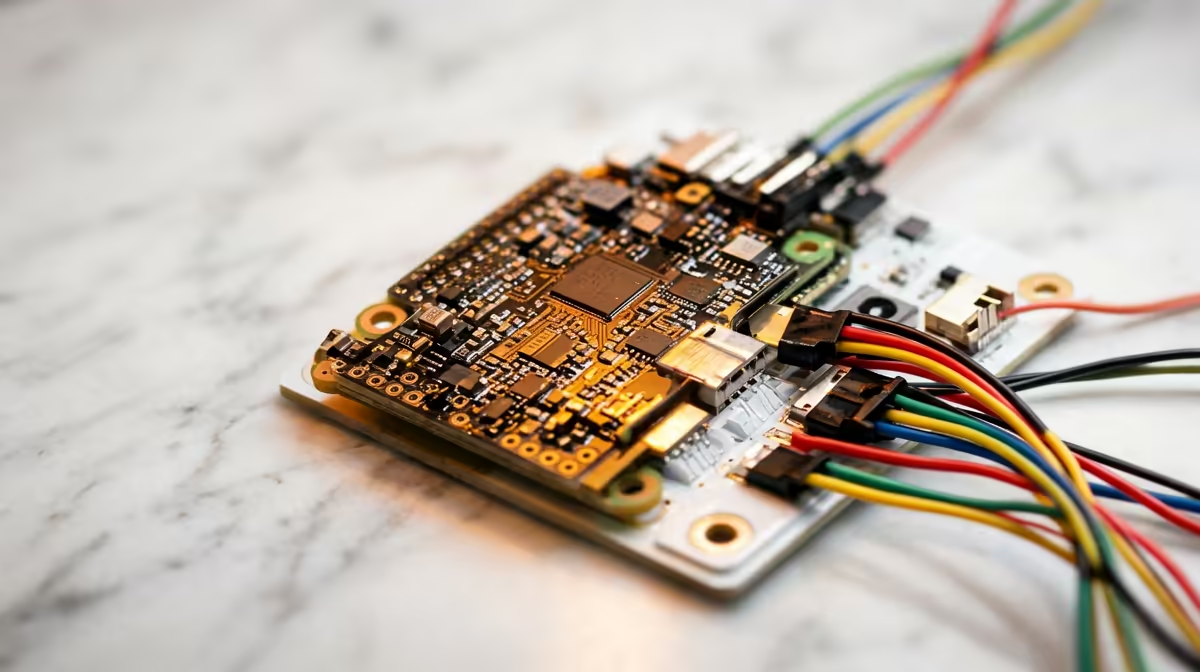
A small board on the kitchen table that blinks an LED on command does something a tablet never will: it shows a child that their code controls a real, physical thing. Raspberry Pi projects for kids lean on exactly that, because the platform ships with Scratch and Python already installed and a deep library of guided activities aimed at young learners.
Quick Answer
The best starting projects move a child from drag-and-drop blocks to real code in steady steps: a Scratch game, an LED that blinks from a Python script, a Sense HAT clock, and a simple line-following robot. Scratch and Python both come pre-installed, so you can begin the first afternoon. A starter kit with a breadboard, LEDs and jumper wires covers the early electronics projects.
Start with blocks, then move to text
Scratch is the gentle on-ramp. Children snap together coloured blocks to build logic, so they learn sequences, loops and conditions without wrestling with syntax. Building a simple Pong or catch-the-thing game in Scratch teaches the same thinking a programmer uses, just in a friendlier shape.
Once a child is comfortable, Python is the natural next step. It is a real language used in schools and industry, and the Raspberry Pi's own free project library walks learners through it gradually rather than dropping them in cold.
A project ladder that builds real skill
- A first Scratch game. Start here. A small game teaches logic and gives an instant, playable reward, which keeps a young learner hooked.
- Blink an LED with Python. Wire an LED to the GPIO pins on a breadboard and write a few lines of Python with the gpiozero library to make it flash. This is the moment code meets hardware, and it lands hard for kids.
- A button and a buzzer. Add an input and an output. Press a button, a buzzer sounds. The child now understands that a program reads the world and reacts to it.
- A Sense HAT clock or weather display. The Sense HAT adds an LED matrix and sensors, so a child can show a digital clock or react to temperature, blending coding with real measurements.
- A line-following robot. The capstone. A small robot car with a sensor follows a black line on white paper, and the child tweaks the code until it tracks cleanly. This is where coding, electronics and problem-solving all come together.
Taking it further: a weather station
Once a child has worked through the ladder above, a weather station is a natural next challenge. Connect a temperature and humidity sensor, write a Python script to log readings at regular intervals, and plot the data on a simple chart using Matplotlib. It is a real project with genuine output, numbers a child measured themselves, which makes the result feel more meaningful than a tutorial exercise. The Raspberry Pi Foundation publishes a free guided path for exactly this kind of sensor project, so the steps are well documented.
What the Raspberry Pi Foundation's free resources give you
The Raspberry Pi Foundation runs projects.raspberrypi.org, a free library of structured project paths covering everything from a first Scratch animation to Python functions and physical computing. Each project breaks into short, numbered steps with screenshots, so a child can follow along independently rather than waiting for an adult to explain the next part. There are also teacher-facing resources, lesson plans and project paths mapped to different age groups, which makes the Pi a practical tool in both a home and a classroom setting. The breadth of freely available, well-maintained curriculum is one of the strongest arguments for choosing a Pi over any other learning platform.
Choosing the right hardware to start
You do not need much. A Raspberry Pi board, a power supply, a microSD card with the operating system, and a starter electronics kit with a breadboard, LEDs, resistors and jumper wires cover everything on the ladder above. A Sense HAT and a basic robot chassis are worthwhile add-ons once the basics click. If you would rather have a tidy, ready-to-go small computer for the household, the mini PCs at Evetech are a compact option that suits a learning corner.
For a sense of which compact machines families and hobbyists reach for, the most popular PC picks are a quick reference before you buy.
Frequently Asked Questions
What age can a child start with a Raspberry Pi?
Many children manage Scratch-based projects from around eight, since the block coding hides the hard syntax. Python and electronics projects suit slightly older kids, roughly ten and up, especially with an adult alongside for the first few.
Do I need to buy extra parts beyond the board?
For coding alone, no. For the electronics projects you want a starter kit with a breadboard, LEDs, resistors and jumper wires. A Sense HAT and a small robot chassis extend things later.
Is Scratch or Python better for a beginner?
Start with Scratch. It teaches the same logic without syntax getting in the way, then Python becomes the next step once a child is confident. The Pi supports both out of the box.
Can a Raspberry Pi double as a normal computer?
Yes. It runs a full desktop, browser and office tools, so the same board used for learning can serve as a basic everyday machine when the projects are packed away.
How do I keep a child motivated past the first project?
The key is moving to a project the child chose, not one handed to them. Once the LED blinks, ask what they want it to do next: blink when a button is pressed, flash a pattern to music, count something. Self-directed questions lead to self-directed learning, which is where genuine interest takes root. The Raspberry Pi community forum and project library have enough variety that almost any curiosity has a walkthrough to match it.
Setting up a learning corner at home? Explore the mini PCs at Evetech (https://www.evetech.co.za/PC-Components/mini-pcs-194) for a compact, capable machine the whole family can use.











