

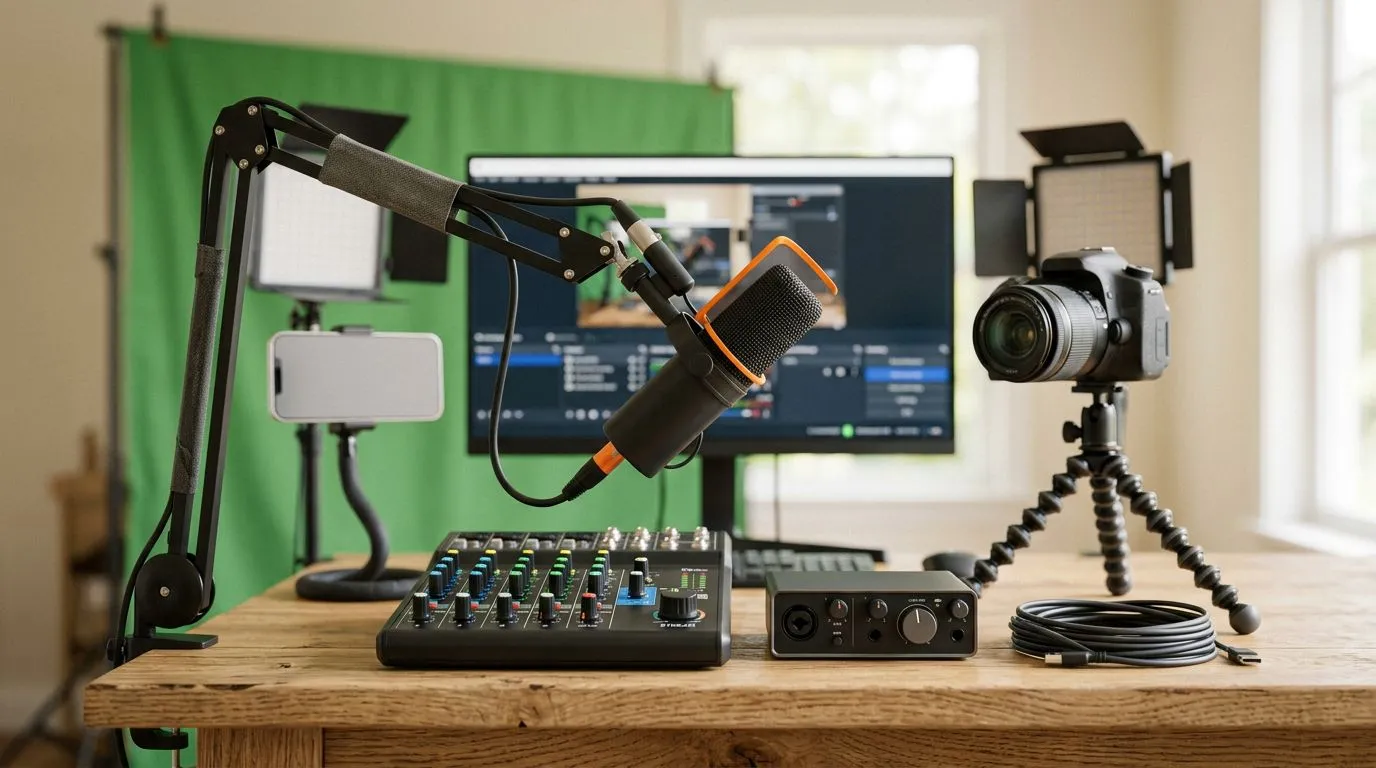
Budget Streaming Setup South Africa: Quick Hook
South African streamers—want crisp video, clear audio and low latency without blowing your budget? This compact guide cuts the noise and shows which parts to buy first, where to save, and what to upgrade later. Perfect for Cape Town, Joburg or a high‑pings province… get ready to stream smarter, not pricier. 🚀✨
Budget Streaming Setup: Core Components to Prioritise
Start with the three essentials: webcam, microphone and stable upload. A decent webcam and mic will improve perceived production value more than fancy overlays. For an overview of webcam models and specs, check Evetech’s main webcam range for South African shoppers—great for comparing resolutions and prices (official listings). Evetech webcam range
Webcam choices by budget
If you’re strictly saving, you absolutely can source reliable webcams below R1,000—suitable for 720p or basic 1080p streaming. Browse models filtered by price to see what’s available right now. Webcams under R1,000
Looking for a balance of image quality and microphone pickup? Mid-range webcams under R2,000 often include better sensors and auto‑focus. They’re a solid step up without a huge cost jump. Mid-range webcams under R2,000
If you want sharper low‑light performance and smoother 60fps capture, consider webcams in the higher budget tier—often under R3,000—where features start resembling entry-level mirrorless captures for streaming. Best webcams under R3,000 🔧
Budget Streaming Setup: Audio, Capture and Network Tips
Audio wins viewers’ trust. For budget rigs, a USB condenser or dynamic mic plus a pop filter is the fastest improvement. If your PC can handle it, use OBS or Streamlabs and set bitrate around 2500–3500 kbps for 720p/1080p streaming—this balances quality with common South African upload limits. If you have stricter caps, drop resolution or lower frame rate… viewers notice audio before ultra‑fine video.
Stream Setup Pro Tip ⚡
Position a window fan or absorbent foam behind and beside your mic to reduce room echo. Place the mic 10–20cm from your mouth, angle slightly off‑axis to cut pops, and use noise gate settings in OBS for a cleaner signal.
Micro‑story: I helped a friend in Pretoria swap a noisy headset mic for a budget USB mic; their chat and follower growth jumped within a week. It’s that visible to the audience.
Budget Streaming Setup: Practical Local Buying Advice
Shop local stock to avoid import delays and rand volatility. When comparing webcams, look at frame rate, low‑light performance and autofocus notes on vendor pages. Evetech’s filters make quick comparisons easier—use price filters then sort by popularity to find what other South Africans are buying. Always check return policies and warranty details before checkout; those matter if a unit arrives DOA.
Budget Streaming Setup: Final Checklist Before Going Live
- Camera: 720p/1080p webcam with decent low‑light handling.
- Microphone: USB dynamic/condenser + pop filter.
- Lighting: one soft key light and a fill (even a desk lamp with diffuser works).
- Network: aim for stable upload of 3 Mbps or higher for 720p60; test with speedtest before streaming.
- PC: ensure CPU/GPU headroom; close background apps and set OBS priority.
Need a last‑minute part or a quick comparison? Evetech’s main webcam listings and price filters are the fastest way to lock in a model that suits your rand budget.
Ready to Find Your Perfect Match? The Mac vs Windows debate is complex, but for maximum power, choice, and value in South Africa, Windows is hard to beat. Explore our massive range of laptop specials and find the perfect machine to conquer your world.











