

Budget Streaming Studio South Africa: Quick hook
Want to stream on a budget without sounding or looking cheap? This Budget Streaming Studio South Africa: Complete Guide shows practical gear choices, simple setup tweaks and local buying options so you can start streaming from Johannesburg, Cape Town or anywhere in Mzansi without guesswork. Get ready to learn which parts matter, where to buy them and how to keep costs low. 🎮✨
Budget Streaming Studio South Africa: Core gear checklist
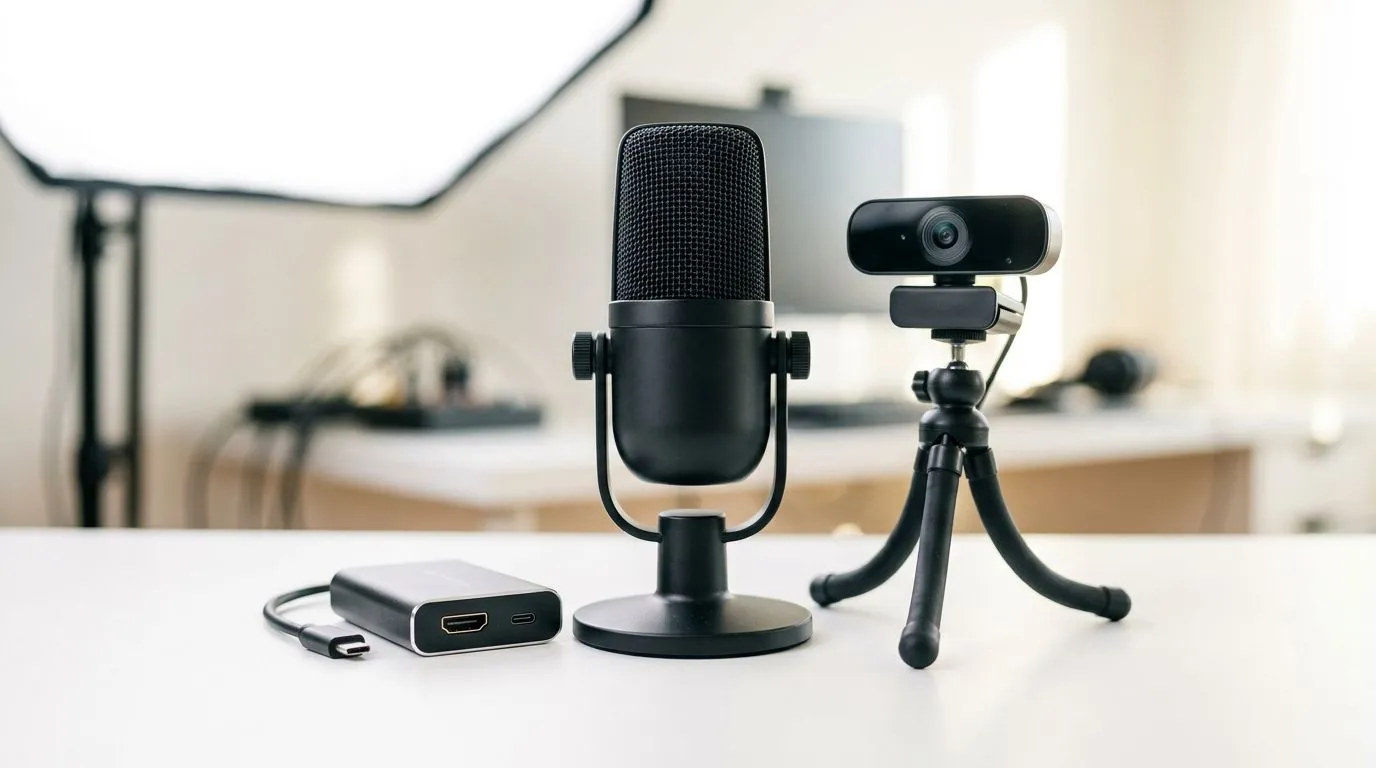
Start with three pillars: clean audio, a steady camera, and reliable capture or streaming software. For one-stop shopping of recommended items, Evetech's curated streaming essentials collection is a great place to browse compatible microphones, stands and USB interfaces. Use an external mic over a headset mic for immediate audio quality gains.
Microphones and audio
A good USB condenser or dynamic mic improves listener retention. Pair it with a pop filter and an arm to remove desk noise. If you prefer branded picks, check the Corsair options on Evetech for proven plugs-and-play solutions that fit many budget builds.
Camera and capture
Even an affordable webcam can be optimised with simple lighting and framing. Browse tailored webcams at Evetech's webcams page to compare sensors and resolutions. If you plan console streaming, look for a capture card in the streaming essentials list mentioned earlier.
Budget Streaming Studio South Africa: Lighting and atmosphere
Lighting makes the biggest visual difference. Ring lights, softboxes or smart accent panels lift production value fast. For accent lighting and customisable mood, consider Cololight-style panels — Evetech lists these in their smart-lighting picks for streamers here: Cololight options. Subtle backlight separates you from the background and helps webcams auto-expose better.
Streaming Setup Tip ⚡
Place your key light slightly above eye level and at 45 degrees to avoid flat, washed-out faces. Use a soft diffuser to reduce harsh shadows; even DIY diffusion improves webcam results a lot.
Budget Streaming Studio South Africa: Software, scene design and performance tips
Use OBS Studio for free scene composition and simple transitions. Keep scene items minimal: gameplay, facecam, chat and recent events. Record a short test stream to check bitrate, CPU usage and audio-sync. If your PC struggles, lower canvas resolution or use NVENC hardware encoding on compatible GPUs to reduce CPU load.
Quick troubleshooting
- Audio echo? Check for duplicate audio sources in OBS.
- Laggy capture? Test USB ports and try a different cable.
- Poor webcam image? Adjust exposure and white balance in the webcam settings page linked earlier.
Budget Streaming Studio South Africa: Final build and buying advice
Plan a small kit: mic + arm + webcam + lights, then upgrade peripherals over time. Shop the curated streaming essentials list first to ensure compatibility. Consider brand bundles like Corsair if you want matched aesthetics and warranty support.
Ready to Find Your Perfect Match? The Mac vs Windows debate is complex, but for maximum power, choice, and value in South Africa, Windows is hard to beat. Explore our massive range of laptop specials and find the perfect machine to conquer your world.











