


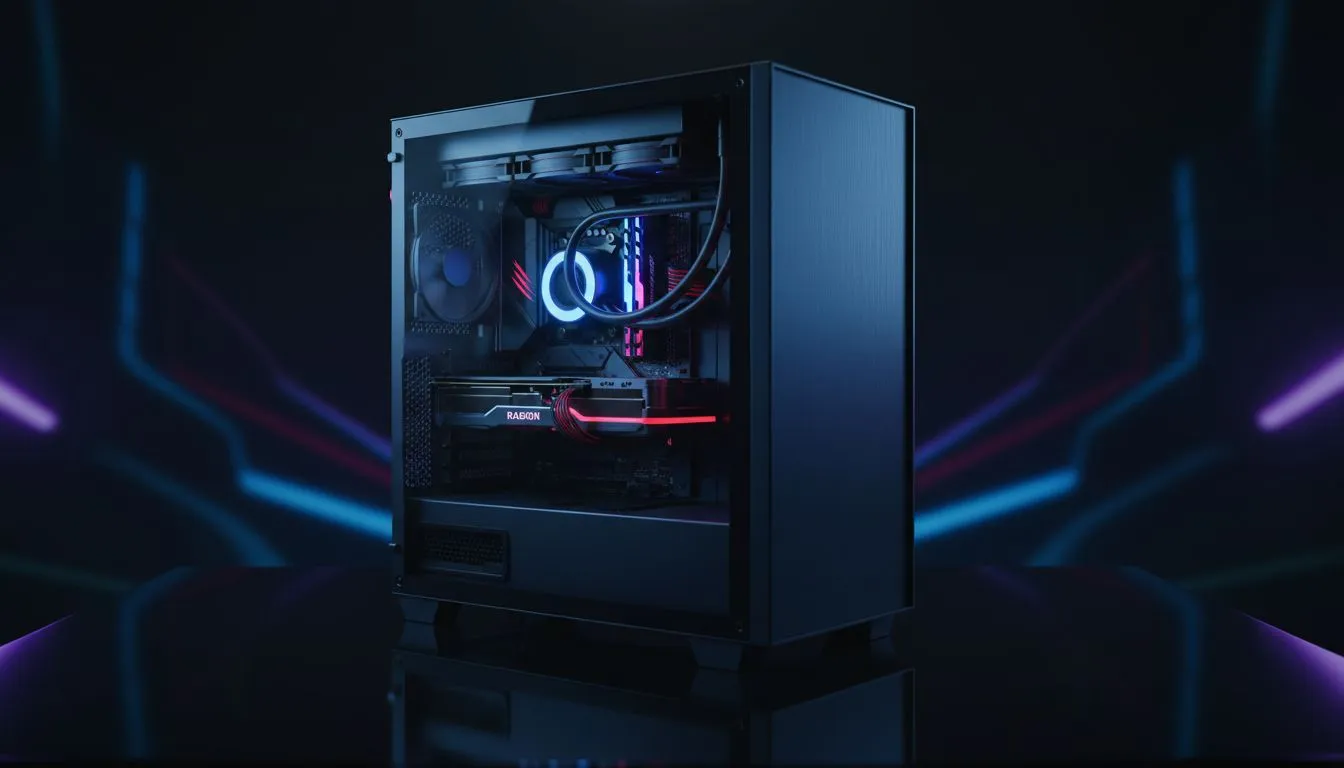
Balancing a student budget in South Africa is an art form. You need a machine that handles heavy assignments by day and smooth frame rates by night. Finding a Budget Student PC Build for NSFAS Students shouldn't mean settling for a slow laptop that chokes on Chrome tabs. It is about making every Rand count while ensuring your hardware lasts through your entire degree. 🔧
Maximising Your NSFAS Allowance for Tech
Every cent of your allowance matters when building a workstation. Many students assume that gaming is out of reach on a tight budget. However, choosing the right entry-level components allows you to study and play without breaking the bank. You can start with a solid foundation and upgrade as you go. For those who want a ready-to-use solution, our range of budget gaming PCs offers incredible value for money.
Essential Specs for a Budget Student PC Build
When looking for a Budget Student PC Build for NSFAS Students, focus on the processor first. A modern CPU with integrated graphics can handle titles like Valorant or League of Legends easily. This saves you from buying a dedicated graphics card immediately. Aim for at least 16GB of RAM to keep your research papers and browser tabs running smoothly. You can find several configurations that meet these needs in our best gaming pc deals section. ⚡
Student Savings Tip ⚡
Always check if your institution provides a free Microsoft 365 subscription. Most South African universities offer this to registered students. This saves you over R1,200 on software costs. You can then put that extra cash toward a faster NVMe SSD or a better cooling fan.
Pre-built Convenience vs. Custom Flexibility
Building your own PC is a great learning experience... but it takes time. Between lectures and exams, you might prefer a machine that works straight out of the box. Our pre-built pc deals are professionally assembled and tested to ensure stability. This path guarantees that all your parts are compatible from day one. It also simplifies the warranty process if something goes wrong during a late-night study session.
Finding the Sweet Spot for Performance
Most students find that the best balance lies in the mid-range. You want enough power to edit videos or run simulations without spending a fortune. There are many excellent PCs under R20k that will serve you well for years. These machines typically feature dedicated GPUs, making them perfect for both Unreal Engine projects and modern AAA games. 🚀
Thinking Beyond the Degree
If you are a postgraduate student or a serious content creator, your needs might be higher. Investing in a more powerful system now can prevent hardware frustration later. While higher-end PCs above R20k require a larger initial investment, they offer a much longer lifespan. This ensures your hardware remains relevant even after you enter the professional workforce. ✨
Ready to Build Your Future? Balancing studies and gaming is easier with the right hardware. Whether you need an entry-level workhorse or a high-end battlestation, we have the right fit for your budget. Browse our latest PC special offers and get the performance you deserve today.











