


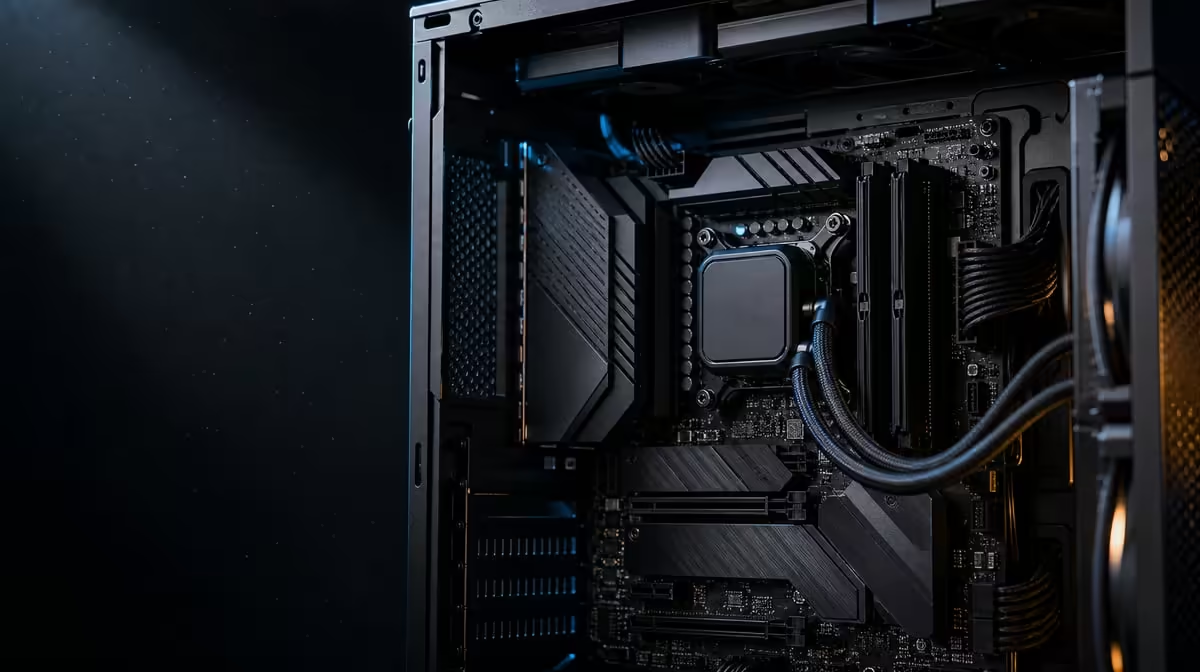
An upgradeable gaming build is less about predicting distant hardware and more about leaving sensible routes open today. The upgrade-ready AM5 gaming PC starts with a board that fits the chosen processor, memory, case and real expansion plan. ASUS's ROG Crosshair X870E Extreme offers a broad platform, but its R24,899 price only works when that breadth will be used.
Quick Answer
Build around the parts you expect to keep and the upgrades you can describe, not a vague promise of future-proofing. The R24,899 ROG Crosshair X870E Extreme supplies AM5, DDR5, PCIe 5.0, five M.2 positions, Wi-Fi 7, 5G LAN and 10G LAN, making it a strong foundation for a demanding plan that needs several of those paths.
?? Start with the platform boundary
Choose the exact processor first, then confirm its current support path before assembly. AM5 establishes the socket family, while the individual CPU and required firmware still need their own compatibility check. Evetech's AMD processor selection is a practical place to build that shortlist.
DDR5 belongs in the same early decision. Existing memory from an older platform should never be assumed to carry across. Decide the required capacity and kit arrangement before buying, then use the board's guidance for installation and first boot.
The Extreme is E-ATX rather than standard ATX. Check the chassis's stated motherboard support, mounting points, cable openings and room around the expansion area. A large board can fit on paper yet leave an awkward power lead or radiator conflict if the complete interior is ignored.
?? Reserve storage and expansion deliberately
Five M.2 positions are useful when the build has named roles for them. A sensible map could separate the operating system, active games, current projects, scratch work and later expansion. That does not mean filling every position on day one. It means choosing the first drive without blocking the most valuable route for a planned second or third device.
PCIe 5.0 adds interface headroom, but the exact slot layout still matters. Match each SSD and add-in card to the correct position, follow the installation information for heatsinks, and review how a populated configuration affects the wider device plan. The X870 motherboard range helps compare how other boards distribute modern expansion.
Write the plan as a table before opening component boxes:
- device needed at launch;
- connection or slot it requires;
- likely upgrade within the next two years;
- position held back for that upgrade;
- physical or cooling constraint to verify.
This simple map is more useful than buying every premium interface without a destination.
?? Match networking to the room
Wi-Fi 7 can suit a workspace where running cable is difficult, provided the surrounding wireless equipment and signal conditions support the intended result. The 5G and 10G LAN ports suit wired plans at different levels, particularly when large local transfers are part of gaming, backup or creation work.
None of those labels can improve an internet service beyond its own path. A builder with ordinary network requirements may gain more from a less expensive board and a better-balanced graphics, storage or display budget. Use Evetech's wider AMD motherboard category to see which board stops at the features the system actually needs.
?? Define what “ready†means
An honest upgrade plan has named triggers. “Add another project SSD when active storage reaches its limit†is useful. “Keep five slots just in case†is not. The same logic applies to networking and expansion: record the device, timing and workload that would use the extra capability.
At R24,899, the Crosshair should earn its place through several active advantages rather than one impressive line. Recheck case fit, CPU support, memory, device routing and network infrastructure as a complete system before deciding.
A launch-day checklist
Confirm the processor choice, DDR5 kit, case format, initial SSD positions, graphics-card space, power connections and network route. Save the board information needed for later upgrades with the build notes, so the next change begins from an accurate map.
Stage upgrades instead of pre-buying them
Divide the ownership plan into launch, near-term and optional phases. The launch column should contain only parts needed to make the PC complete. Near-term items need a reason, such as a known project that will require another drive. Optional items should not influence the motherboard budget unless the board choice would make them physically impossible later.
This staged approach also improves diagnosis. A stable launch configuration creates a baseline before another SSD, add-in device or network segment is introduced. Record firmware and component details at that point, then add one device at a time. Upgrade readiness is strongest when expansion is both physically available and operationally manageable.
Rebalance the spend before checkout
Price the complete gaming system twice: once with the Extreme and once with the least expensive board that still meets the essential map. Compare the resulting graphics, storage, memory and cooling choices. If the flagship forces a compromise in a component that directly serves the current workload, the platform may be ready for a future that the launch machine cannot use well.
Conversely, a builder running several fast drives, local high-speed storage and a large E-ATX chassis may find that the broader board avoids later replacement. The decision must be demonstrated by the planned system, not by a general claim about longevity.
Before purchase, ask another builder to read the map without explanation. If the CPU, case, drive positions and network routes are not clear to them, improve the record. An upgrade-ready system should be understandable after the excitement of assembly has passed.
Frequently Asked Questions
Does AM5 make every future processor compatible'
No. It defines the socket platform, but each exact processor still needs to be checked against current board support and the relevant firmware path.
Must all five M.2 positions be populated'
No. Empty positions can be valuable upgrade capacity. Install only the storage the workload needs and preserve a sensible route for later additions.
Why does E-ATX affect the whole build'
The case must explicitly accommodate the larger format, with suitable mounting, cable and component clearance. Chassis fit should be confirmed before other layout choices are locked.
Is 10G LAN necessary for an upgradeable gaming PC'
Only if the network around the PC and expected local transfers can use it. Online gaming alone does not automatically justify that port.
What is the strongest sign that this board is appropriate'
The plan can name several features that solve actual requirements now or scheduled upgrades later. If most of the board remains hypothetical, compare a narrower AM5 option.
Ready to map an AM5 upgrade path' Compare Evetech's AMD motherboard options against your processor, storage, chassis and network plan, then choose the board whose expansion routes have real jobs.








